Browser Games vs App Store Games: Honest Tradeoffs
A link anyone can tap, or an icon on the home screen and a store that sells it. Both paths work for different games. Here are the real tradeoffs.
Key takeaways
- Browser games win on friction: a link opens straight into play on any device, with no review, no store fee and instant updates.
- App store games win on discovery by search, home screen presence, push notifications and players used to paying inside the app.
- Many small games are best launched on the web to prove they work, then brought to the stores once players stick.
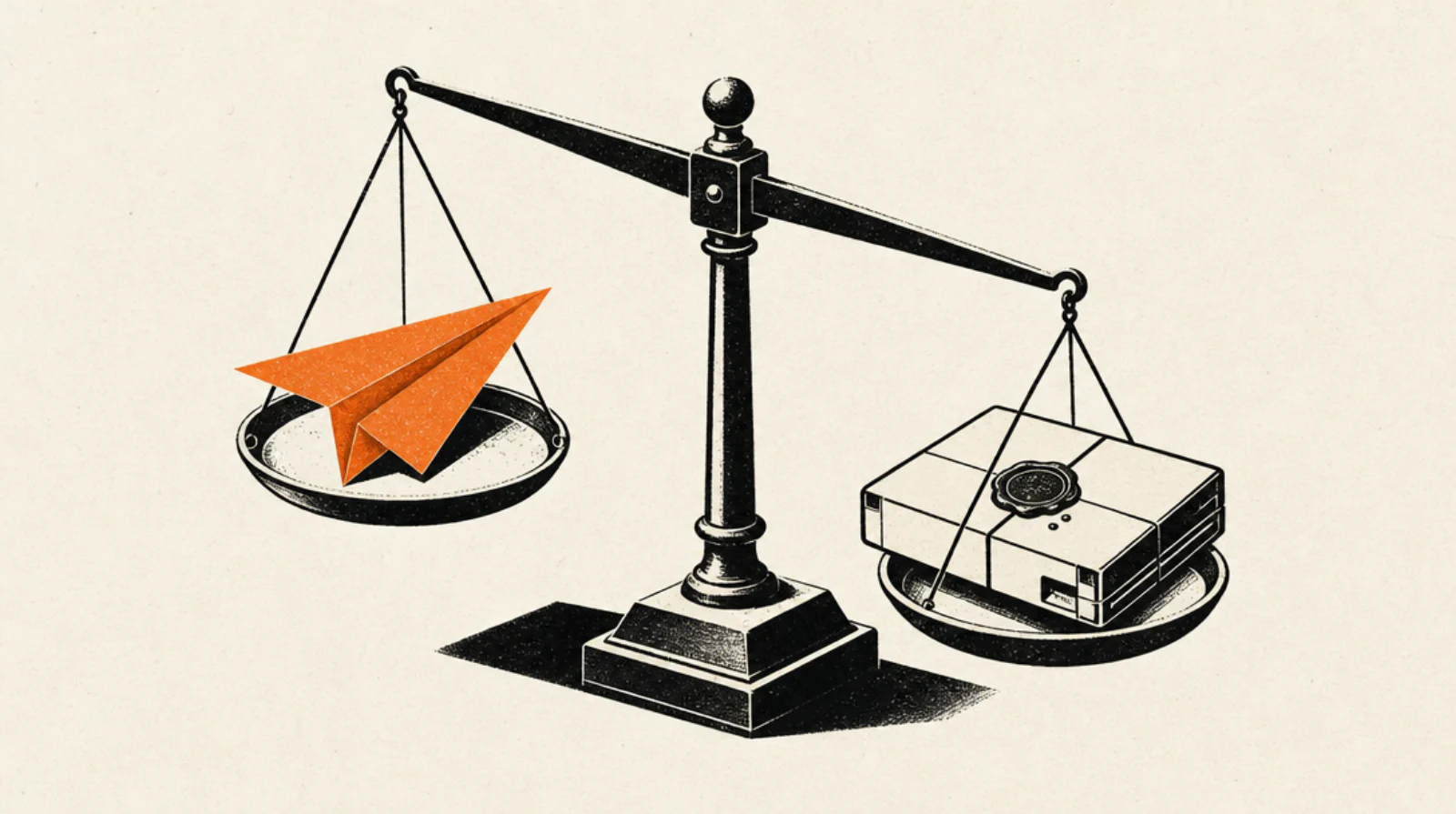
Browser games are easier to ship and easier to try: a player taps a link and is playing in seconds, you update whenever you like, and nobody takes a cut or reviews your build. App store games are harder to ship but easier to keep: they get store search, an icon on the home screen, reliable notifications and an audience used to paying inside games. For a first game, a short-session game, a party or classroom game, or anything you want shared in chats, start in the browser. For a game built around daily return and in-app purchases, the stores are usually where it ends up.
Reach and friction
The browser's superpower is that every step between "I heard about it" and "I am playing" is gone. No store page, no download, no account, no storage warning. A link in a group chat turns into a round in under ten seconds. That matters enormously for games that spread person to person, like party games, daily puzzles and anything with a shareable score, and for games where the player is not sure they care yet.
The flip side is discovery. Nobody types "puzzle game" into a browser address bar. Web games are found through links, game portals, social clips and communities, so every player arrives because someone or something sent them. The app stores have search and charts, which help a game someone is looking for; they help a new game with no ratings far less than people assume, because the top of each category is crowded with long-established titles. SEO for your app covers being found through search.
Review, fees and updates
- Accounts and fees. Publishing on Apple's App Store needs a developer account at $99 a year; Google Play charges a one-time $25. The web costs whatever your hosting costs, which for a single-player game can be nothing.
- Review. Store builds go through review, which can take from hours to days and can reject a game over metadata, privacy details or guideline issues. A web game goes live when you publish.
- Updates. A web fix reaches every player on their next load. A store fix needs a new build, a review and players updating.
- Commission. The stores take 15 to 30 percent of digital purchases made inside the app. On the web, a payment processor typically takes around 3 percent per transaction.
How each path makes money
This is where the stores have a real edge. Mobile players are used to rewarded ads, in-app purchases and subscriptions, and the store's payment sheet makes buying a one-tap habit. Free-to-play economics were built there. Web players are more used to free games paid for by ads, portals that share ad revenue with developers, and occasional premium purchases or donations. You can take payments in a web game (through Stripe, for instance), but conversion from a web visitor is usually lower than from a player already signed in to a store account. The details of each web option are in how to make money from a web game.
Performance, features and offline play
Modern browsers run 2D games and moderately detailed 3D games smoothly on recent phones, using WebGL through libraries like PixiJS and Three.js. Where native apps still lead:
- Heavy 3D with large worlds, many lights and big textures.
- Device features such as full haptics, background audio and deep system integration.
- Notifications. Web push exists, and on iPhones it works only for web apps added to the home screen, so it reaches far fewer players than app notifications.
- Offline play. Web games can cache themselves to play offline, but it takes deliberate work; an installed app does it by default.
For most small and casual games none of these matter. For a game whose whole design is "come back every day when your crops are ready", the notification gap matters a lot.
Retention: the home screen question
An installed game has an icon the player sees every time they pick up their phone. A web game has a tab that gets closed. That is the core retention difference, and it is why session-based games (play a round, done) suit the web and habit-based games suit apps. You can narrow the gap: web games can be added to the home screen, and some players will, if you ask at the right moment (after a good round, not on first load). A daily puzzle that players share also pulls them back on its own. PWA vs native app covers installable web apps in more depth.
What Startbase does on each path
Startbase builds 2D and 3D browser games and publishes them in one click to a startbase.app address on every plan, with custom domains on paid plans. Published games behave like installed apps on phones (no accidental zoom, scroll or text magnifier) and players can add them to their home screen. Games can go into the Arcade for players to discover. See publishing.
For mobile apps, Startbase builds Expo (React Native) projects that run on a real phone through Expo Go and in the preview. App Store and Play Store builds are not available from Startbase right now. To ship to the stores you sync the project to GitHub or download the code, then build and submit it with your own Expo or EAS workflow and your own developer accounts. The app stores docs spell this out. App Store fees explained covers the store cut, and what Expo is explains the mobile side.
Three games, three answers
Abstract tradeoffs get clearer with concrete cases. Here is how the decision plays out for three typical small games:
- A drawing-and-guessing party game. Web, clearly. The host shares a room code in a group chat, eight friends join from whatever phones they have, and nobody has to install anything for a twenty-minute session. A store version would lose most of the room at the download step.
- A cozy farming game with crops that grow in real time. Leaning toward the stores. The design depends on players returning several times a day, and that depends on notifications and an icon on the home screen. A web version is still a great way to test whether the farming loop is fun before you commit.
- A daily word puzzle. Web first. Results get pasted into chats with a link, which is exactly the path a browser handles best. If it grows a loyal audience, a store version with reminders can come later.
How to choose
- Choose the browser for short-session arcade games, puzzles, party and room-code games, classroom and streamer games, jam games, prototypes, and anything you want people to share in chats.
- Choose the stores for games built around daily return, long progression and in-app purchases, heavy 3D, or games that need device features the web handles poorly.
- Do both, in order, when you are unsure: launch on the web, watch whether players come back, and only then pay the cost of store builds, review and a store listing.
Make this game work well as a web game players keep. After the player finishes their third round, show a small, dismissible card suggesting they add the game to their home screen, with short instructions for iPhone and Android. Save their best score and progress on the device so it is still there next time. Never show the card again after it is dismissed.
The same tradeoffs apply to apps in general; web app vs mobile app covers them for non-game products, and the idea to App Store launch checklist covers what a store release involves when you get there.
Frequently asked questions
Are browser games still popular?
Yes. Web games are played through portals, social links, schools and workplaces every day, and mobile browsers run 2D and lighter 3D games smoothly. Short-session and social games suit the web particularly well.
Can a browser game make money?
Yes, through ads, revenue shares on game portals, sponsorships, premium purchases or donations. Earnings per player are usually lower than in app stores, so it takes more players or a clear reason to pay.
Can I turn my web game into an app later?
Often, yes. Many web games are wrapped or rebuilt for the stores once they prove themselves. With Startbase, you export the code or sync it to GitHub and run your own store build workflow, since store builds are not available from Startbase.
Do browser games work on phones?
Yes. Built well, they run full screen with touch controls, and players can add them to the home screen to open them like an app.

