How to make a game like Geometry Dash
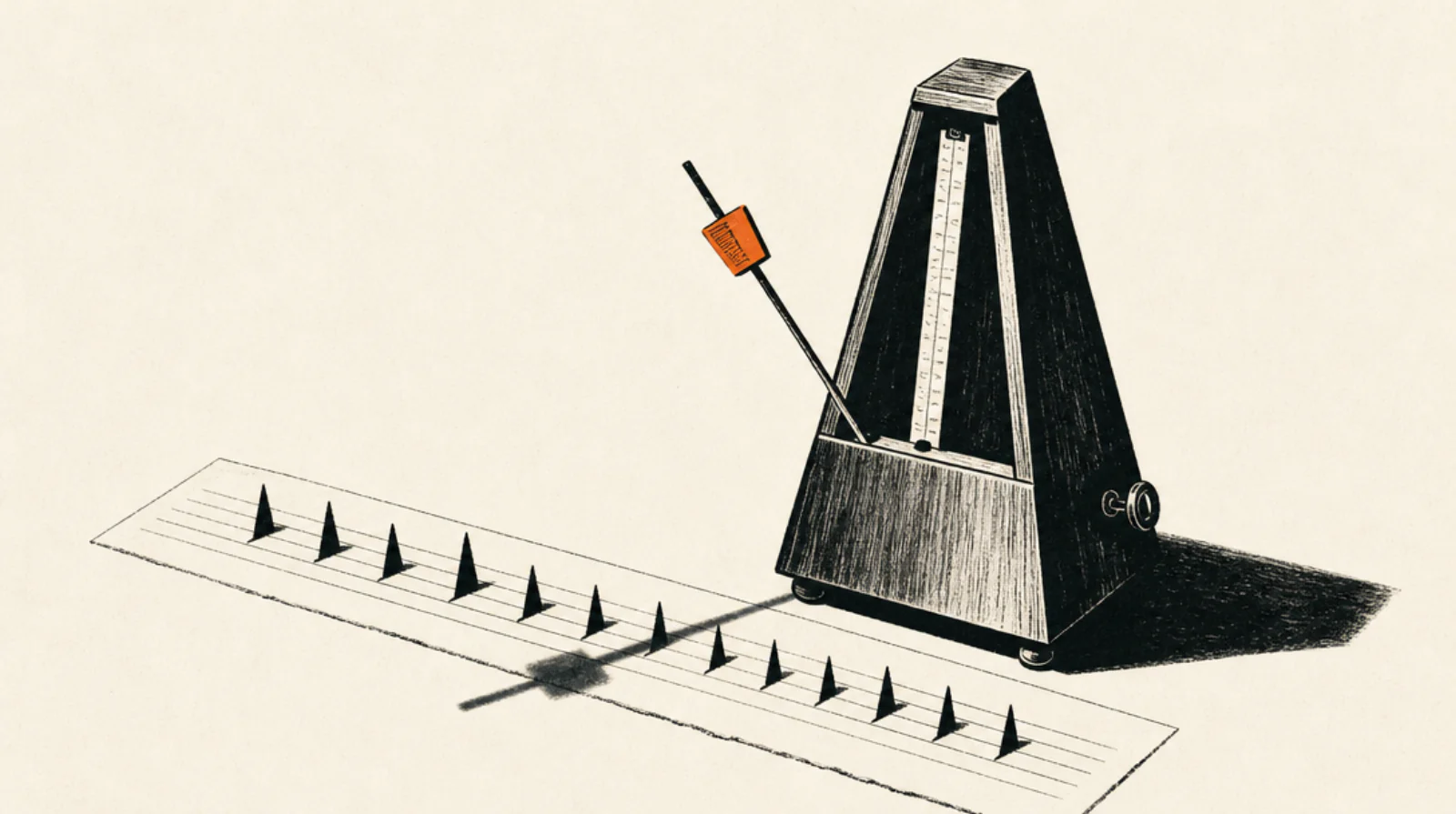
A rhythm auto-runner is a song turned into a course. Place every obstacle on the beat, make every attempt identical, and restart before the player can blink.
Key takeaways
- Convert beats to distance (distance = beat time × scroll speed) and place every obstacle on that grid, so the level and the song line up by construction.
- Physics must be deterministic: the same inputs at the same moments give the same result on every attempt and every device.
- Restart in a fraction of a second with the music resynced. Hard games are only fun when failure is nearly free.
Geometry Dash is a rhythm auto-runner: the character moves forward on its own at a fixed speed, the player’s only input is a tap (or hold) to jump, and every obstacle in a level is placed to the beat of its song, so a perfect run feels like playing the music. One touch of a spike means starting over, a percentage bar shows how far you got, and a practice mode lets you place checkpoints. To make your own, build a beat grid, a fixed and deterministic jump, an instant restart and an editor for laying out levels. Geometry Dash’s name, its icons, art, music and levels belong to its owner; the rhythm platformer is a broad genre waiting for your twist.
Why rhythm auto-runners grip players
- The music is a hint system. Jumps land on beats, so the song tells you when to tap before your eyes do.
- Memorization is progress. Every attempt gets you a little further because you learn the next section. The percentage bar makes that visible.
- Perfect fairness. The level never changes. If you fail, it was your timing, and you know exactly where.
- Mastery is a performance. A cleared hard level is something to be proud of and to show.
Building levels on a beat grid
The single most useful idea: express positions in beats, not pixels. Choose a song, measure its tempo (beats per minute), and pick a scroll speed. Then:
- Seconds per beat = 60 ÷ BPM. At 128 BPM that is about 0.47 seconds.
- Distance per beat = seconds per beat × scroll speed. At 600 units per second, one beat is about 281 units.
- Place obstacles on beats or half-beats. A spike on beat 32 sits at 32 × 281 units from the start, plus a small offset for the song’s first beat.
- Speed changes (a faster section, a slow breakdown) are portals placed on beats; after one, distance per beat changes from that point on.
With this grid, a level designer thinks musically: a jump on every kick drum, a double jump on a drum fill, a quiet stretch during the bridge. The rhythm game guide covers beat detection and audio timing in depth, and the game music guide helps choosing or commissioning tracks you are allowed to use.
The jump and deterministic physics
Unlike a normal platformer, the jump here should be identical every time: same height, same length, no variable height from holding longer (unless holding means repeat-jump on landing, which is a nice default). That consistency is what lets designers place obstacles knowing exactly which jumps are possible.
- Jump length in beats: design the arc so one jump covers a round number of beats at normal speed (one or two beats is a good starting point). Then gaps and spike rows can be measured in beats too.
- Fixed time step: run physics at a fixed rate (for example 240 steps per second for precision) independent of frame rate. Variable time steps make the same tap land differently on a fast or slow phone.
- Input timestamps: apply taps at the exact physics step they happened, not at the next frame.
- Forgiving hitboxes: the deadly part of a spike is a small triangle inside the drawing, and the player’s hitbox is a bit smaller than its sprite. Touching a block’s top is safe; hitting its side is not.
Instant restart, practice and progress
Players will die hundreds of times on one level. Every one of those restarts must be quick and clean:
- 01On death: a brief burst effect, the attempt counter ticks up, the percentage reached shows for a moment.
- 02Within about 0.5 to 1 second, the level resets to the start and the music restarts from the matching point, already in sync.
- 03No buttons to press between attempts. A pause button exists, but restart is automatic.
Practice mode lets players drop checkpoints (each one remembers position, velocity and mode) and respawn there, with the music either muted or replaced by a loop. It is what makes long levels learnable. The checkpoints and respawning guide covers what state to store. Save per level: best percentage in normal mode, best in practice, attempts, and whether it was completed.
Authoring levels
Levels in this genre are dense, so authoring speed decides how many you can make. Store each level as a list of objects with a beat position, a lane height and a type. Lay them out visually: the World Editor lets you place and adjust blocks and hazards yourself, and you can ask the agent to snap object positions to the beat grid you defined. Test each section in practice mode before linking it to the next. The level design basics guide covers teaching a new obstacle before testing it.
Three twists that make it yours
- 01Doors that open on the beat. Some walls are gates that are open only on even beats. Players must arrive on time, not just jump at the right place, which mixes timing and positioning.
- 02The song builds with you. Each section you survive adds an instrument layer to the music. A full run sounds complete; a failed one sounds thin. The reward is audible.
- 03Two inputs, two hands. One side of the screen jumps; the other flips gravity. Levels become duets, and the player plays the rhythm with both thumbs.
A brief for an original rhythm auto-runner
A rhythm auto-runner called Metronome Alley, landscape, phones and desktop. A small spinning top races left to right through an ink-drawn night city at a constant speed. Tap or press space to hop; holding hops again on each landing. One hop always covers exactly 2 beats at normal speed. Every obstacle (ink spikes, crates, rooftop gaps, swinging lanterns) is placed on a beat grid: distance = beat number × seconds per beat × scroll speed, at 120 BPM for level one. Twist: brass gates open only on even beats and close on odd beats with a visible pulse, so the player must arrive on time. Touching a spike, a gate side or falling restarts the level within 0.7 seconds, music resynced, attempt counter up, best percentage saved. Practice mode lets the player drop checkpoints. Fixed 240 Hz physics with taps applied at their exact step. Three levels to start (about 70 seconds each), built as scenes I can edit by hand, each using an original royalty-free track. Audio offset calibration in settings.
Frequently asked questions
How do I sync a level to music?
Measure the song’s tempo, convert beats to distance with distance = beat time × scroll speed, and place obstacles at beat or half-beat positions. Keep the scroll speed constant within a section, and add an audio offset setting for device latency.
Why does my rhythm platformer feel different on each phone?
Usually because physics runs on a variable time step tied to frame rate. Use a fixed physics step and apply each tap at the step it happened.
Can I use popular songs in my game?
Only with a license. Use royalty-free music with terms that allow games, commission a composer, or generate original tracks you have the rights to.
Can I copy the original’s icons or levels?
No. Its name, icons, art, music and levels belong to its owner. Build your own character, visual style, songs and levels around a twist of your own.

