How to Make a Pinball Game for the Browser
Pinball is the hardest arcade genre to make feel right, because the ball is fast and the flippers must be instant. Here is how to tune both and design a table worth replaying.
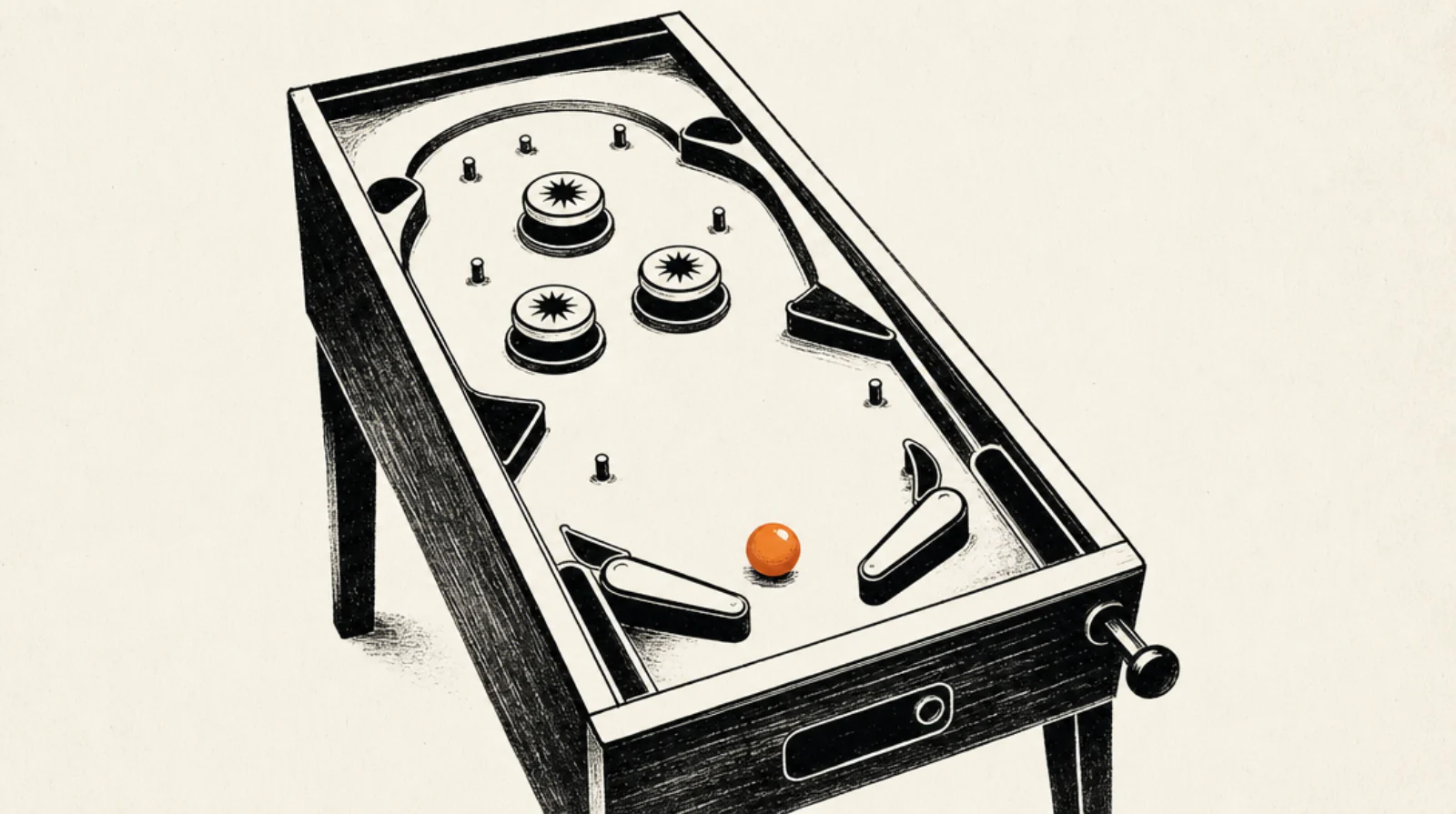
Key takeaways
- Run physics with several sub-steps per frame and continuous collision for the ball, or it will pass through flippers.
- Flippers are driven bodies that swing almost instantly when pressed; tune their speed and the ball’s bounce until a flick sends it up the playfield.
- Design the table around shots: lanes, ramps and targets that the player learns to aim for, plus modes that tell them what to aim for next.
To make a pinball game for the browser, you need a tilted table (gravity pulling the ball toward the drain), two flippers that swing instantly when pressed, bumpers and targets that score, a physics setup that keeps a fast ball from passing through anything, and a table layout with shots worth aiming for. Pinball is a demanding genre because the ball moves fast and the player’s only tools are two buttons, so the physics tuning matters more than in any other arcade game. Here is how to approach it.
2D or 3D table
A 2D top-down table is the classic browser choice: clear to read, easy to fit on a phone in portrait, and simpler physics. A 3D table with a tilted camera looks closer to a real machine and gets you lighting and depth, at the cost of more art and tuning. On Startbase, 3D games come with the Rapier physics engine ready to switch on; for 2D, name a 2D physics engine in your brief or let the agent pick one. For a first pinball game, 2D is the faster path to something that plays well.
Physics that keeps the ball honest
The ball in pinball can cross the table in a fraction of a second. At 60 frames per second, a fast ball can move farther in one frame than a flipper is thick, which means it can slip through without ever touching it. Most pinball bugs come from this. Fast objects on weak phones make this worse, which the phone performance guide explains.
- Sub-steps: run the physics several times per frame (often 4 to 8 sub-steps) at a fixed timestep. More sub-steps mean smaller movements and caught collisions.
- Continuous collision for the ball: enable continuous collision detection on the ball so the engine checks the path between steps, not just the end positions.
- Thick walls, at least as thick as the ball’s radius, especially around the outlanes and drain.
- Speed cap: clamp the ball’s maximum speed. Real pinballs have a limit too, and a cap keeps the game readable and stable.
- Table tilt as gravity: real tables are tilted by a few degrees (around 6 to 7 is typical), which means gravity along the table is a small fraction of full gravity. In a game, simply tune the downward pull until the ball falls at a speed that feels like pinball: fast enough to create urgency, slow enough to react.
Flippers that feel snappy
Flippers make or break a pinball game. A flipper is a solid paddle that rotates around a pivot between a rest angle and an up angle (often around 30 degrees below and above horizontal), driven by the game, not pushed by physics:
- 01Press: rotate toward the up angle very quickly, in a few hundredths of a second. Use the engine’s motor or a kinematic body with a high angular speed, so the flipper actually transfers momentum to the ball.
- 02Hold: stay up. The ball can roll down the raised flipper and be “cradled” at the base, a core skill in real pinball.
- 03Release: return to rest a little slower than it went up.
- 04Feel: where the ball meets the flipper decides its direction. A hit near the tip goes across the table; near the base goes higher and steeper. This is how players aim.
Expose flipper speed, flipper length, ball bounce (restitution) and table gravity as dials, then play with them for twenty minutes before designing the table. On Startbase, dials the agent adds appear in the engine panel, where you can change them while the game runs (see the games template docs). Tuning these four numbers is most of what makes a table feel “right.”
Controls
- Desktop: left and right Shift, or Z and the slash key, for the flippers. Space or Down to pull and release the plunger.
- Phones: tap the left half of the screen for the left flipper and the right half for the right flipper. Respond on touch down; a flipper that waits for a finger to lift is useless.
- Nudge: an optional small shove of the table (a swipe up, or a key), with a tilt warning if overused. It is a real pinball skill and adds depth.
Designing the table
A pinball table is a map of shots. The parts every table has, from bottom to top:
- Drain: the gap between the flippers. Losing the ball here ends that ball.
- Outlanes and inlanes: the lanes on each side. Inlanes feed the ball back to a flipper (safe); outlanes drain it past the flippers (dangerous). A kickback in one outlane that can be lit as a reward is a classic touch.
- Slingshots: angled kickers just above the flippers that bounce the ball sideways with extra force.
- Pop bumpers: round bumpers that push the ball away with more energy than it arrived with. Cluster three of them for chaotic scoring.
- Targets: standup targets and drop targets (which drop when hit and reset when the whole bank is down). Banks of targets give goals.
- Ramps and orbits: lanes that carry the ball up and around, returning it to a flipper. These are the “shots” skilled players aim for, and they should feel great to hit.
- Plunger lane on the right side to launch each ball, with a skill shot for hitting a specific lane on launch.
Lay out the parts so the main shots are reachable from the flippers, with clear lines of sight. Building a table is spatial work, which suits the World Editor: after the agent creates the parts, drag bumpers, targets and ramp walls into place, toggle the collider view to see what is actually solid, and press P to test from where you are looking.
Rules and modes: giving the player a goal
Hitting things for points gets old in a minute. What keeps people playing real pinball is rules: sequences of shots that start modes, light multipliers and build toward a big moment. Pair each mode with its own sound; the sound effects guide covers making a jackpot sound bigger than a bumper.
- Lanes that light: roll over three lanes at the top to light them all for a bonus multiplier; flippers rotate which lanes are lit.
- Target banks: clear the drop targets to light a ramp for a mode.
- Modes: a short timed goal (“hit the left ramp 3 times in 30 seconds”) shown on a display at the top of the screen.
- Multiball: lock a ball in a scoop twice, then the third lock releases all three. The best moment in pinball.
- Ball save: for the first several seconds of each ball, a drain returns the ball. It prevents the frustrating instant loss.
- Three balls per game, end-of-ball bonus count, extra balls as a rare reward.
The brief to paste
A 2D top-down pinball game for phones (portrait) and desktop, with a deep-sea theme. Table: plunger lane on the right, two flippers above the drain, inlanes and outlanes on each side, two slingshots, three pop bumpers in the upper middle, a bank of 4 drop targets on the left, a ramp on the right that returns to the left flipper, an orbit lane around the top, and a scoop that locks balls. Physics on a fixed timestep with 6 sub-steps per frame, continuous collision on the ball, a speed cap and thick outer walls. Flippers are motor-driven and swing up almost instantly on press, return a little slower, and can cradle the ball. Phones: tap left or right half of the screen for each flipper, swipe down on the right to launch; desktop: left and right Shift, Space to launch. Rules: three top lanes light a bonus multiplier; clearing the drop targets lights the ramp for a 30-second treasure mode; two locks in the scoop start a 3-ball multiball. 8 seconds of ball save per ball, 3 balls per game. Expose flipper speed, flipper length, ball bounce and table gravity as dials.
Pitfalls
- Ball through the flipper. Not enough sub-steps or no continuous collision.
- Lifeless flippers. Flippers moved by setting their angle directly may not push the ball; use a motor or a kinematic body with angular velocity.
- Straight down the middle. A drain that swallows the ball too easily makes games short and frustrating. Narrow it slightly, add ball save, and tune slingshots.
- Points with no goals. Without lit shots and modes, players do not know what to aim for.
- A cramped phone layout. Make sure the whole table fits in portrait without scrolling, or follow the ball with a gentle camera.
When you publish to the Arcade, choose portrait so the table fills the phone. For the physics fundamentals behind stable simulations, see the physics puzzle guide, and for the paddle-and-ball cousin of pinball, the brick breaker guide. A daily leaderboard gives each table a reason to come back for one more ball.
Frequently asked questions
Why does the ball go through the flippers in my pinball game?
The ball moves too far in one physics step. Run several physics sub-steps per frame, enable continuous collision detection on the ball, keep walls thick and cap the ball’s speed.
Should a browser pinball game be 2D or 3D?
A 2D top-down table is quicker to build, easier to read and fits phones well. A 3D table looks more like a real machine but needs more art and tuning. Start in 2D unless the look is the point.
How do I make pinball flippers feel right?
Drive them with a motor or as a kinematic body so they transfer momentum, make them swing up almost instantly on press and return slightly slower, then tune flipper speed, ball bounce and table gravity together by playing.
What makes a pinball table fun to replay?
Shots worth aiming for (ramps, orbits, target banks) and rules that connect them into goals: lit lanes, timed modes, multiball and bonus multipliers.

