Meet Ember: A Calmer, Lighter Startbase
Startbase has a new look and a calmer workspace. Here is what changed, from the default theme to the way the agent reports its work.
Key takeaways
- Light is the new default. Dark and System stay in the theme menu, and a choice you already made is kept.
- The workspace has one top bar on desktop and a tab bar on phones, and every control you had is still there.
- Replies stream in smoothly, each finished turn ends with a summary of what changed, and Versions shows every checkpoint.
Why a new look
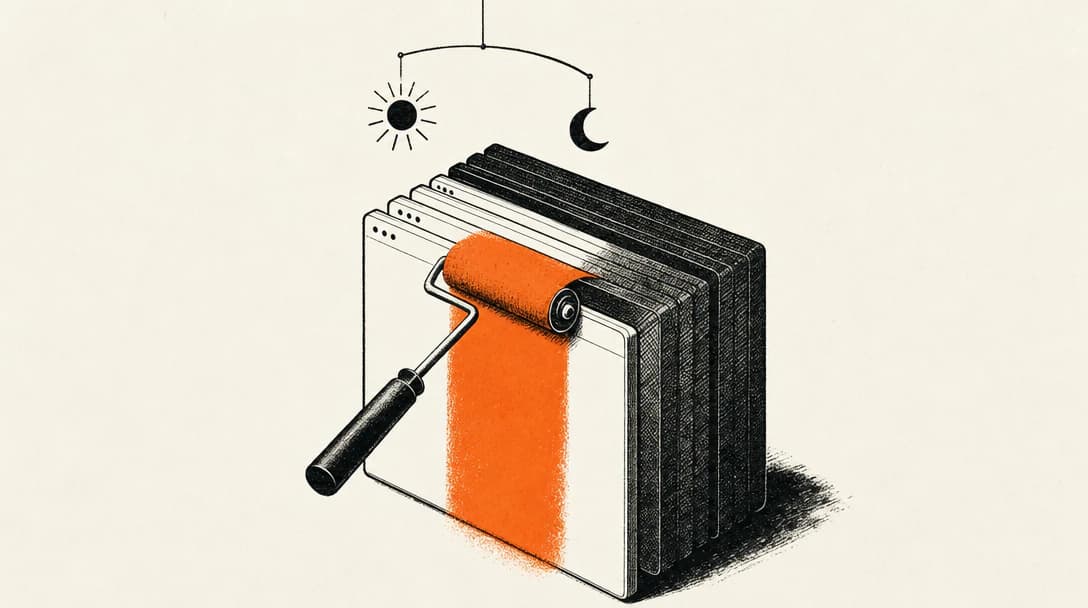
Startbase grew fast, and its screens grew with it: glows, gradients, several shades of orange, and parts of the site that stayed dark even in light mode. Ember is the system we rebuilt everything on. Warm neutral surfaces, ink for emphasis, one ember color for the one thing that matters on each screen, and the same care in light and in dark. If you are choosing a look for your own app, choosing colors and fonts for your app walks through it.
Light by default
New visitors and new accounts now start in light. Dark and System are still in the theme menu, and if you already picked one, nothing changes: the choice is saved to your account and follows you to every device. Every screen was rebuilt to work in both themes, including the sky on the home page, which rises at dawn in light and keeps its stars in dark.
One workspace
- One top bar on desktop holds your project, its status and Publish.
- On phones, a tab bar switches between Chat, Preview and More, and the composer stays pinned to the bottom.
- Waking looks the same everywhere: your last build stays on screen while the preview starts.
- Nothing was removed. Every control you had before still has a place, on desktop and on phones.
A calmer chat
Replies stream in with a soft fade, word by word, instead of jumping in chunks. When a turn finishes, a summary card lists the files it changed. Errors say what happened and what to do next, and the technical detail waits behind Details. The Versions drawer shows every checkpoint with a thumbnail and marks the one that is live, so going back is one click. New to describing apps? Start with how to describe an app so AI builds it right. Prompt patterns for app building has more examples.
A new mark
The logo is new too: the Launch arrow with its flame, drawn once and used everywhere, from the browser tab to the emails we send you. App icons come in a light Paper version and a dark Ink version.
Install it, link to it
Startbase now installs as an app from your browser and opens in its own window. A link can open one project, one conversation or one settings page. And if your connection drops, chat and preview tell you, then pick up again when you are back.
Frequently asked questions
How do I switch Startbase back to dark mode?
Open the theme menu in your account panel, or in the project menu inside a workspace, and choose Dark or System. The choice is saved to your account.
Did any features go away in the redesign?
No. Every control from before still has a place, on desktop and on phones.