A Prompt for a Portfolio Site With a 3D Scene
A complete brief for a 3D portfolio that impresses without hiding your work, with why each rule is there, the next three prompts and the usual speed and SEO traps.
Key takeaways
- The 3D scene is the front door, not the house. Every project must also be reachable as plain, fast, indexable pages.
- Set a weight and speed budget in the brief: a small scene, loaded after the page text, with a reduced motion fallback.
- Each object in the scene should open one real project. Decorative objects that do nothing confuse visitors.
A good 3D portfolio prompt describes a small scene where each object opens one project, then insists on everything a 3D scene tends to break: load speed, phones, accessibility and search. The brief below builds a portfolio for a product designer with an interactive desk scene on the home page, plain case study pages behind it, and a contact form that emails you. The 3D is there to be remembered; the pages are there to get you hired.
The portfolio brief
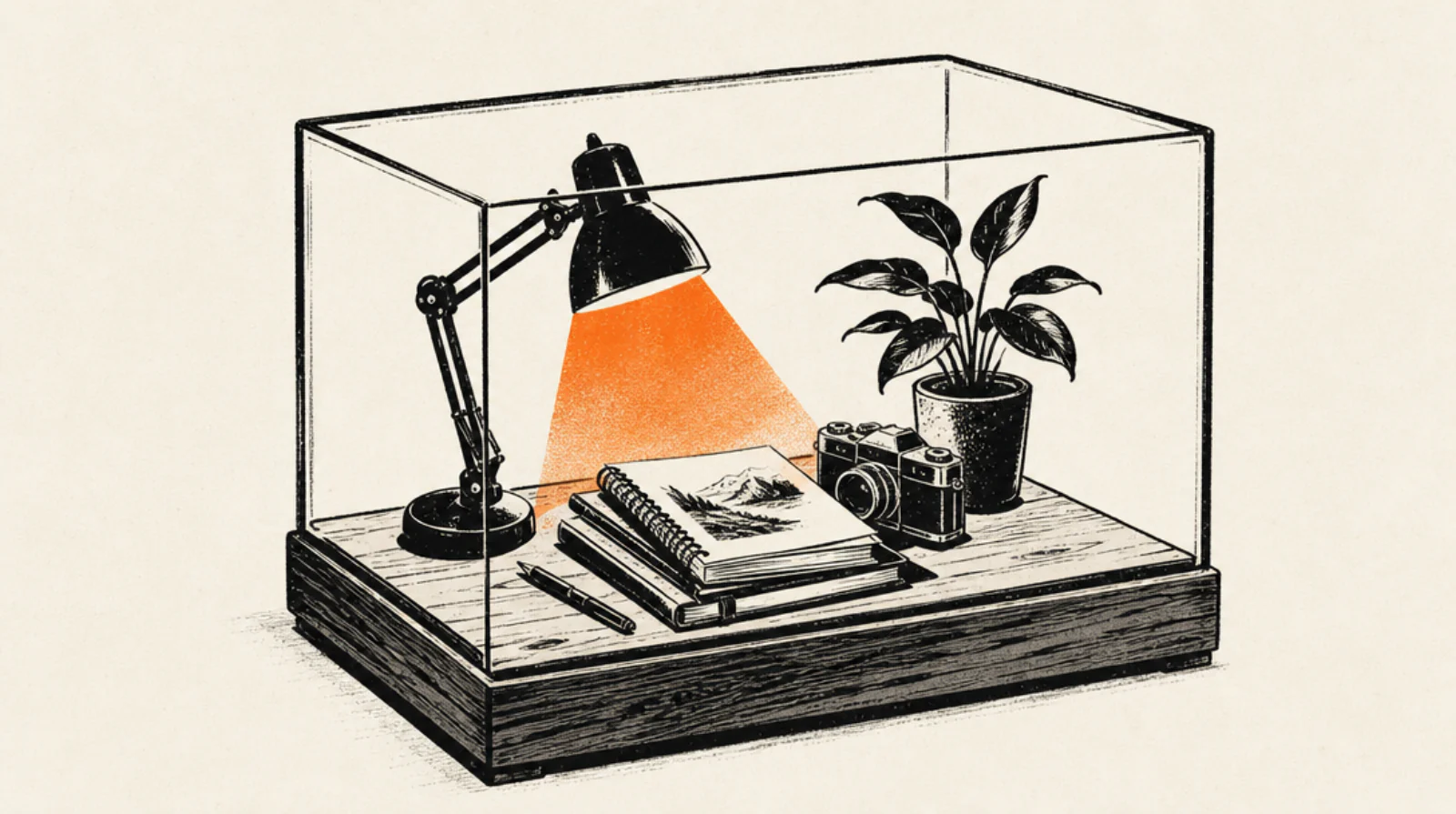
Build a portfolio website for Noor Haddad, a product designer, with a 3D scene on the home page. Home: the top half of the screen is a 3D desk scene built with Three.js, softly lit as if by a desk lamp at dusk, slowly turning a few degrees with the mouse or the phone's tilt. On the desk: a laptop, a sketchbook, a camera, a coffee mug and a small plant. Four of them stand for projects: the laptop for a banking app redesign, the sketchbook for a design system, the camera for a photo-sharing app, the mug for a café ordering kiosk. Hovering or tapping an object lifts it slightly and shows the project name in a label; clicking opens that project's page. Below the scene, in normal HTML: my name, one line ("I design calm, useful products for busy people"), and the same four projects as cards with a cover image, title, role and year, so the site works without the scene. Project pages: a hero image, the problem, my role, three to five sections of process with images, the result, and a Next project link. About page: a short bio, a photo, a list of tools and a link to my CV as a PDF. Contact: a form with name, email and message that saves the message and emails it to me, with a honeypot field against spam and a thank-you message. Performance: the page text and project cards load first; the 3D scene loads after, from a single compressed model file under 2 MB, and shows a still image of the scene until it is ready. On phones with reduced motion turned on, or when 3D is not supported, show the still image only. Look: warm off-white background, dark ink text, one accent color (terracotta), a clean serif for headings and a sans-serif for body text. Each page has its own title and description for search and link previews. Accessible: every project is reachable by keyboard and has a text link; images have alt text.
Why each part is there
- A desk with four meaningful objects. A small scene loads fast and is easy to read. Tying each object to one project makes the 3D useful instead of decorative.
- Cards below the scene in plain HTML. Recruiters skim. Search engines and screen readers cannot read a 3D canvas. The cards make sure every project is one click away for everyone.
- Text first, scene after, still image while loading. The first thing a visitor sees should be your name and work, not a loading spinner. A still image of the scene keeps the page looking finished from the first second.
- One model file under 2 MB. Unchecked 3D portfolios often weigh tens of megabytes. A budget in the brief keeps the agent honest and phones fast.
- Reduced motion and no-3D fallbacks. Some visitors get motion sick or have older devices. Respecting their settings is good manners and good accessibility.
- A contact form that emails you, with a honeypot. A mailto link loses messages to people without a mail app. A form that saves and emails each message, with a hidden field bots fill in, keeps your inbox usable.
- Titles and descriptions per page. Each case study can rank for your name plus the project type, and looks right when shared.
Saving and emailing contact messages uses Startbase Cloud: the database for the messages and Emails for the notification. The round-one guide on how to build a portfolio website covers case study writing and structure in depth.
The first three follow-up prompts
- 01"Measure the home page on a phone-size view: time until my name is visible, time until the 3D scene is interactive, and total download size. If the scene adds more than 2 MB or the name takes more than a second, make it lighter without changing the look."
- 02"Add a small admin page behind my sign-in where I can add, edit and reorder projects (title, role, year, cover, sections with text and images) and see contact messages. New projects appear as cards; I will ask separately for a new desk object."
- 03"Write the link preview images: for each page, generate a 1200 by 630 image with the project title and cover, and set it as the preview so links look right on social sites and in messages."
Two variations
A scroll-driven scene
Instead of clicking objects: "As the visitor scrolls, the camera moves around the desk, stopping at each object while its project card slides in beside it. Scrolling never locks; the page scrolls normally and the camera follows." Scroll-driven scenes feel cinematic, but say clearly that scrolling must stay normal. Scroll-jacking is the most common complaint about 3D sites.
A photographer's gallery room
For photographers: "A small gallery room with eight framed photos on the walls. Clicking a frame walks the camera to it and opens the full series as a plain page. Photos load at full quality only on the series page." The room previews the work; the pages show it properly.
What usually goes wrong and how to ask for the fix
- The home page takes ages on a phone. Large textures or a model loaded before the text. Ask: "On a phone the page is blank for three seconds. Render the text and cards first, load the 3D scene after the page is idle, compress textures and keep the model under 2 MB."
- Objects are hard to tap. Ask: "On phones it is hard to tap the camera. Make each project object's tap area larger than the object, and show labels for all four objects after a short delay so people know they are clickable."
- The scene looks muddy or too dark. Ask: "Brighten the scene: keep the warm lamp light but add a soft fill light from the left so the objects read clearly, and make sure labels have strong contrast."
- Search engines see nothing. Ask: "Check that every project page is a real page with its own URL, title, description and text in the HTML, and that the home page cards link to them."
- Spam through the contact form. Ask: "I am getting spam. Keep the honeypot, add a limit of three messages per hour from the same address, and do not email me messages that fail those checks; keep them marked as spam in the admin page instead."
For more on getting found, SEO for your app applies to portfolios too: one clear title per page, real text, and a sitemap.
Frequently asked questions
Does a 3D portfolio hurt SEO?
Only if the 3D replaces real pages. Keep every project as a plain page with text, a title and a description, and use the 3D scene as an entrance on top.
How big should a 3D model be for a website?
As small as possible. A budget of about 2 MB for the whole scene keeps loading reasonable on phones; compress textures and load the scene after the page text.
Can visitors without a powerful device still use the site?
Yes, if you ask for a fallback: a still image of the scene plus the project cards. Visitors with reduced motion settings should get the same fallback.

