A Prompt for an AI Image Remix App
Remixing is how people actually learn to make good images: take one that works, change one thing. This brief builds an app around that loop.
Key takeaways
- Store every image as a recipe of parts (subject, style, mood, palette, framing), not one long prompt. Remixing means changing one part.
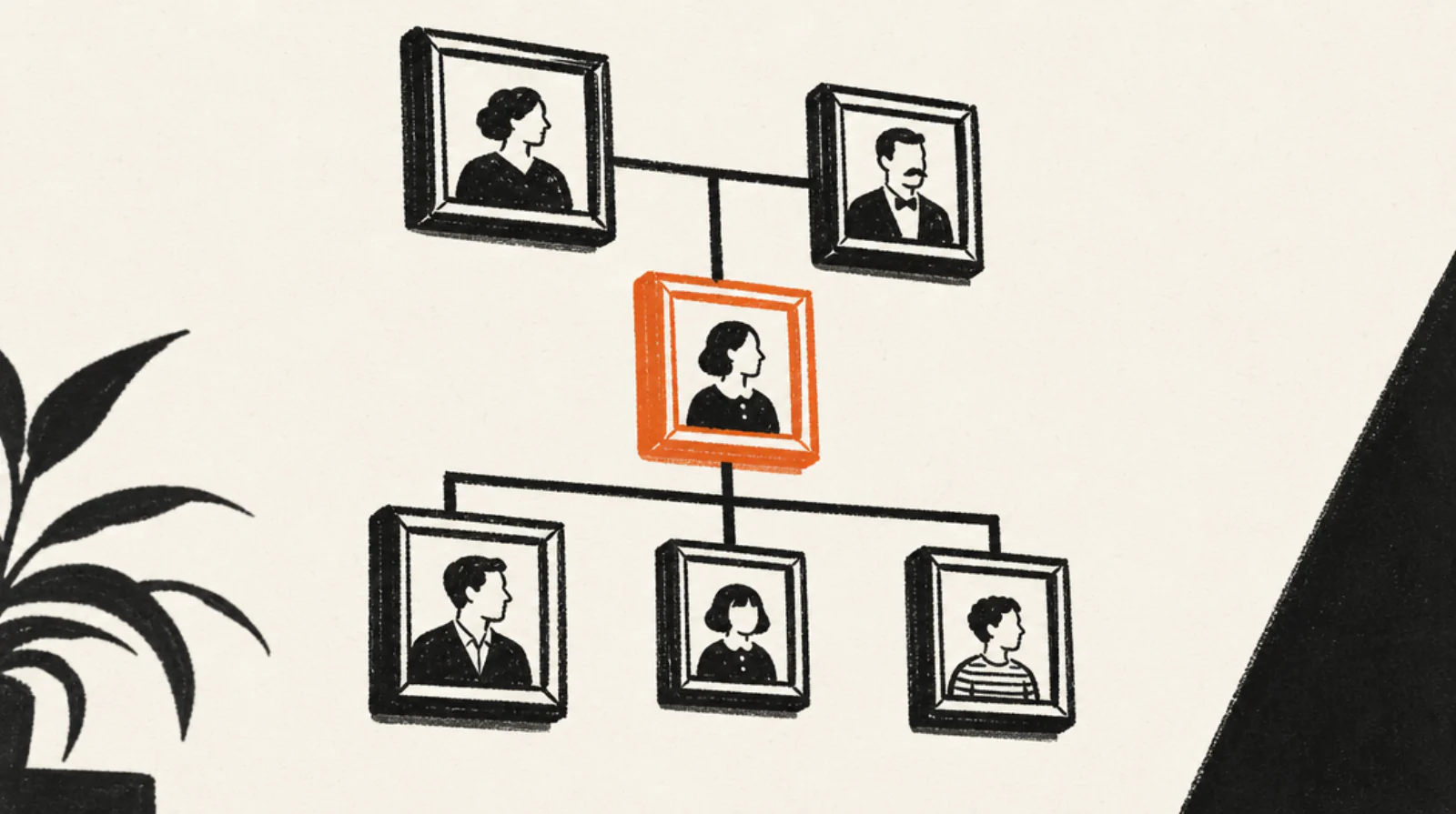
- Keep a remix family tree: each image points to the one it came from, and originals credit their remixes.
- Images cost money each time. Use a credit ledger, refund failures, and keep prompts inside your own templates.
An AI image remix app lets people open an image someone else made, see exactly how it was made, change one ingredient (the subject, the style, the mood) and generate their own version. The prompt below builds that: images made from structured recipes instead of free-form prompts, a public gallery, a Remix button on every image, a family tree that links each remix to its original, credits that cover what each image costs, and moderation from the start.
The brief
Build an AI image remix web app with a gallery-first design, dark background, images large. Use Startbase Cloud for sign-in (email magic link), data, image storage and the App AI gateway for image generation. Data: styles (name, preview image, prompt fragment, active), creations (owner, subject text up to 120 characters, style, mood from a list: calm, dramatic, playful, eerie, nostalgic; palette from a list of 8 named palettes; framing: close-up, wide, top-down, portrait; the full prompt actually sent, image path, parent creation if it is a remix, status: queued, done, failed, blocked; visibility: public or private; created_at), likes, reports, and a credit_ledger (user, amount, reason, creation, created_at) where the balance is the sum. New users get 10 credits after confirming their email; each image costs 1 credit, deducted before generating and refunded automatically if it fails. The server builds the prompt from a template using the recipe fields, never from raw user text alone, and checks the subject against a blocked words list. Screens: 1) Gallery of public creations, newest and most liked tabs. 2) Creation page: the image, its recipe shown as labeled chips, the creator, likes, and a Remix button. 3) Remix screen: the parent recipe prefilled, each chip editable, a preview of which parts changed, Generate. 4) Family tree on each creation page: its parent and its remixes as thumbnails. 5) My creations and my credits history. Out of scope: transforming uploaded photos, video, inpainting, buying credits, and comments.
How the brief is built
Recipes, not prompts
A free-form prompt box gives people a blank page and gives you no control. A recipe of five parts (subject, style, mood, palette, framing) does three things at once: it makes remixing meaningful (change the mood, keep the rest), it lets you write the real prompt from a tested template so results are consistent, and it narrows what users can type to a short subject, which makes moderation far easier.
The parent link
One nullable field, the parent creation, turns a gallery into a social loop. People see what others did with their image, originals get credit, and the family tree gives every creation page a reason to click further. It costs one column.
A ledger instead of a balance
A credit balance stored as a single number goes wrong silently when a generation fails halfway. A ledger of grants, spends and refunds tells you exactly what happened to every credit, and the balance is a sum anyone can check. Deduct before generating and refund on failure, so nobody can start ten generations with one credit.
Why credits matter on Startbase specifically
Your app can call image generation through the App AI gateway's generateImage helper without API keys of its own. Generated images use your Build credits, the same balance you build with, so free credits for users are a real cost to you. Ten free images per confirmed user is generous; watch the numbers in the AI section of the Backend tab before you raise it.
Out of scope, on purpose
Transforming people's uploaded photos is a different product with different risks (real faces, consent) and depends on what your image tools support. This brief keeps every image generated from a recipe. If you want photo restyling later, check in Plan mode what your project's image generation can take as input before you design around it.
The first three follow-ups
- 01"Add a Remix chain challenge: each week I pick one public creation as the seed, and the gallery gets a tab showing every remix of it, sorted by likes, with the week's top remix featured on the home page."
- 02"Let creators turn their own recipe into a reusable style: name it, and if they make it public, others can choose it in the style chip with credit to the creator."
- 03"Add a moderation page for me: reports with the image and recipe, a Hide button that makes a creation private and notes why, and a list of subjects that were blocked by the word list."
A weekly seed gives everyone the same starting point, which is what makes remix culture fun to watch. User-made styles let your best creators shape the app. The moderation page is listed third only because the blocked words list covers the obvious cases at first; build it before you share the app widely.
Two variations
- A sticker and icon remixer: fix the framing to "centered object, plain background" and the styles to sticker-friendly ones (flat, outline, 3D clay). Add a download button that saves a square image. Sticker sets give people a reason to remix ten times in a row.
- A classroom art prompt game: a teacher creates a private room with one seed recipe; students remix only the subject and mood, and the class votes on favorites. No public gallery, no credits for students, a fixed number of images per room paid by the teacher's account.
What goes wrong, and how to ask for the fix
- Remixes look nothing like the parent. If the template puts the subject first and style last, small changes swing the whole image. Ask: "Order the prompt template as style, palette, framing, mood, then subject, and keep the same template wording for every generation so remixes stay recognizably related."
- Credits go negative. Two quick clicks start two generations. Ask: "Deduct the credit and create the queued creation in one database transaction that fails if the balance would go below zero; disable Generate while a request is in flight."
- Failed images keep the credit. Ask: "Add a scheduled job that marks creations stuck in queued for more than five minutes as failed and refunds their credit, and refund immediately on any generation error."
- Private creations show up as parents. A public remix of a private image leaks its recipe. Ask: "Only public creations can be remixed by others, and the family tree hides private relatives."
- The gallery loads slowly. Full images in a grid are heavy. Ask: "Save a small thumbnail when each image is created and use it in the gallery and family tree."
Before you share it
Write short rules for the gallery (no real people, no hateful or sexual content) and link them under the Generate button. Make reports one tap away. Then publish and seed the gallery with your own best creations, because an empty gallery has nothing to remix.
For queues, credit pricing and moderation in more depth, read how to build an AI image generator app. How generated images are stored and served is covered in how apps store files and images, the gateway and its billing in the AI docs, and more AI product ideas on the AI use case page.
Frequently asked questions
What is an AI image remix app?
An app where every image shows how it was made, and anyone can change part of that recipe (subject, style, mood) to generate their own version, with a link back to the original.
How do I stop people generating harmful images?
Build prompts from your own templates, limit free text to a short subject, check it against a blocked words list, rely on the provider's safety refusals as another layer, and give users a one-tap report with a moderation page behind it.
How much does each AI image cost to generate?
It depends on the image model and size. On Startbase, images generated through the App AI gateway use Build credits, so track usage in the AI section and price any credits you give users accordingly.

