A Prompt for a Pixel Art Platformer
Pixel platformers are judged in the first jump. This brief gives the agent the resolution, palette and exact jump values, so your first build already feels tight.
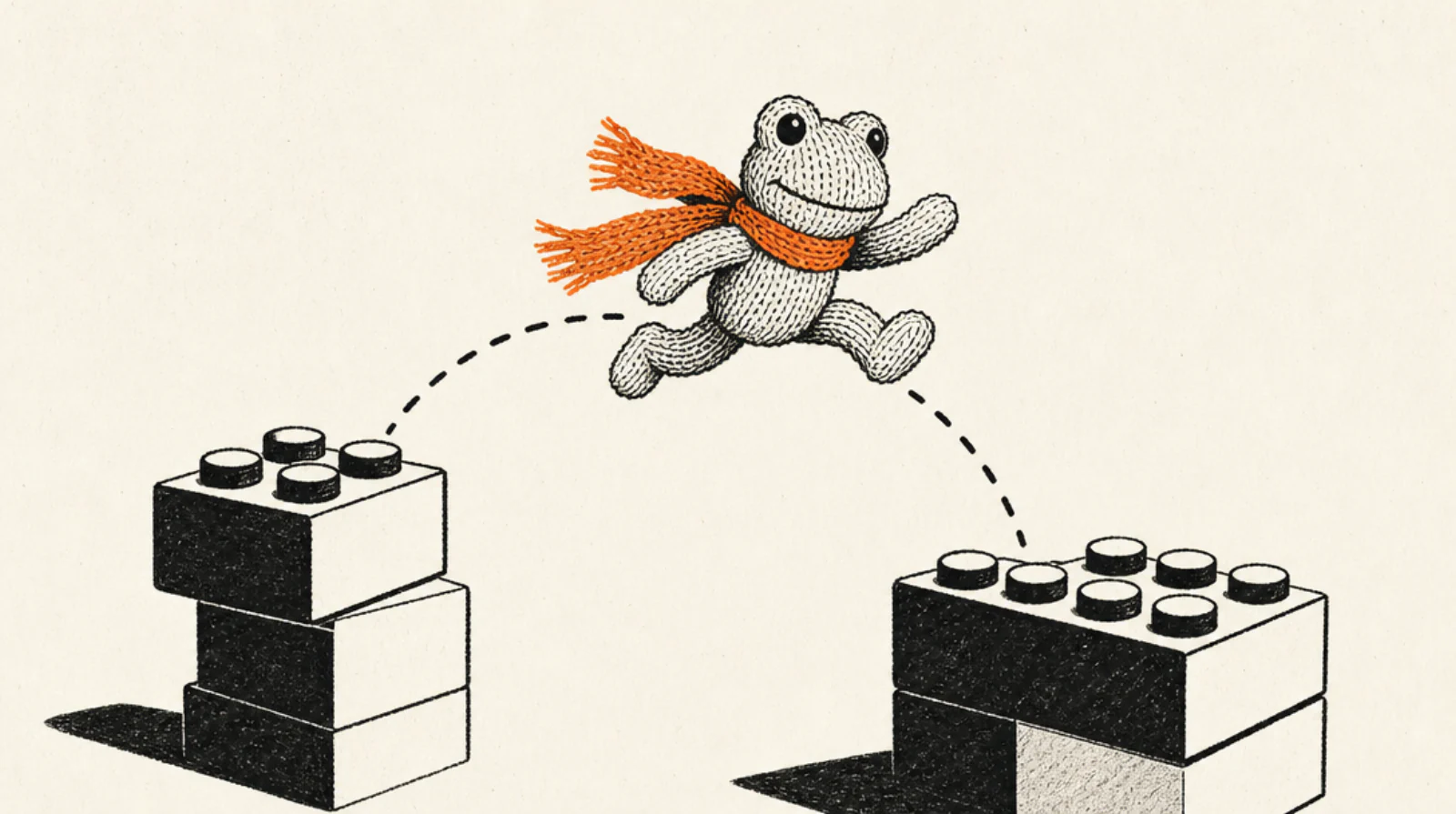
Key takeaways
- Fix a native resolution (320 by 180) and integer scaling. It keeps pixels square and sharp on every screen.
- Write jump values as numbers: height, time to apex, coyote time and jump buffer. They are the difference between tight and floaty.
- Build six short levels that each teach one idea, then edit them yourself in the World Editor.
Paste the brief below into Startbase and you get a pixel art platformer that feels tight from the first jump: a 320 by 180 world scaled up without blur, a frog hero with coyote time, a jump buffer and variable jump height, six short levels with checkpoints and collectibles, and on-screen buttons that make the phone version as playable as the keyboard one. After the first build, the follow-ups hand the levels to you in the World Editor.
The platformer brief
Make a 2D pixel art platformer for desktop and phones (landscape). Native resolution 320 by 180, scaled up by whole numbers only with nearest-neighbor filtering, letterboxed on screens that do not fit, so pixels always stay square and sharp. Tiles are 16 by 16 px. Palette: a limited 24-color palette of mossy greens, warm browns and sky blues, with the hero in a bright scarf that stands out on every background. Hero: a small frog, 12 by 14 px. Movement: run speed 90 px/s reached in 0.1 s, stops in 0.08 s on the ground, slightly less control in the air (70 percent acceleration). Jump: height 3.5 tiles at full hold, 1.5 tiles on a quick tap (variable jump: releasing early cuts upward speed in half), 0.35 s to the top of the jump, faster fall than rise (gravity 1.6 times stronger when falling), maximum fall speed 280 px/s. Coyote time 0.1 s after walking off a ledge; jump buffer 0.12 s before landing. Corner correction: if the head clips a ceiling corner by 4 px or less, nudge the hero sideways instead of stopping the jump. Six levels, each 60 to 90 seconds long for a first-time player, each teaching one idea: 1 running and jumping over gaps; 2 enemies (a beetle that walks back and forth, defeated by jumping on it with a bounce); 3 moving platforms; 4 spikes and checkpoints; 5 springs that launch the hero 7 tiles high; 6 a mix of everything with a short chase by a rising water level at the end. Checkpoints: flags in the middle of every level; touching a hazard restarts at the last flag after a 0.3 s pop, with no lives and no game over. Collectibles: 3 hidden golden flies per level, placed slightly off the main path; the level select shows how many were found. Camera: follows the hero with a small dead zone, looks ahead in the direction of running, never shows outside the level, and snaps to whole pixels to avoid shimmer. Controls on desktop: arrows or A and D to move, Space, W, Up or Z to jump; gamepad supported if present. On phones: left and right buttons on the left side, a large jump button on the right, all at least 64 px and slightly transparent, placed inside the safe area. Feel: dust puff on landing and jumping, a squash on landing and stretch on jumping, a short freeze of 50 ms when stomping an enemy, a small screen shake on landing from very high. Sound: chiptune music loop per world, a short square-wave jump sound, a soft thud on landing, a bright jingle for golden flies. Screens: title, level select with fly counts, HUD with flies and a timer, pause, level complete with time and flies found. Save progress in the browser.
Why these values and rules
Resolution and scaling
Without a fixed native resolution, a pixel game gets scaled by odd amounts and pixels turn into rectangles of different sizes, which looks blurry or uneven. 320 by 180 scales to 1280 by 720 and 1920 by 1080 by whole numbers. The pixel art style guide explains resolution and palette choices in more depth.
Jump numbers
Height in tiles and time to apex are the two numbers that decide how a jump feels. Faster falling than rising removes the floaty arc beginners get from symmetric gravity. Coyote time, the jump buffer and corner correction are forgiveness rules players never notice when they are there and always notice when they are not. The platformer guide explains each one.
One idea per level
Six levels with one idea each are a complete small game, and each can be tested on its own. Level 6 combines them, which is the test after the lessons. The level design basics article covers this teach, test, twist pattern.
No lives
Lives and game over screens punish players for learning. Checkpoints with an instant restart keep players in the flow, and the timer gives skilled players something to chase.
Pixel-snapped camera
A camera that moves by fractions of a pixel makes pixel art shimmer at its edges. Snapping to whole pixels is a small line that fixes a common, ugly bug.
Three follow-up prompts
- 01Tune the jump live. Add Engine panel dials for run speed, jump height, time to apex, fall gravity multiplier, coyote time and jump buffer.
- 02Hand me the levels. Make sure every level's tiles, platforms, enemies, springs, spikes, flags and golden flies are placed in the level scene so I can move and add them in the World Editor, and the beetles' patrol range can be set per beetle.
- 03Add a wall slide. Add wall sliding (falling at 60 px/s while pressing toward a wall) and a wall jump that pushes away from the wall at 1.2 times run speed, with 0.15 s of reduced control. Add a new level 7 that teaches it.
Level editing is where a platformer gets good. In the World Editor, Play runs the level as it is on screen and hand edits use no credits, so moving a gap one tile and trying it again is free.
Variations
- One-screen challenge rooms. Replace the long levels with 30 single-screen rooms, each a short jumping puzzle, with an instant restart on death and a death counter. Tight, hard and very shareable.
- Gentle exploration platformer. Halve the hazards, remove the timer, make levels wider with hidden paths, and give the frog a glide by holding jump in the air. It suits younger players and relaxed play.
What usually goes wrong, and the fix to ask for
- The hero snags on tile seams. Running across flat tiles occasionally stops the hero. Ask for collision against merged tile rows, or a slightly rounded bottom on the hero's collider.
- Jump height differs between fast and slow screens. Ask for physics on a fixed step of 1/60 s independent of the frame rate.
- Pixels look blurry or uneven on phones. Ask the agent to confirm nearest-neighbor filtering everywhere, including text and UI, and whole-number scaling on every screen size.
- Touch buttons are missed. Ask for the hit areas of the phone buttons to be larger than their drawings, and for sliding a thumb from left to right to switch direction without lifting.
- Enemies fall off platforms. Ask for beetles to turn around at ledges and walls, and to show their patrol range in debug mode.
From six levels to a finished game
Six levels at one to one and a half minutes each make a short but complete game. Publish it, share it to the Arcade and watch where players die most. That level needs a checkpoint or a softer jump, not more content. For juice beyond the feel lines in the brief, the game feel guide is the next read.
Frequently asked questions
What resolution should a pixel art platformer use?
A small native resolution scaled by whole numbers. 320 by 180 is a common choice because it scales exactly to 720p and 1080p screens, keeping pixels square and sharp.
What is coyote time?
A short grace period, often around 0.1 s, during which the player can still jump after running off a ledge. It makes jumps feel fair because players press slightly late more often than they think.
Can I draw the levels myself?
Yes. Once everything in a level is placed in the level scene, you can move tiles, enemies and collectibles in the World Editor and play the result straight away.

