Destructible Terrain and Objects
Breaking things is one of the oldest joys in games. The trick is choosing the right kind of destruction, so it stays fast and never breaks the level.
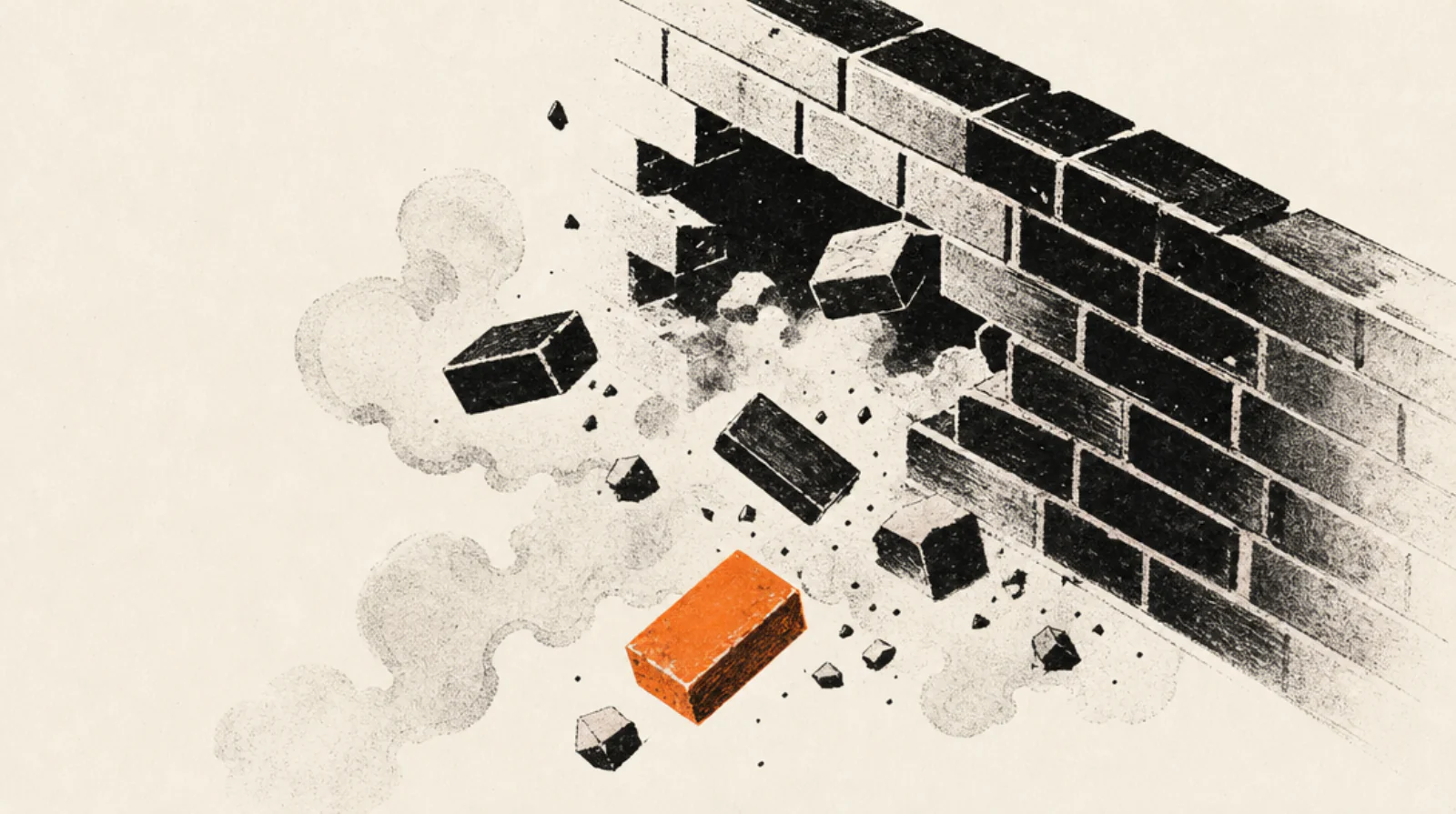
Key takeaways
- Pick one model: tiles with health, a pixel mask, or props that swap to pre-broken pieces. Each has different costs.
- Rebuild collision only in the chunks that changed, cap debris, and let pieces fall asleep or fade within a few seconds.
- Protect critical paths with indestructible material, and save destruction as a list of changes, not a whole map.
Destructible terrain is ground and walls that players can dig, blast or break, and destructible objects are props like crates and barrels that shatter. There are three practical ways to build them: a tilemap where each tile has health and disappears when it reaches zero, a pixel mask that explosions carve holes into, and props that swap to pre-broken pieces when hit. Whichever you pick, rebuild collision only where something changed, limit debris, and make sure destruction can never cut off the way forward.
Three models of destruction
- Tile destruction: the world is a grid of tiles, each with a material and health. A pickaxe hit removes health; at zero the tile becomes empty and drops a resource. This is the model behind digging and mining games. It is cheap, easy to save and fits perfectly with tilemap levels.
- Mask (pixel) destruction: the terrain is an image plus a mask of which pixels are solid. An explosion erases a circle from the mask. This is the model behind artillery games where shots carve smooth craters. It looks organic but is the most work: collision has to be rebuilt from pixels.
- Prop destruction: individual objects (crates, pots, windows, statues) have health, and when broken are replaced by a few pre-made pieces that fly apart. The world itself does not change. This works in 2D and 3D and is what most games actually need.
Fully simulated fracture, where any object breaks along any line, exists in big engines but is rarely worth it for a browser game. Pre-broken pieces look nearly as good at a fraction of the cost.
Tile destruction: values and rules
- Material health in hits: dirt 1, clay 2, stone 3 to 4, ore 4 to 6, bedrock indestructible. Tool upgrades multiply damage, which turns materials into a progression system.
- Hit feedback on every hit, not just the last: a crack overlay that grows in 3 or 4 stages, a short knock sound with slight pitch variation, a few dust particles.
- Break: the tile disappears, 4 to 8 small debris particles burst out, and any drop pops out with a little upward arc.
- Gravity rules: decide which tiles fall when unsupported. Sand and gravel falling (after a short delay of about 0.2 seconds, so players can react) is a great hazard. Making everything fall turns the world into a physics simulation you probably do not want.
- Update collision per chunk: split the map into chunks of about 16 by 16 tiles and rebuild a chunk's collision shapes when one of its tiles changes, instead of the whole map.
Mask destruction: craters that look right
With a pixel mask, explosions are easy (erase a circle) but collision is the hard part. The usual approach:
- 01Chunk the mask into squares of 64 to 128 pixels, each with its own texture and collision.
- 02On an explosion, mark the chunks the circle touches as dirty.
- 03Once per frame, rebuild dirty chunks: trace the outline of the solid pixels (marching squares is the standard algorithm) and simplify it into a polygon with a few dozen points, then hand that to the physics engine.
- 04Re-upload only the dirty textures to the graphics card. Re-uploading one huge terrain texture every explosion is a classic stutter.
Draw a darker rim around each crater (erase a circle, then paint a slightly larger ring of scorched edge) and the destruction reads as burnt earth rather than a hole cut with scissors. Crater radius of about 1.5 to 3 times the player's width feels powerful without wiping out the level.
Breakable props and debris
For props, prepare each breakable in two forms: whole, and as 3 to 8 pieces. When it breaks, remove the whole version and spawn the pieces at its position with an outward impulse from the hit point plus a little spin. In 3D Startbase games, which run on Three.js with Rapier physics available (see the games docs), each piece becomes a small rigid body.
- Debris budget: cap active debris at around 50 to 100 bodies on phones. When the cap is hit, remove the oldest pieces first.
- Lifetime: pieces settle and then fade or sink into the ground after 2 to 4 seconds. Leaving them forever looks great until the game crawls.
- Let pieces sleep: physics engines can stop simulating bodies that stop moving. Make sure sleeping is on.
- Debris should not block: put pieces on a collision layer that hits the ground but not the player, or the player gets stuck on rubble they cannot see clearly.
- Health and stages: a crate breaks in one hit; a wooden door takes three and shows splinters after each.
Bugs destruction usually causes
- Softlocks. The player blows up the only ledge to the exit. Mark critical paths as indestructible material and make it look different (metal, bedrock), so it is a rule, not a surprise.
- Floating islands. A blast leaves a chunk of terrain hanging in the air with no support. Either accept it (many games do) or run a connectivity check after each change and drop unsupported islands as falling debris.
- Stuck inside terrain. A falling block lands on the player, or terrain regrows over them. Push the player to the nearest free space when they overlap solid ground.
- Pieces spawn inside each other and explode apart at high speed. Give pieces a small starting gap, or disable collision between them for the first 0.1 seconds.
- Chain reactions in one frame. A barrel explodes, triggering ten barrels, which all explode in the same frame, stalling the game. Add a delay of 0.1 to 0.2 seconds per link: it also looks far better.
- Navigation goes stale. Enemies keep walking into a wall that is now a hole, or try to path through a hole that is filled. Update the navigation grid for changed chunks.
Saving and multiplayer
Save destruction as a list of changes from the original level: "tile 34,12 removed", "crater at 520,310 radius 40", "crate 7 broken". Loading replays the list on top of the level. This is far smaller than saving the whole map and keeps working when you edit the original level later. In multiplayer, send the same events (an explosion at a position with a radius) rather than pixels or tile maps, and make sure each client applies them in the same order so every player sees the same hole. Our saving progress guide covers save formats more broadly.
Combining destruction with other mechanics
- With resources: broken tiles and props drop materials, the base of mining and survival games. See how to make a survival game.
- With physics puzzles: knocking out a support to drop a structure on a target. Our physics puzzle guide covers stable physics.
- With secrets: cracked walls that hide rooms reward players who notice them.
- With procedural worlds: generate the terrain from a seed, then save only the changes players made.
- With weapons: different weapons for different jobs (a drill for precision, a bomb for area) make destruction a choice.
A brief for destructible terrain
Make the terrain in my 2D mining game destructible. The world is a tilemap in 16 by 16 tile chunks. Materials: dirt 1 hit, stone 3, iron ore 5 (drops iron), bedrock indestructible and visibly different. Each hit shows a crack overlay in stages, a knock sound with random pitch and dust; breaking bursts 6 debris particles and pops out drops. Sand falls 0.2 s after losing support. Rebuild collision and pathfinding only for changed chunks. Wooden crates break into 5 pieces that fade after 3 s, with at most 80 debris pieces at once and no collision with the player. Save destruction as a list of changes from the original level. Add a 40 ms hit stop when ore breaks.
Test it the destructive way: dig straight down, blow up everything near the exit, chain ten barrels, and check performance on the oldest phone you have.
Frequently asked questions
How do games make terrain destructible?
Usually one of three ways: a tilemap where each tile has health and disappears at zero, a pixel mask that explosions erase circles from, or props that swap to pre-broken pieces. Collision is rebuilt only in the parts that changed.
How do I stop destruction from making a level impossible?
Make the critical path out of an indestructible material that looks clearly different, so players learn it cannot be broken, and push players out of terrain if they ever end up inside it.
Why does my game stutter when things break?
Often because collision or textures are rebuilt for the whole map, or because too many debris bodies are alive. Rebuild only changed chunks, cap debris, let pieces sleep and fade them after a few seconds.
How do I save a destroyed level?
Store the list of changes from the original level (removed tiles, craters, broken props) and replay it on load. It is much smaller than saving the whole map.

