Drag and Drop Mechanics for Puzzle Games
Dragging is the most physical thing a player can do on a screen. Get the pickup, the snap and the return right and a puzzle feels like holding real pieces.
Key takeaways
- Start a drag only after 6 to 10 pixels of movement, so taps still work, and keep the grab offset so pieces do not jump.
- On touch, lift the piece above the finger and highlight valid targets; snap within about half a cell.
- Keep the puzzle state separate from the sprites, change it only on a valid drop, and capture the pointer so pieces are never lost.
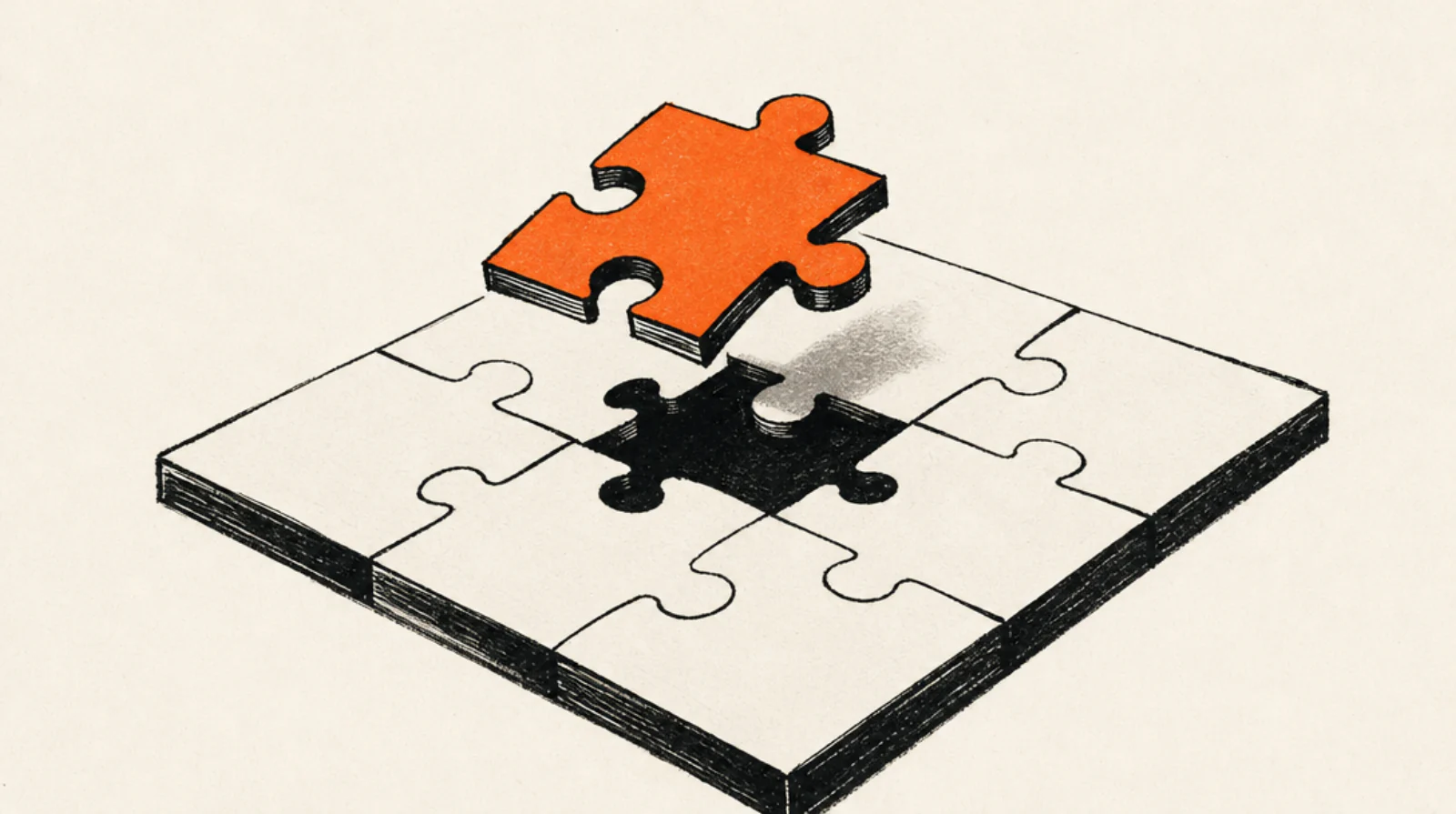
Drag and drop in a puzzle game means the player presses on a piece, moves it while it follows their finger or cursor, and releases it over a target where it either snaps into place or returns to where it came from. To make it feel right: start the drag only after the pointer moves a few pixels, keep the point where the piece was grabbed under the finger, lift it slightly so it is visible on touch screens, highlight where it can go, snap generously, and animate rejected drops back. The rest is preventing the bugs that lose pieces mid-drag.
The anatomy of a drag
Every drag goes through five moments, and each one needs a decision:
- 01Press: the pointer goes down on a piece. Nothing moves yet; you are waiting to see if this is a tap or a drag.
- 02Pickup: the pointer has moved past a threshold. The piece lifts, grows a little, gains a shadow and moves to the top of the drawing order.
- 03Carry: the piece follows the pointer. Valid targets light up; the one under the piece highlights more strongly.
- 04Drop: the pointer goes up. If over a valid target, the piece snaps there; if not, it returns.
- 05Settle: a short animation and sound confirm the result, then the puzzle checks for consequences (a match, a merge, a win).
Values that make dragging feel good
- Drag threshold: 6 to 10 pixels of movement, or a hold of about 150 to 200 ms. Below that, treat it as a tap (rotate the piece, select it). Without a threshold, every tap becomes a tiny drag.
- Keep the grab offset. If the player grabbed the corner of a piece, the corner stays under their finger. Snapping the piece's center to the pointer makes it jump on pickup.
- Lift on touch: 40 to 60 pixels above the finger. A finger covers about 1 cm of screen; without a lift, players cannot see what they are placing. Ease the lift in over about 100 ms. On desktop with a mouse, skip the lift.
- Pickup feedback: scale to about 105 to 110 percent, a soft shadow, a light tick sound.
- Snap radius: about half a cell, or when 50 percent of the piece overlaps a target. Generous snapping is invisible; strict snapping reads as the game refusing a correct move.
- Snap animation: 80 to 150 ms with an ease-out and a tiny overshoot. Return animation: 150 to 250 ms to the start position, a bit slower so the player sees where it went.
Keep the puzzle separate from the pieces you see
The most important structural rule: the puzzle state (which item is in which slot) is data, and the sprites you drag are only a picture of it. During a drag, only the picture moves. On drop, a single function validates the move against the data (`canPlace(piece, slot)`), changes the data if valid, and the picture animates to match. This gives you a lot for free:
- Undo: push each accepted move onto a stack; undo pops it and the pictures follow. Puzzle players expect undo, and it makes experimenting feel safe.
- Saves: the data is the save. Positions of sprites are never saved.
- Hints and solvers work on the data, not the screen.
- Win checks run on the data after each move, not on pixel positions that might be off by one.
The bugs that lose pieces
- Pointer leaves the canvas. The player drags off the edge and releases outside it; the game never hears the release, and the piece stays stuck to nothing. Use pointer capture (or listen for release on the whole window) so the drop always arrives.
- The page scrolls instead. On phones, a drag on the game can scroll or zoom the page. Disable touch scrolling on the game area (the CSS `touch-action: none`). Startbase games already block page zoom, text selection and pop-up menus over play.
- Second finger. A second touch starts a second drag or teleports the first piece. Track the pointer id that started the drag and ignore others until it ends.
- Drop on two targets. The piece overlaps two slots. Choose the one with the most overlap or the nearest center, never the first in a list.
- Interrupted drags. A phone call, a tab switch or the pause button mid-drag. Cancel the drag and return the piece, as if it was dropped somewhere invalid.
- Hit area too small. Small pieces need a hit area of at least about 44 by 44 points on touch, even if the art is smaller.
- Rotated pieces. Hit tests that use the unrotated box pick up the wrong piece. Test against the rotated shape or a slightly smaller circle.
Drag variants and what they suit
- Free placement (jigsaw, decorating): pieces go anywhere; snap only near their correct place or a grid.
- Slot placement (inventory puzzles, sorting games): pieces go into defined slots; swap if the slot is full.
- Merge on drop: dropping a piece on an identical one combines them. Our merge game guide covers chains and board pressure.
- Drag to aim: the drag is not moving a piece but setting a direction and strength, like a slingshot. It needs a visible trajectory and a cancel zone. See the physics puzzle guide.
- Drag to draw: tracing a path through cells, as in line or flow puzzles. The rules are about which cell the pointer enters next, with tolerance for diagonals.
- Card play: dragging a card to a zone to play it. Lift and enlarge the card so it is readable while carried; our card game guide covers the rules engine behind it.
Whichever variant you use, offer a tap alternative: tap a piece to select it, tap a target to place it. It helps players who find dragging hard and it is faster for experienced players.
Combining dragging with the rest of the game
Dragging pairs naturally with limited moves (each drop costs one), timers (a fast sorting game), and undo-friendly puzzles where experimenting is the point. It fights with real-time action: if enemies move while the player is placing pieces, slow the world or pause it during a drag. Teach the first drag with an animated hand that shows the motion once, and stop showing it after the first successful drop. Our puzzle game guide explains how to teach a mechanic through the first few levels.
A brief for drag and drop
Make the pieces in my sorting puzzle draggable. The puzzle state (which item is in which slot) is data; sprites only show it. A drag starts after 8 px of movement; shorter presses count as a tap that selects. Keep the grab offset, lift the piece 50 px above the finger on touch only, scale it to 108 percent with a shadow and a soft tick. Highlight valid slots; snap when the piece overlaps a slot by half, with a 120 ms ease-out. Invalid drops return over 200 ms. Use pointer capture, ignore extra fingers, cancel drags on pause or tab switch. Add tap-to-select then tap-to-place, and an undo button with full history. Make threshold, lift and snap Engine panel dials.
Frequently asked questions
How do I stop a tap being treated as a drag?
Only start a drag after the pointer moves 6 to 10 pixels or is held for about 150 to 200 ms. Anything shorter is a tap, which you can use to select or rotate.
Why can players not see the piece they are dragging on a phone?
Their finger covers it. Lift the piece 40 to 60 pixels above the touch point while dragging on touch screens, and keep it at the pointer on desktop.
Why do pieces get stuck when dragged off the edge?
The release happened outside the game, so it was never received. Capture the pointer at pickup or listen for the release on the whole window, and cancel drags on interruptions.
How generous should snapping be?
About half a cell, or 50 percent overlap with the target. Players rarely notice generous snapping, but they always notice a correct move that the game refused.

