How to Make a City Builder or Tycoon Game
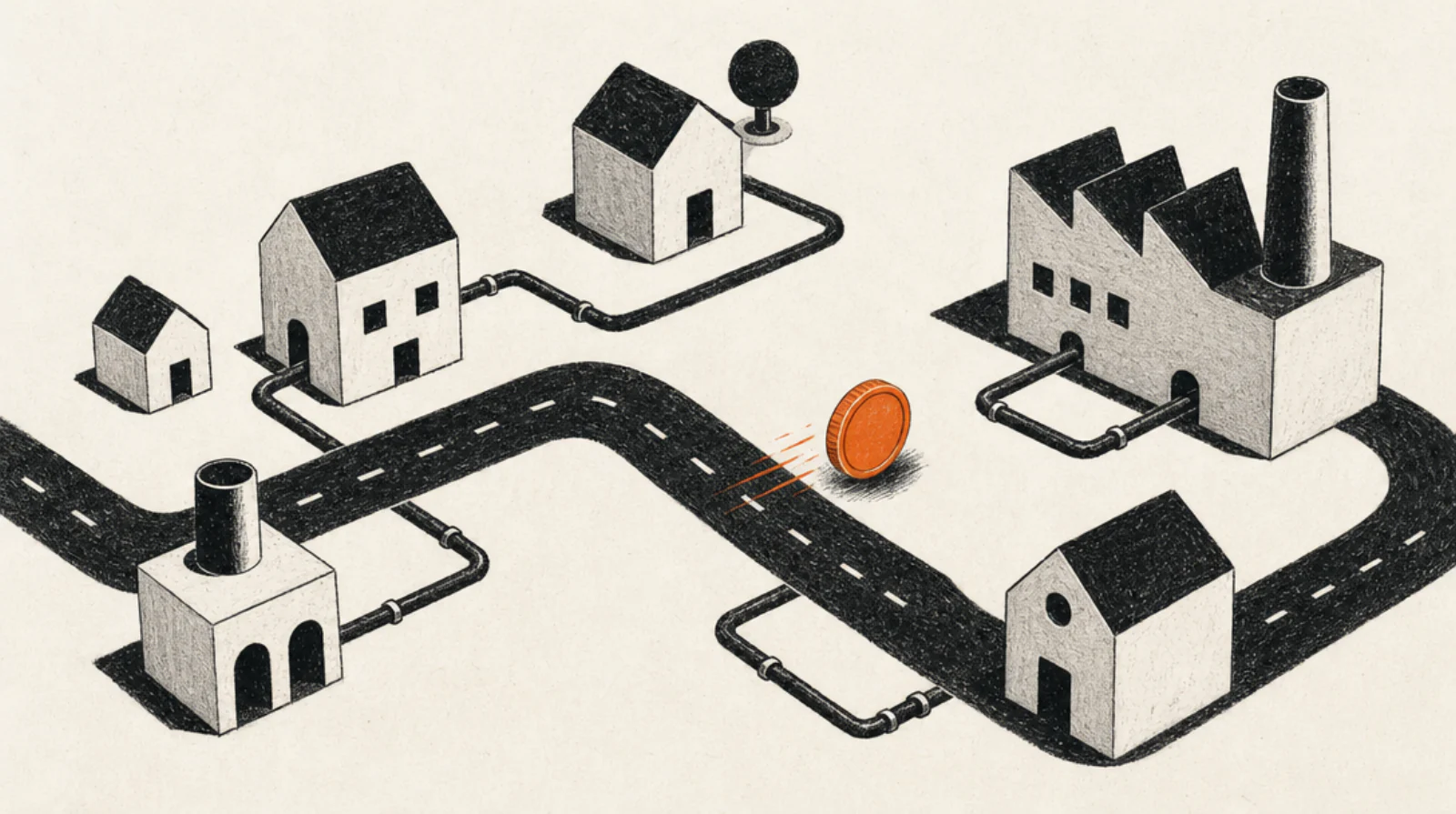
A city builder is a spreadsheet the player can walk around in. The fun is in readable cause and effect, which means the flows, the overlays and the UI matter as much as the buildings.
Key takeaways
- Model the economy as stocks and flows updated on a fixed simulation tick, separate from drawing frames.
- Start with three to five resources and one chain of buildings. Depth comes from connections, not resource count.
- Zoning works through demand: the city tells the player what it needs, and the player decides where.
- Readable UI is the genre. Every number needs a trend, and every problem needs a reason the player can see.
To make a city builder or tycoon game, start with the simulation, not the buildings: decide a few resources, which buildings produce and consume them, and how often the simulation updates. Then add a placement grid with roads, a demand system that tells players what the city wants, and a UI that makes cause and effect obvious. Players of this genre love complexity, but only complexity they can read. A city that fails for invisible reasons is not deep. It is confusing.
The core: stocks, flows and a tick
Every city builder and tycoon game is a network of stocks (amounts stored: gold, wood, food, population) and flows (rates that change them: a farm makes 4 food per tick, a house eats 1). The simulation updates on a fixed tick, for example once per second at normal speed, faster at double or triple speed. Rendering runs at the screen's frame rate independently. Keeping these separate is what lets you add speed buttons and pause without breaking anything.
- Producers turn nothing (or inputs) into outputs: farm makes food, sawmill turns logs into planks.
- Consumers use resources: houses eat food, factories need power.
- Storage caps how much can be held. A full granary means farms stop producing, which is a visible problem with a clear fix.
- Workers are often the hidden resource: a building only runs when staffed, and staff come from housing.
A first game needs three to five resources. Gold, food, wood and people are enough to make interesting decisions. Every extra resource adds a building, a UI row, a balance problem and a new way for players to get confused.
Production chains create the puzzle
Depth in this genre comes from chains: logs from the forester go to the sawmill, planks go to the builder, the builder upgrades houses, bigger houses pay more tax. Each link is a building with input, output and a rate. The puzzle is matching rates, for example two foresters per sawmill. Write the chain as a table with rates per tick and check that the numbers produce interesting ratios, not one-to-one matches. The core game loop guide shows how those chains fit into the loops players repeat.
Zoning and demand
Classic city builders let players paint zones (residential, commercial, industrial) and the simulation fills them with buildings when there is demand. Demand is the city talking: "people want to live here", "shops need customers", "factories need workers". A simple model:
- 01Residential demand rises when there are jobs without workers.
- 02Commercial demand rises with population and falls when shops outnumber customers.
- 03Industrial demand rises when shops need goods.
- 04Zones only develop if they are connected to a road and, later, have power and water.
- 05Show demand as three bars (often green, blue and yellow) so the player always knows what to build next.
A tycoon game (theme park, restaurant, hotel, airport) swaps zoning for customers: visitors arrive, want things (rides, food, toilets, a short queue), spend money when satisfied and leave unhappy when not. The data is different but the principle is the same: the simulation states needs, the player places things to meet them.
The grid, roads and placement
Most city builders use a tile grid, which makes placement, adjacency and pathfinding simple. Buildings occupy a footprint of tiles. Roads are tiles that connect. A connectivity check (can this building reach the town center by road?) decides whether it works, and a clear icon over disconnected buildings saves players a lot of confusion. Isometric 2D or a 3D tilted camera both work; a fixed angle with zoom and pan is the norm.
- Show a ghost preview of the building before placing, tinted red if invalid, with the reason (blocked, no road).
- Allow drag-to-place for roads and zones.
- Show an influence radius when placing service buildings (a well covers 6 tiles).
- Give a cheap undo for misplacement: a full refund within a few seconds.
Readable UI: the genre's real challenge
City builders are information games. The quality of the UI decides whether players feel smart or lost.
- Top bar with trends. Every resource shows its amount and its rate: Food 240 (+12/min). A negative rate in red is the most useful warning you can give.
- Overlays. A key toggles a heat map: happiness, coverage of a service, traffic. Players solve problems by looking at overlays.
- Why tooltips. Click a building and it explains itself: "Not working: no workers within reach".
- Alerts with locations. "Fire at the bakery" with a button that jumps the camera there.
- Speed controls. Pause, 1x, 2x, 3x. Building while paused is a core behavior of the genre.
The HUD, build menu and info panels are game screens Startbase stores as files, so you can move the resource bar or restyle the build menu by hand in the UI Editor. It has a Values tab for sample numbers, so you can check how "Food 12,450 (+340/min)" fits before the city is that big. The game UI and HUD guide covers hierarchy and readability for panels like these.
A city builder brief to paste
A cozy medieval town builder in the browser, 3D low-poly with a fixed tilted camera, pan and zoom. Tile grid of 40 x 40. Resources: gold, food, wood, stone, people. Buildings: house (holds 4 people, pays 1 gold per tick when fed), farm (needs 2 workers, makes 4 food), forester (1 worker, 2 wood), quarry (2 workers, 1 stone), market (needed within 8 tiles for houses to upgrade), well (covers 6 tiles). Every building needs a road to the town square. Simulation tick once per second with pause, 1x, 2x and 3x. Top bar shows each resource with its rate per minute, red when negative. Clicking a building shows its status and why it is not working. Overlays for market and well coverage. Ghost preview when placing, red with a reason if invalid. Houses upgrade from cottage to townhouse when fed and covered by a market and a well. Save to the browser.
Then play for twenty minutes and look for the first moment you did not understand what was happening. That moment is your next request. Use Plan mode before adding a big system such as trade or seasons, and save a checkpoint before rebalancing.
Performance as the city grows
A city builder gets slower as the player succeeds, which is the wrong direction. Plan for it:
- Update buildings in the simulation tick, never every frame.
- Simulate citizens as numbers in buildings, not as individual walking agents. Show a few walkers for life, but do not let the economy depend on them.
- Reuse a small set of building models. Startbase's engine draws repeated models in batches, which keeps big scenes smooth, but hundreds of unique detailed models will still slow a phone.
- Test a late-game save with a full map, not only a fresh one.
Mistakes to avoid
- Too many resources at once. Introduce new ones as the town grows.
- Silent failure. A starving town that shows no warning feels broken.
- No end of the early game. Add goals (reach 100 people, build a cathedral) so players know what they are working toward.
- Punishing debt spirals. Allow recovery from a bad decision, for example a loan or a tax adjustment.
For more on 3D camera and scope, read how to make a 3D game without coding. If your game is closer to a single cozy plot than a whole town, the farming game guide covers crop timers and seasons. Long sessions need reliable saves, which saving game progress covers, and big cities need the phone performance guide.
Frequently asked questions
What is the difference between a city builder and a tycoon game?
A city builder simulates a town with zones, services and citizens. A tycoon game simulates a business such as a theme park or restaurant, with customers and profit. Both are built on resource flows and placement.
How many resources should a city builder have?
Three to five to start. Add more as the city grows, and only when each new resource creates a new decision.
How do city builders simulate so many people?
Usually as numbers attached to buildings, updated on a simulation tick. Only a few visible walkers are animated for atmosphere.
Can a city builder run in a browser on a phone?
Yes, with a fixed camera, reused low-poly models and a simulation that updates on a tick rather than every frame. Test a late-game city, not just a new one.

