How to make a game like Angry Birds
A launch physics puzzle is a slingshot, a material table and a lot of patience with the physics engine. This is how to get each one right.
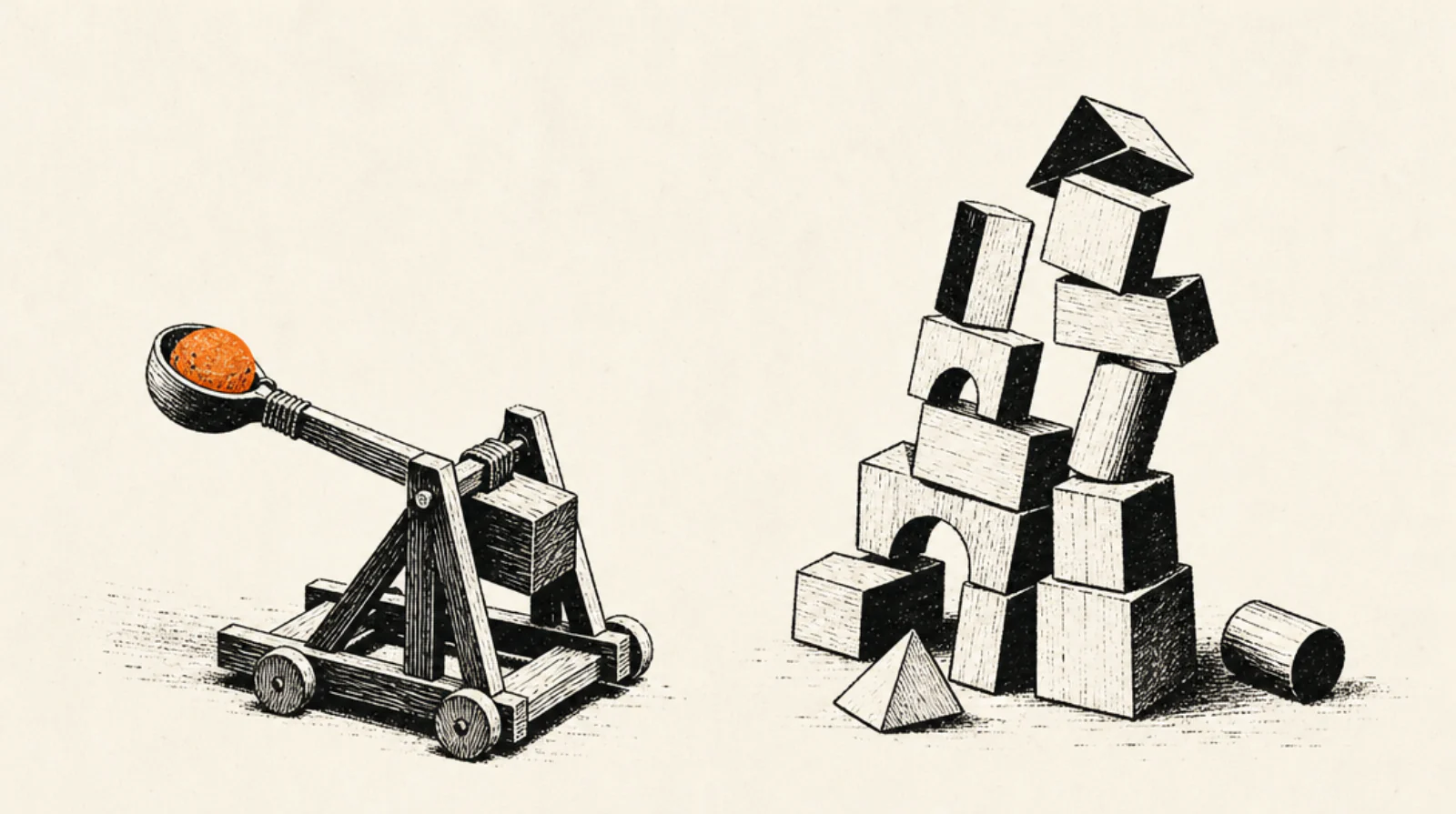
Key takeaways
- Launch speed should scale with pull distance up to a cap, with a short trajectory preview so aiming is a skill, not a guess.
- Give every material a density and a health value, and damage blocks by impact strength above a threshold.
- Towers must stand still before the first shot: settle the physics at level load and let bodies sleep.
The recipe behind Angry Birds is a launch physics puzzle: drag back a slingshot, release to fling a projectile in an arc, and topple structures made of wood, stone and glass to defeat the targets inside, using as few shots as possible. Each projectile type has a special ability, and each level is scored with up to three stars. To build one you need launch math, a physics engine with tuned materials, damage from impacts, and levels that stand still until hit. The Angry Birds name, characters, art, sounds and levels belong to its owner. The launch-and-topple genre is open, and it shines when you bring a new goal or projectile idea to it.
Why launch-and-topple works
- The aim is simple; the outcome is not. Anyone can pull and release. What the tower does next is chaotic enough to be surprising every time.
- Collapse is a reward in itself. Watching a structure crumble because you found its weak beam is satisfying even when you miss the target.
- Retrying is fast and informative. Each shot teaches you something about the level, so the next attempt feels smarter.
- Stars give mastery a target. Finishing is easy; three stars is a reason to replay.
The launch: drag, aim, release
- Pull vector: the projectile follows the finger backward from the sling’s rest point, clamped to a maximum pull radius (around 80 to 120 units on a 1,000-wide level view).
- Launch velocity = pull direction reversed × pull distance × a power constant. Tune the constant so a full pull clears the farthest target in your biggest level with a little to spare.
- Trajectory preview: draw dots along the first third of the predicted arc while dragging. Showing the full arc removes the skill; showing none makes the first shot pure luck. Compute it with the same gravity and step the physics uses.
- Cancel: dragging back to the rest point and releasing cancels the shot without spending it.
- Ability tap: a tap during flight triggers the projectile’s special (split, speed up, explode). One tap, once per shot.
The camera starts on the whole level, zooms to the sling while aiming, follows the projectile in flight and pans back when everything settles. Pinch to zoom and drag to look around before shooting.
Materials and damage
Define materials as a table, so level design is about combining them:
- Glass: low density, low health, breaks easily, light enough to topple.
- Wood: medium density and health, the backbone of most towers.
- Stone: high density, high health, heavy enough to crush things when it falls.
- Explosive crate: low health; when destroyed, it applies an outward impulse and damage in a radius.
Damage comes from collisions: when two bodies hit, read the impulse of the contact, subtract a threshold (so resting contact and light bumps do nothing), and apply the remainder as damage to both. Projectiles can have bonus multipliers against certain materials, which gives each projectile type a job. Show cracks at 66% and 33% health so players can read the tower. Targets are just bodies with low health that award points when destroyed.
Stable towers: taming the physics engine
The hardest part of this genre is not the launch, it is towers that wobble or collapse by themselves. Fixes that work:
- 01Fixed time step (for example, 60 physics steps per second regardless of frame rate) so behavior is identical on every device.
- 02Settle at load: run the simulation for a second or two off-screen before showing the level, then put all bodies to sleep. Do not award damage during settling.
- 03Allow sleeping: bodies at rest stop simulating until touched. It saves performance and stops jitter.
- 04Reasonable sizes and mass ratios. Physics engines struggle with tiny bodies or a heavy block resting on a very light one. Keep blocks within a sensible range and avoid ratios above about 10 to 1.
- 05More solver iterations for stacked towers, if your engine offers it.
A shot ends when all bodies are nearly still for about a second, or after a timeout (around 8 seconds), whichever comes first. Then check the win condition and either load the next projectile or end the level. The physics puzzle guide goes deeper on engine settings and level authoring.
Levels and stars
A level is a list of bodies with positions, rotations and materials, plus the projectiles available in order. Store levels as data and build them visually: the World Editor lets you place and rearrange blocks yourself, then test the shot. Star thresholds are score bands: one star for clearing the level, two and three for higher scores, where every unused projectile adds a big bonus. That bonus is what makes players replay for an efficient solution.
Teach one idea per level for the first world: a glass tower, a tower with a weak support, a stone ball balanced on a ledge, an explosive crate next to the target. The level design basics guide covers teaching through layouts, and destructible terrain helps if you want ground that breaks too.
Three twists that make it yours
- 01A delivery goal instead of a target. Topple the tower so a marble rolls into a cup. Destruction becomes a means to a precise end, closer to a chain reaction puzzle.
- 02Build before you shoot. Players place three blocks of their own before launching, to create ramps or deflectors. Every level gains a planning phase.
- 03Two-sided duels. Two players each defend a tower and take turns firing at the other’s. Pass-and-play on one phone works without a server.
A brief for an original launch physics puzzle
A 2D physics puzzle game called Rolltop, landscape, phones and desktop. On a child’s bedroom floor, a wooden toy trebuchet launches wind-up toys at towers of building blocks. Drag back on the sling to aim (pull clamped to a max radius, launch speed scales with pull distance), with a dotted preview of the first third of the arc; release to fire. Toys: a spinning top that drills through one block, a jumping frog that leaps once more when tapped mid-flight, and a heavy tin robot that crushes stone. Blocks are paper (light, weak), wood and marble (heavy, strong), each with density, health and crack sprites at two damage levels; damage comes from impact impulse above a threshold. Goal each level: topple the tower so a glass marble on top rolls into a teacup on the floor. Fixed physics step, settle each level before it appears, sleeping bodies. Three stars by toys left over. Twelve levels in the first world, each teaching one idea, built as scenes I can edit by hand. Warm paper-craft look, soft wooden clacks.
The physics puzzle prompt is another original starting point if you want a different theme.
Frequently asked questions
What physics engine should a slingshot game use?
Any solid 2D rigid-body engine works. What matters more is a fixed time step, sleeping bodies, settling the level before play and sensible block sizes and mass ratios.
Why do my towers fall over on their own?
Usually because bodies start slightly overlapping, mass ratios are extreme, or the level is shown before the physics settles. Simulate a second or two at load, then put bodies to sleep.
Can I use the original characters or levels?
No. The name, characters, art, sounds and levels belong to the original’s owner. Design your own projectiles, theme and levels; the launch physics genre is shared by many games.
How do I make a trajectory preview?
Simulate the projectile’s path with the same gravity and time step as the physics engine and draw dots along part of it. Showing only the first part keeps aiming a skill.

