How to make a game like Flappy Bird
A flap game is one input, one physics rule and one obstacle pattern. The craft is in the numbers, and the fun is in the twist you add.
Key takeaways
- A tap should set upward speed to a fixed value, not add to it. That single rule is what makes flapping feel predictable.
- Keep difficulty flat: the same gap size and spacing the whole run. Skill, not a speed ramp, is what moves the score.
- Restart in one tap with no menu between deaths, then add one twist of your own so the game is not a clone.
To make a game like Flappy Bird, build three things: a character that falls under gravity and jumps by a fixed amount on every tap, a stream of obstacles with a gap to fly through, and a score that counts each gap passed. Everything else is tuning. The genre is the one-tap arcade game, and it is one of the best first projects there is because the whole design fits on an index card. What you should not do is copy it: the Flappy Bird name, its character, its art and its look belong to its owner. Take the loop, then make it about something new.
Why the flap loop works
The loop is tap, rise, fall, tap again, hundreds of times a minute. It works for three reasons that are worth keeping in your own version:
- Every death is your fault. The rules never change mid-run, so a crash always reads as a timing mistake. That is what makes the next attempt feel winnable.
- Failure is instant and cheap. A run can end in two seconds and the next one starts in under one. The cost of trying again is close to zero.
- Progress is visible in tiny steps. One point per gap means a new best is often just one obstacle away.
Notice what is missing: no levels, no upgrades, no speed ramp. Resist adding them early. A flap game earns depth through the twist, not through systems. If you want the broader picture of single-input design, the one-tap arcade game guide covers the whole family.
Feel values to start from
These are starting values for a portrait play area about 640 units tall, running at 60 frames per second. They are not anyone’s secret numbers; they are a sensible place to begin before you tune by playing.
- Gravity: about 1,800 to 2,400 units per second squared. Lower feels floaty and dreamy, higher feels twitchy and hard.
- Tap impulse: set vertical velocity to roughly −520 to −600 (up), replacing whatever it was. Adding to the current velocity makes rapid taps launch the character off the screen and slow taps do almost nothing.
- Fall speed cap: around 700 to 900. Without a cap, a long fall becomes impossible to recover from.
- Scroll speed: 150 to 200 units per second, constant.
- Gap height: 140 to 180 units, about a quarter of the screen. Start generous; you can always tighten it.
- Obstacle spacing: one obstacle every 1.4 to 1.8 seconds of scrolling.
- Gap position: random within a middle band, but limit how far one gap can move from the previous one (about 40% of the screen). A gap at the very top followed by one at the very bottom is unfair at this speed.
- Hitbox: a circle or box about 75 to 85% of the sprite’s size. Players judge collisions by the drawing; a slightly forgiving hitbox makes near misses feel earned instead of stolen.
The four states of a run
A small state machine keeps a flap game tidy and avoids the classic bugs (the first tap killing you, a score ticking after death):
- 01Ready: the character bobs gently in place, gravity off, obstacles not spawning. A hint says tap to start. The first tap counts as the first flap.
- 02Playing: gravity on, obstacles spawn, score counts when the character’s center passes an obstacle’s far edge.
- 03Dying: a short beat (about 0.3 to 0.5 seconds): a flash, a thud, a small screen shake, the character drops. Input ignored so a frantic tap does not skip the moment.
- 04Over: score, best score and one big button. Tapping anywhere after a brief delay goes straight back to Ready.
Save the best score on the device so it survives a reload. If you want friends to compare across devices, a daily table of best runs is the next step; the leaderboards guide explains how to keep one fair.
Obstacles, pooling and the world
Each obstacle is a pair of solid blocks with a gap, spawned just off the right edge and recycled when it leaves the left edge. Keep a pool of four or five pairs and move them, rather than creating and destroying objects every second; it keeps cheap phones smooth. The ground is an obstacle too: touching it ends the run. The ceiling is usually not lethal, but it should stop the character, so frantic tapping cannot skip the course by flying over it.
Background layers moving at different speeds make a flat game feel deep. Two or three layers are enough: far scenery at 10% of the scroll speed, mid layer at 40%, ground at 100%. The parallax scrolling guide has the setup.
Three twists that make it yours
The fastest way to a game people remember is to keep the one-tap loop and change one rule. Here are three that each create a different game:
- 01Flip gravity instead of flapping. Each tap reverses gravity, so the character falls up, then down. The obstacles become corridors with openings on alternating sides. Same one input, completely different rhythm.
- 02Make the gap breathe. Obstacles slowly open and close on a visible cycle, so timing your arrival matters as much as your height. Start with a slow cycle (two seconds) and only a few breathing obstacles mixed in.
- 03Carry something fragile. The character tows a cargo on a short rope that swings with momentum. The cargo also has to clear the gap. Players now think about the next two taps, not just the next one.
Pick one twist and theme everything around it. A theme that explains the twist (a balloon that flips because it is tied to a magnet, a ferry towing a crate) makes the rule easy to learn without a tutorial.
A brief for your own flap game
This brief describes an original game in the genre. Paste it into Startbase, then change the theme and the twist to your own.
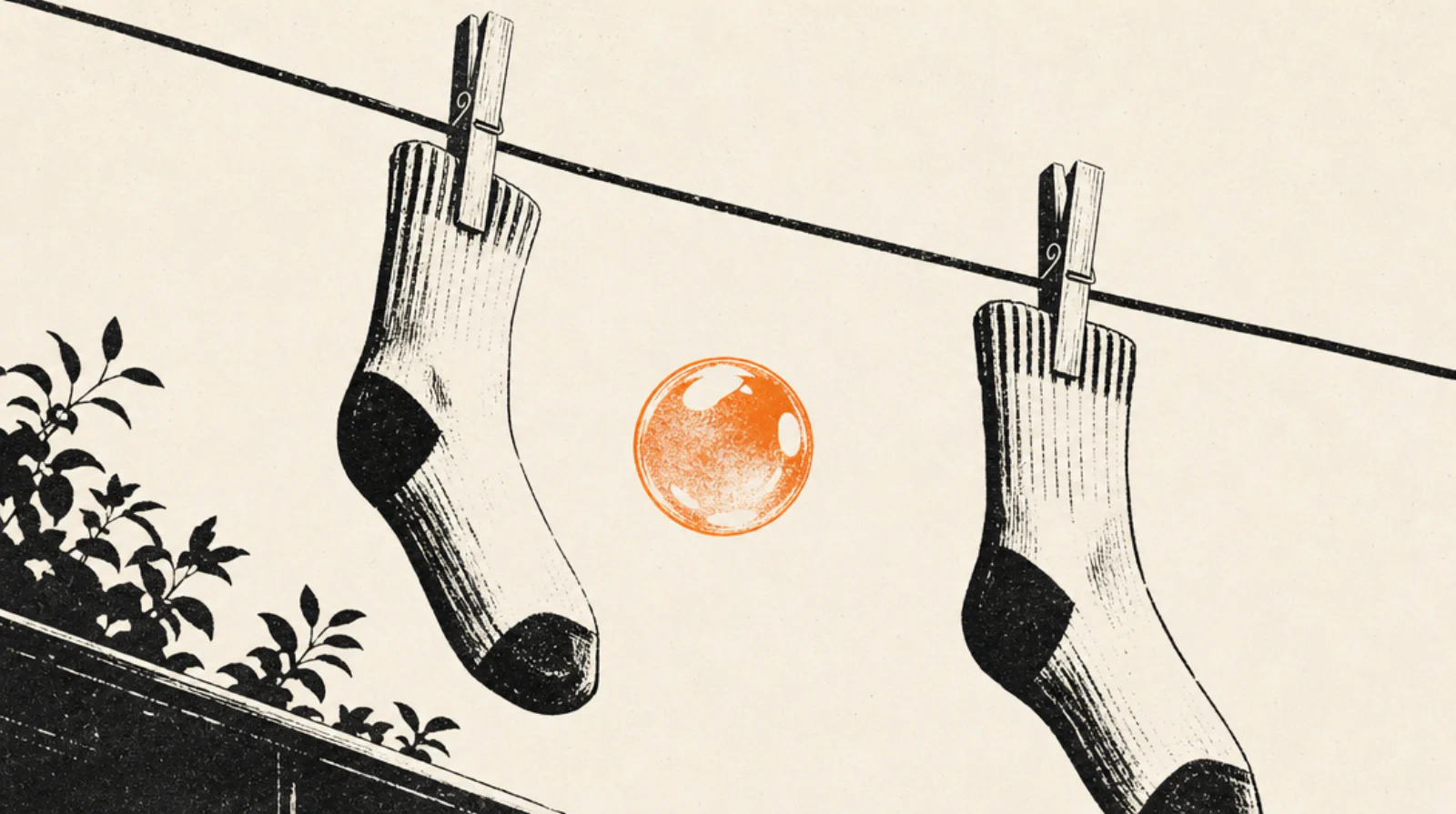
A one-tap arcade game for phones, portrait. The player is a soap bubble drifting through a cozy laundry room from left to right. Tap anywhere to give the bubble a puff of air that sets its upward speed to a fixed value; between taps it sinks under gentle gravity with a capped fall speed. Obstacles are pairs of hanging socks and stacked towels with a gap between them, spawning about every 1.6 seconds, gap about a quarter of the screen, and each new gap never more than 40% of the screen away from the last. Touching an obstacle or the floor pops the bubble with a soft burst and a short pause. One point per gap. Ready state: the bubble wobbles in place until the first tap. Game over shows score, best score (saved on the device) and a big Again button; tapping restarts in under a second. Twist: every tenth point a warm dryer vent blows a gust that pushes the bubble up for two seconds, signposted by rising steam. Soft pastel watercolor look, three parallax layers, gentle plinks for points. Expose gravity, puff strength, gap size and scroll speed as dials.
The agent builds it, runs it and checks it. Then play it on your phone: the preview works on any device, and tuning gravity and puff strength by feel is where most of your time should go.
Where flap games go wrong
- Additive taps. The most common mistake. If two quick taps go twice as high, players cannot build muscle memory.
- A ramp that punishes learning. Speeding up as the score grows sounds exciting but makes the first 20 points the only part most players ever see.
- Input on release. React on touch down. Waiting for the finger to lift adds a delay players feel as lag.
- A results screen with choices. Share, rate, shop and menu buttons between attempts break the loop. One tap back in.
- Silent hits. Points and deaths each need a distinct sound. The juice guide shows how far small feedback goes.
When it feels right, publish it in one click and share it to the Arcade, where a game you can learn in one second is exactly what players scroll past looking for.
Frequently asked questions
Can I legally make a game like Flappy Bird?
Game mechanics such as tapping to fly through gaps are widely used across many games. What you cannot use is the original’s name, character, art, sounds or a look that imitates it. Make your own theme, art and twist, and give it your own name.
How do I make the jump feel right in a flap game?
Set the upward velocity to a fixed value on each tap instead of adding to it, cap the fall speed, and tune gravity and the impulse together. Start around gravity 2,000 and impulse 560 for a 640-tall screen, then adjust by playing on a phone.
Should a flap game get harder over time?
Usually not much. A constant gap and speed keep every death feeling fair. If you add difficulty, do it with a new obstacle type that appears after a score threshold, not by speeding everything up.
How long does it take to make a game like this?
A playable version can be built in one session from a single brief. Expect to spend more time tuning feel values and art than building the systems.

