How to Make an Inventory System
An inventory is a small database with a user interface on top. Pick the right shape, write the stacking and overflow rules down, and most inventory bugs never happen.
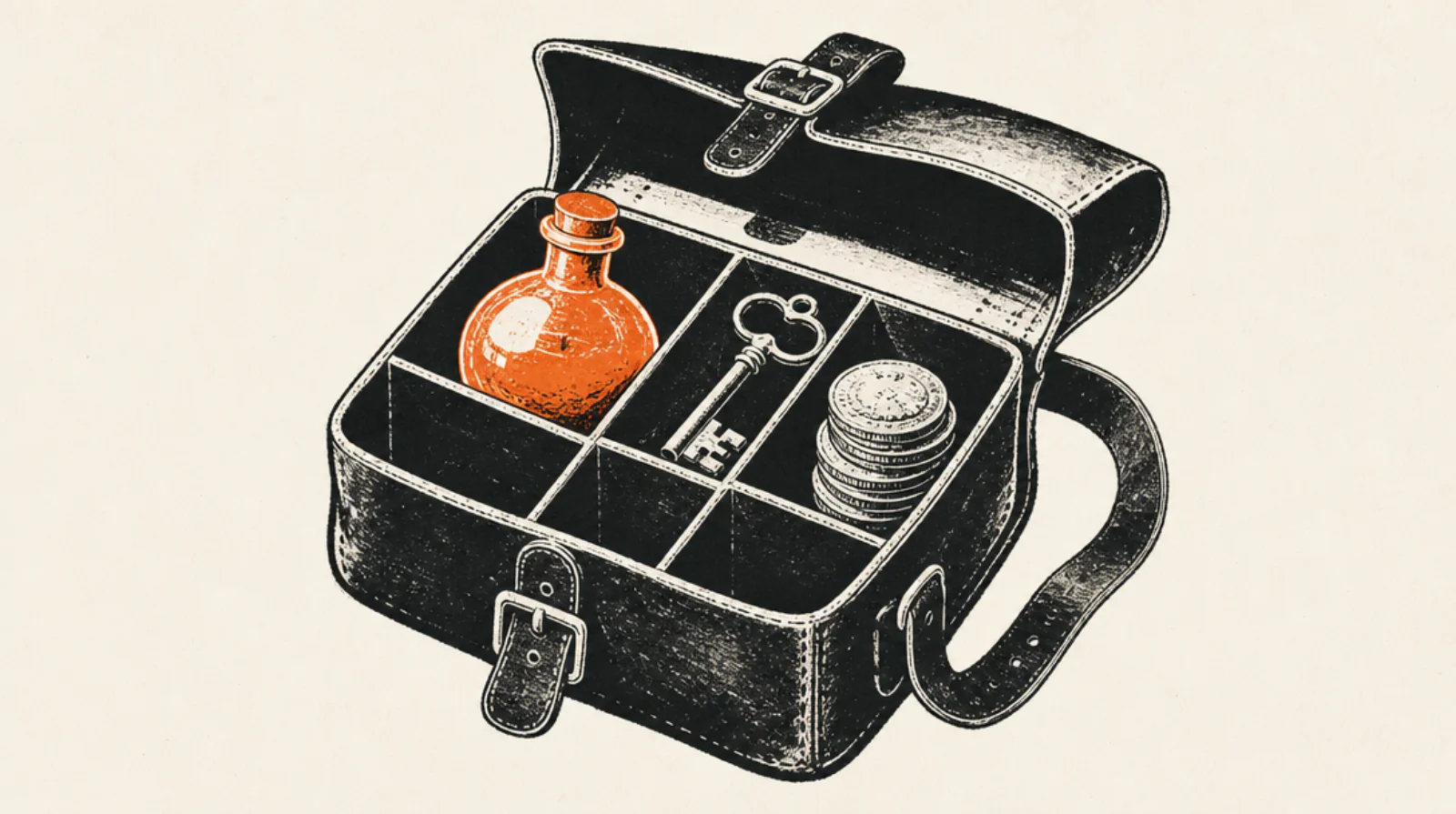
Key takeaways
- Choose the inventory shape for the decision you want players to make: slots limit count, weight limits mass, a grid limits space.
- Every change to the inventory should go through a few functions (add, remove, move) that return what did not fit. Never edit the item list directly from gameplay code.
- Write the full-bag rule before anything else. Items that vanish when the bag is full are the most common inventory complaint.
To make an inventory system, store two things separately: item definitions (what an item is, its icon, how many fit in one stack) and the player's slots (which item and how many are in each). Route every change through a handful of functions, add, remove and move, that enforce your rules and report what did not fit. Then draw a screen on top. The hard part is not the screen; it is deciding the rules for stacking, full bags, dropping and saving, because that is where items get lost or duplicated.
Choose the shape: list, slots, weight or grid
The inventory's shape is a design decision before it is a technical one, because it decides what players think about when they pick something up.
- Unlimited list. Everything goes in, sorted by category. No decisions at all. Right for story games, puzzle games and adventure games where items are keys to progress, not resources.
- Fixed slots. A bag of, say, 20 slots, each holding one stack. Players decide what is worth a slot. The most common shape, and the easiest to build and read on a phone.
- Weight limit. Items have weight and the player has a carrying capacity; going over slows them down. Good for survival and looting games where hauling is part of the fun. Harder to read: show current and max weight at all times.
- Spatial grid. Items take up shapes (a sword is 1 by 3, a shield 2 by 2) on a grid. Packing becomes a small puzzle. It is satisfying and tactile, but the most complex to build and the worst on small touch screens.
For a first game, fixed slots with stacking cover almost everything. Our RPG guide introduces the split between item definitions and held items; this article goes into the rules and bugs that come after that split.
The data model
Keep item definitions in one data file the agent and you can both edit, and keep the player's inventory as a plain array that can be saved as is.
- ItemDef: id (a stable string like `herb_red`, never the display name), name, icon, category (material, consumable, equipment, key, quest), maxStack (1 for gear, 20 to 99 for materials), value, and any category data such as heal amount or equipment slot.
- Slot: `{ itemId, count }` or empty. Unique items that can differ from each other (a sword with a random enchantment, durability that wears down) also carry an instance object with its own id and properties, and their maxStack is always 1.
- Inventory: an array of slots with a fixed length, plus separate equipment slots (weapon, armor, trinket) and, if you want one, a hotbar that points at bag slots.
Using stable ids instead of names matters later: renaming "Red Herb" to "Ember Herb" must not break every save file. The same goes for item order: never identify an item by its position in the definitions file.
Add, remove and move: the only doors in
Every pickup, purchase, craft, quest reward and drop should call the same few functions. That is the single biggest protection against bugs, because the rules live in one place.
- 01add(itemId, count): first top up existing stacks of the same item that are not full, then fill empty slots, and return the leftover that did not fit. Never silently discard it.
- 02remove(itemId, count): check the total is available first, then take from the smallest stacks (or the last ones), and fail cleanly if there is not enough. A craft or a purchase must never take half its cost.
- 03move(fromSlot, toSlot): swap if the items differ, merge if they are the same item, and when merging overflows, leave the remainder in the source slot.
- 04split(slot, count) and sort(): conveniences players expect. Sort by category, then by id, then by count, and keep equipped items where they are.
The full-bag rule and other edge cases
Decide what happens when items do not fit, and write it down. The common options: leave the item on the ground where it was (best for pickups), drop the overflow at the player's feet (for crafting and rewards), or send it to a mailbox or storage chest (for quest rewards that must never be lost). Whatever you choose, tell the player with a short message: "Bag full".
- Duplication. The classic bug: an item is added to the new place before it is removed from the old one, and a crash, a lag spike or a double click in between keeps both. Remove first, then add, and in multiplayer let the server own the inventory.
- Double pickups. Two pickup events fire on the same frame for one item on the ground (two overlapping colliders, or a magnet and a touch). Mark a pickup as taken the moment it is collected, before adding it.
- Quest items in danger. Players will sell, drop or destroy the key to the last door. Make key and quest items unsellable and undroppable, or give them their own tab that does not count toward the bag limit.
- Consumed during a swap. Using a potion from a hotbar slot while dragging the same stack on the inventory screen can leave a ghost item. Pause gameplay while the inventory is open, or lock a slot while it is being dragged.
- Stack size changes. If you raise maxStack from 20 to 50 after release, old saves are fine; if you lower it, old saves hold stacks larger than allowed. Split oversized stacks when loading.
- Removed items. An item deleted from the definitions file still exists in old saves. Load unknown ids as a placeholder or convert them to gold, never crash.
The inventory screen
A readable inventory screen on a phone needs bigger slots than you think. Around 48 to 64 points per slot with a 4 or 5 column grid fits most phone widths. Show the stack count in a corner of each slot, a short description and the main actions (Use, Equip, Drop) when a slot is tapped, and highlight new items until they are seen. On desktop, drag and drop plus right-click to use is expected; on touch, tap to select and tap a target is easier than dragging.
Keep a few things out of the bag entirely: currency belongs in a counter at the top, not in a slot. On Startbase, the inventory screen is game UI you can rearrange by hand in the UI Editor, while the agent handles the rules behind it. The HUD design guide covers what should stay on screen during play, like a hotbar.
How the inventory connects to everything else
An inventory is the hub that many other systems plug into, which is why its functions have to be the single door in:
- Crafting removes ingredients and adds results in one step that either fully succeeds or fully fails. The crafting system guide covers recipes and stations.
- Loot drops call add with the rolled items and handle the leftover with your full-bag rule.
- Quests count items held (collect 5 pelts) or remove them on turn-in, which is where quest and inventory bugs meet.
- Shops call remove for the price and add for the purchase, checking space first so a purchase never fails halfway.
- Equipment moves an item from the bag to an equipment slot and applies its stats; unequipping into a full bag needs the full-bag rule too.
- Saving writes the slots array and equipment as they are. The save progress guide covers versioning save files so new items do not break old saves.
An inventory brief to paste
Add an inventory system. Item definitions live in one data file with a stable id, name, icon, category (material, consumable, equipment, key), maxStack (1 for equipment, 20 for materials, 10 for consumables), sell value and category data. The player has 20 bag slots of { itemId, count }, plus weapon, armor and trinket slots, and a 4-slot hotbar that points at bag slots. All changes go through add, remove and move functions: add fills existing stacks first, then empty slots, and returns the leftover; remove checks the full amount first and fails cleanly; move swaps, merges and keeps overflow in the source slot. Pickups that do not fit stay on the ground with a "Bag full" message. Key items cannot be dropped or sold and do not use bag slots. Write unit tests for overflowing stacks, removing too much, merging and a full bag. The inventory screen opens with I or a bag button, pauses the game, shows a 5-column grid with counts, and tapping a slot shows its description with Use, Equip and Drop. Save the inventory with the rest of the game.
If you plan bigger systems on top (crafting, shops, equipment with random stats), run the request through Plan mode first, so you see how the agent intends to structure the data before any code changes.
Frequently asked questions
How many inventory slots should a game have?
It depends on how often you want players to make choices. 16 to 30 slots is common for action and survival games, enough to carry a run's finds but not everything. Story games can skip limits entirely.
What is the difference between an item definition and an item instance?
A definition describes a kind of item (Iron Sword, attack 4, icon). An instance is a specific copy the player holds. Most items only need a definition and a count; items that can differ, like gear with random stats or durability, also need instance data.
How do I stop item duplication bugs?
Route every change through one set of functions, remove before you add when moving items, mark pickups as collected the moment they are touched, and in multiplayer keep the inventory on the server.
Should currency go in the inventory?
Usually not. Keep gold or coins as a separate counter. It keeps bag slots for real decisions and makes shop code simpler.

