In-Game Shops and Currencies
A shop is where your economy becomes visible. Price it from how fast players earn, keep it honest, and it becomes the most satisfying screen in the game.
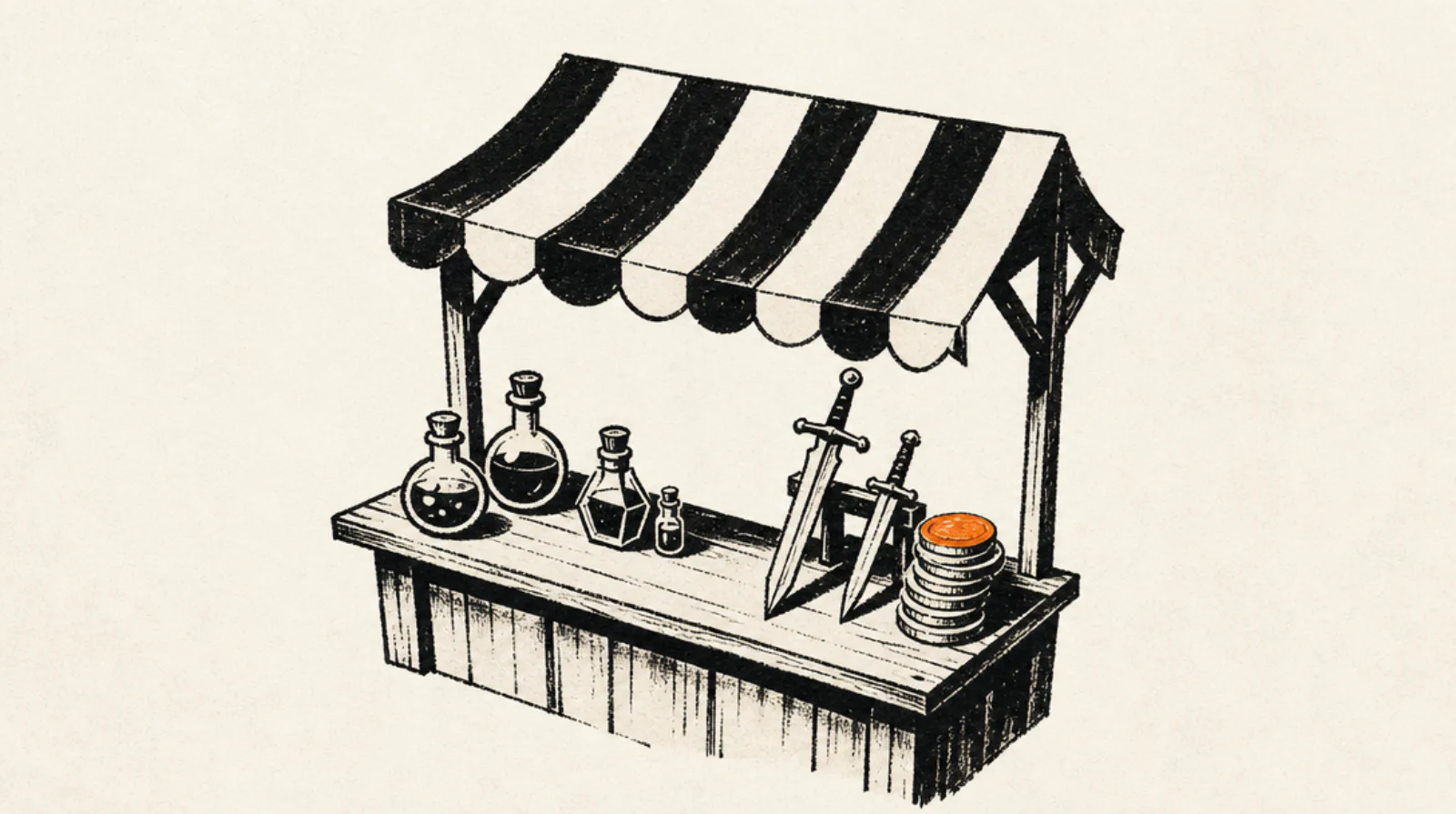
Key takeaways
- Price everything from the earn rate: decide how many minutes of play an item should cost, then set the number.
- One soft currency is enough for most small games; every extra currency needs a clear job, and real-money currency needs real care.
- Refuse obfuscated bundles, fake discounts, countdown offers, paid random boxes and pay-to-win in multiplayer.
An in-game shop is a screen where players trade a currency they earned (coins, gems, scrap) for items, upgrades or cosmetics. To design one, decide how fast players earn currency, price each item in minutes of play, give the currency enough useful things to spend on (sinks) so it does not pile up, and build purchases so a double tap can never charge twice. If any real money is involved, keep the shop honest: clear prices, no tricks. This article covers both the numbers and the lines not to cross.
What the shop does for your game
A shop turns playing into choosing. Every coin earned becomes a small decision about what kind of player to be: buy the stronger sword now, or save for the shield? That decision is the shop's real value, more than the items themselves. It also gives every run a purpose, even a failed one, because a failed run still earned coins.
There are three common placements, and they need different tuning:
- A between-runs shop (roguelites, runners, arcade games): permanent upgrades and cosmetics bought with coins from runs.
- A mid-run shop (roguelikes, wave games): a shop room or a break between waves where coins earned this run buy this run's items. Prices are relative to one run's income. Our roguelike guide covers item synergies.
- A world shop (RPGs, farming games): a merchant who sells gear and buys loot, part of the game's world and story.
Price in minutes of play
Start from the earn rate, not from round numbers. Play your game for ten minutes, count the coins, and work out coins per minute. Say a typical player earns 60 coins per minute. Then price by how long an item should take:
- First purchase: affordable after the first run or about 3 to 5 minutes of play. It teaches what the shop is for. At 60 coins a minute, that is roughly 200 to 300 coins.
- Ordinary upgrades: 10 to 20 minutes each. A purchase every session or two keeps the loop alive.
- Aspirational items: 1 to 3 hours. One or two items players save toward, visible from the start.
- Consumables: 1 to 3 minutes. Potions, extra lives, bombs. Cheap enough to use without hoarding.
Then re-measure after any change that affects earnings. A new coin multiplier halves every price in effect. Ask for prices and earn amounts as dials in the Engine panel (described in the games docs), so you can tune them while playing instead of in code.
Faucets, sinks and inflation
Every economy has faucets (where currency enters: enemies, chests, daily gifts, selling loot) and sinks (where it leaves: purchases, repairs, rerolls, upgrade costs). When faucets outpace sinks, players end up with a pile of coins and nothing to buy, and the shop stops mattering. Common fixes:
- Repeatable sinks: rerolls, consumables, cosmetic dyes, upgrades with rising costs.
- Late items priced for late income: if earnings grow 5 times over the game, the last items should cost 5 times more too.
- Sell prices below buy prices: a common rule is selling for 25 to 50 percent of the buy price. Selling at full price lets players launder currency.
- One currency per job: if you add a second currency (say, boss tokens for rare gear), it should come from a different activity and buy different things. Two currencies that do the same job only confuse.
What an honest shop refuses
If your shop only sells for coins earned in play, most of the pressure tactics below do not even make sense. They appear the moment real money enters, and that is when you should be strictest. Do not build:
- Obfuscated bundles. Gems sold in packs of 80, 450 and 1,200 for items costing 100 and 500, so there is always money left over and players cannot tell what anything costs in real terms. If you sell currency at all, make bundles match item prices, or sell items directly at a real price.
- Fake discounts and countdowns. A "70 percent off" that is always on, or a timer that resets every visit.
- Paid random boxes. Selling chances instead of items. Several countries regulate or restrict paid loot boxes, and players resent them everywhere.
- Pay to win in multiplayer. Stats that money buys in a game where players compete. Cosmetics are fine; power is not.
- Confirm shaming. "No thanks, I like losing" on a decline button.
- Accidental purchases. Real-money buttons placed where play taps land, or no confirmation step. Always confirm and show the price in real currency.
For selling to players directly, our monetization guide covers what tends to work for small web games: one-time purchases of extra content or cosmetics. On Startbase, payments run on your own Stripe account through the project backend (see payments), and a real purchase should be recorded from Stripe's webhook on the server, never trusted from the browser.
The data model and the bugs it prevents
Keep shop items as data: `{ id, name, price, currency, kind: "upgrade" | "consumable" | "cosmetic", maxOwned, requires }`. The player wallet is a map of currency to an integer. Ownership is a map of item id to count.
- Integers only. Store currency as whole numbers. Floating point coins drift (0.1 plus 0.2 is not 0.3) and players notice when 100 coins buys nothing.
- One buy function. It checks the price, subtracts, grants the item and saves, all in one step. If the item grant fails, nothing is subtracted.
- Double tap. Disable the Buy button the moment it is pressed until the purchase completes. Otherwise a fast double tap buys twice or drives the balance negative.
- Maxed items. Show "Owned" or "Max" instead of a price, and never let the buy function sell past `maxOwned`.
- Prices changed after launch. Players who bought at the old price keep the item. Never refund or revoke silently.
- Cloud and local disagree. If the wallet is saved locally and in an account, decide which wins and merge, or players lose purchases. Server records win for anything bought with money.
The shop screen itself
- Show what the player can afford first, and dim the rest with the price still visible. Players need to see what they are saving for.
- Compare before buying. For gear, show the change against what is equipped (damage 12 to 15).
- Make buying feel good. Coins fly out of the counter, the item pops, a short register sound. Our game feel guide has timing values.
- Show the wallet at the top, always, and animate it counting down on purchase.
Startbase games keep screens like a shop as files, so you can lay out item cards and restyle them by hand in the UI Editor, including testing an empty wallet or a full one with sample values.
A brief for a between-runs shop
Add a between-runs shop to my endless runner. One currency, coins, stored as an integer. Players earn about 60 coins a minute; price the first upgrade at 250, ordinary upgrades from 600 to 1,200 rising 1.4 times per level up to level 5, and one cosmetic trail at 6,000. Items are data with id, price, kind and max owned. The buy button disables on press, subtracts, grants and saves in one step, and never lets the balance go below zero. Affordable items come first; others are dimmed with their price. Coins fly to the item on purchase. Make the earn rate and all prices Engine panel dials. No real-money items, no timers, no random boxes.
Frequently asked questions
How do I price items in an in-game shop?
Measure how many coins a typical player earns per minute, then price each item by how many minutes of play it should take: a few minutes for the first purchase, 10 to 20 for ordinary upgrades, an hour or more for one or two aspirational items.
Should my game have two currencies?
Only if each has a different source and a different use. Most small games are clearer with one. A second currency sold for real money needs bundles that match item prices and a server record of every purchase.
Why do players end up with too many coins?
Faucets outpace sinks. Add repeatable things to spend on (consumables, rising upgrade costs, rerolls), price late items for late income, and keep sell prices well below buy prices.
What makes an in-game shop a dark pattern?
Tricks that hide the real price or create false urgency: currency bundles that never match item prices, permanent fake discounts, resetting countdowns, paid random boxes and power for money in competitive games.

