Locks, Keys and Doors
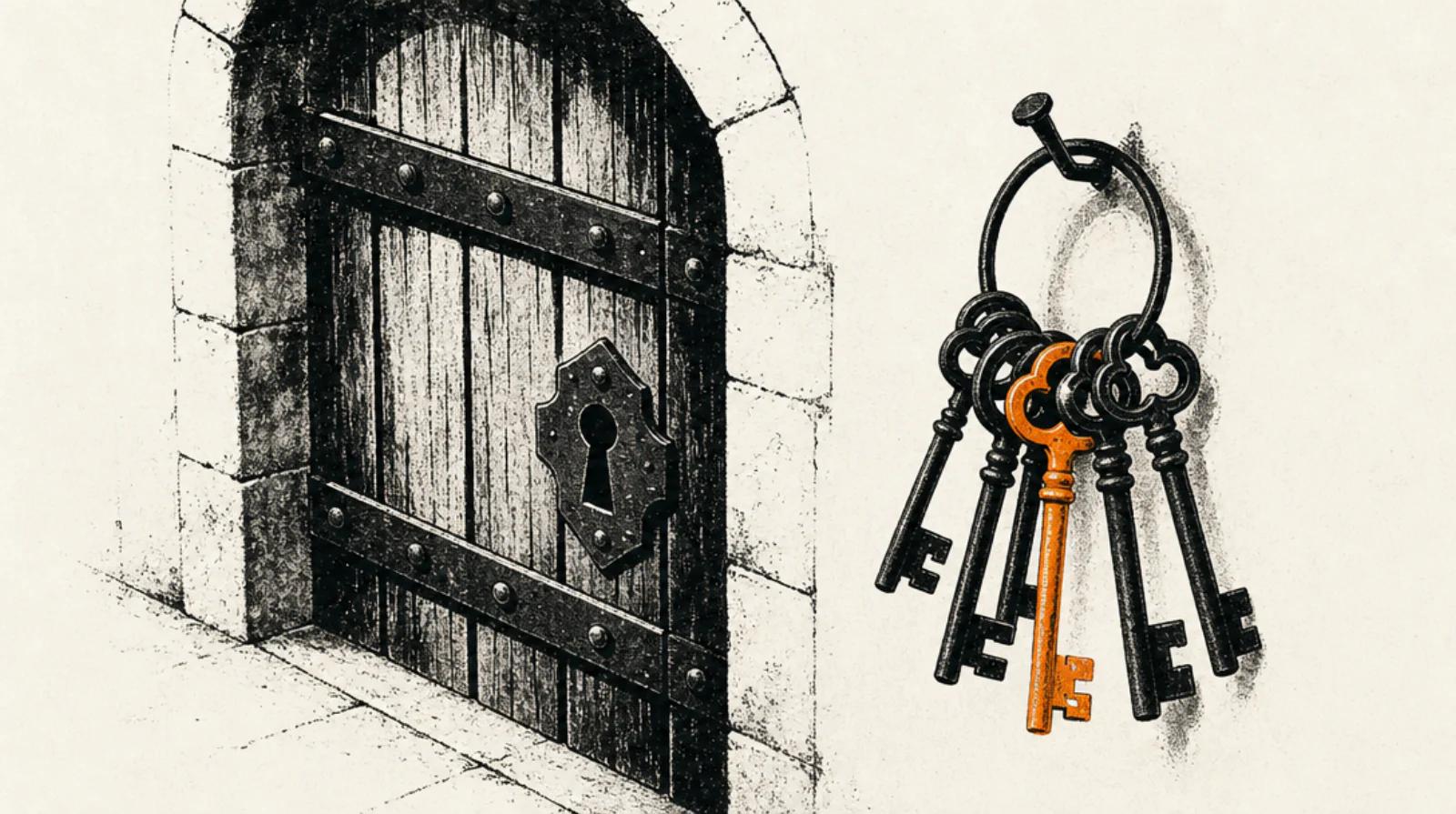
A locked door is a promise: there is something behind this, and you will find the way in. Here is how to build the mechanic so the promise is always kept.
Key takeaways
- Model every gate as a door with a requirement (a key, a flag, an ability or a count), not as special-case code per door.
- Show the lock before the key, keep colors to three or four, and say what is missing in under two seconds of feedback.
- Most lock bugs are softlocks: consumable keys spent on the wrong door, keys lost in pits, and door states that a save or respawn forgets.
Locks, keys and doors are a gating mechanic: a door blocks part of the level until the player holds the thing it requires, which can be a key item, a pressed switch, a learned ability or a count such as three gems. Build it as one system where each door declares its requirement, show the locked door before the player finds its key, keep the number of key types small, and guard against softlocks, the states where the player can no longer reach a key they need. That last part is where most of the work is.
What a door really is
A door is a sentence the level says to the player: there is something past here, and you cannot have it yet. The key is the answer. Good gating turns a flat level into a small story with a goal, a search and a payoff, which is why a single colored door makes a maze feel designed. It is also the cheapest way to control the order in which players see your content without walls that feel arbitrary.
There are five common requirement types, and a single system can handle all of them:
- Key items: the red key opens red doors. Classic, readable, works in any genre.
- Switches and levers: a lever in one room opens a gate in another. Great for teaching the player to read the space.
- Ability gates: the door is a cracked wall and the key is a heavy attack. Our metroidvania guide covers this pattern in depth.
- Counts: the door opens with 3 gems, 50 coins or 10 defeated enemies. It turns collecting into progress.
- Story flags: the guard steps aside after you talk to the mayor. The same door logic, with a quest flag as the key.
The data model that keeps it simple
Do not write a new script for every door. Give each door an id and a requirement, keep a set of things the player holds, and write one function that checks the two. A door might look like `{ id: "crypt-gate", requires: { key: "bone" }, consumes: false }` or `{ id: "vault", requires: { count: "gem", atLeast: 3 } }`. The player state holds `keys` (a set of key ids), `flags` (a set of strings), `counts` (a map) and `openedDoors` (a set of door ids).
- Opened is a fact, not an animation. Write the door id to `openedDoors` the moment it opens, then play the animation. Loading a save rebuilds every door from that set.
- Decide consumable versus persistent per key. A persistent key (a keycard, an ability) is never spent. A consumable key (a small dungeon key) is spent on one door. Mixing them without telling the player is the root of most softlocks.
- Keep requirements as data. When doors are data, the agent can list every door in a level, and you can check that each key exists somewhere reachable.
- Name keys by what they look like. "Bone key" and "rusty key" are easier to talk about than "key_02", for you and for the player.
Values that make gating feel right
Gating feels good when the player sees the problem first, solves it soon, and remembers where to go back. These starting values hold up across platformers, top-down adventures and puzzle rooms:
- Three or four key colors per game area, at most. Colors must differ in shape or icon too, not only hue, so color-blind players can tell them apart. Red, blue and yellow with a circle, square and triangle is a safe set.
- Lock before key. Let the player bump into the locked door first. A key found before its door is just an item; a key found after the door is the answer to a question.
- Key within 30 to 90 seconds of the door in the first areas, and up to a few minutes later on. Longer gaps need a map marker.
- Feedback in under two seconds. Touching a locked door plays a short rattle (about 0.2 seconds of shake, 3 to 4 pixels), shows the required key icon over the door, and fades the hint after about 1.5 seconds. No modal popups.
- Opening takes 0.5 to 1 second. Long enough to feel like a reward, short enough not to block play. Pull the camera toward a door that opens off-screen, then hand control back.
- Show held keys on the HUD. A small icon row near the health display. Players should never open a menu to check whether they have the key. See game UI and HUD design for placement.
Softlocks and the other bugs doors cause
A softlock is a state where the game is still running but the player can never finish, usually because a key is gone or out of reach. Doors are the single biggest source of them. Check for each of these before you ship:
- 01Generic keys spent on the wrong door. Two small doors, one small key, and the player opens the side room first. Fix: give each consumable key a specific door, or guarantee at least as many keys as doors in the region.
- 02Key behind its own door. Easy to create when moving rooms around. Fix: a check that walks the level from the start, collecting keys and opening doors, and fails if any required key cannot be reached.
- 03Keys lost in pits or lava. If keys can be dropped or carried by physics, respawn them at their start point when they leave the level bounds.
- 04Respawn duplicates or deletes keys. The player picks up a key, dies, respawns at a checkpoint before the key. Decide which state the checkpoint restores and test both paths.
- 05Save forgets the door. The door is open in memory but not in the save, so after a reload the player is locked inside a room they already left. Always save `openedDoors` together with the keys spent on them, in one write.
- 06One-way doors that trap. A door that closes behind the player must leave a way forward without anything they could have skipped.
- 07Enemies stuck at doors. Pathfinding usually treats closed doors as walls; update the navigation grid when a door opens, or enemies keep walking into it.
How doors combine with other mechanics
Doors are a hinge mechanic: most other systems become more interesting when they can open something.
- With timers: a switch opens a gate for 8 seconds. A great platforming test, as long as the timer is visible and starts only when the player moves away.
- With enemies: a room seals until every enemy is defeated (the arena lock). Always show the count of enemies left.
- With puzzles: pressure plates that need a crate on them, or several switches in order. Escape rooms are built almost entirely from this, as our escape room guide shows.
- With the map: mark seen-but-locked doors with their color on the map, so players can plan returns.
- With procedural levels: generate the lock graph first, then the rooms. Place each key in the part of the level reachable without its door. Seeded room layouts make this repeatable: the same seed always produces the same locks.
Placing doors in real levels
Draw the level as a graph before you build it: rooms are circles, doors are lines with the key they need, keys are marks inside rooms. A good first level has one locked door the player sees from the start, a short detour to its key, and a payoff room behind it with something visible through bars or a window. A good later level layers two locks so the player opens a door, finds the second key inside, and returns to a door they saw ten minutes ago.
Shortcut doors deserve a special mention. A door that opens only from the far side, so it becomes a shortcut back to a checkpoint or a hub, is one of the most satisfying moments in level design. The player recognizes the place, the world feels connected, and a long walk becomes a short one. Level design basics covers the teach, test and twist pacing these doors slot into.
In Startbase you can place the doors, switches and keys by hand in the World Editor once the agent has built the system, and ask the agent to change rules by chat. The agent also plays the game in a real browser after a build, which catches crashes and obvious blockers, but a walk through every lock order is still yours to do.
A brief for a lock and key system
Add a lock and key system to my top-down adventure. Doors are data: each has an id and a requirement (a key id, a flag, or a count like 3 gems) and says whether the key is consumed. Keys are red, blue and yellow, each with its own shape icon. Touching a locked door shakes it for 0.2 s and shows the needed key icon above it for 1.5 s. Opening takes 0.7 s, and if the door is off-screen the camera pans to it and back. Held keys show as icons next to health. Save opened doors and spent keys together. Add a debug check that walks the level from the start and reports any key that cannot be reached. Make shake, hint time and open time Engine panel dials.
Start with one door and one key, play it, then add the second color. For more adventure structure, our RPG guide shows how quests and inventory share the same flags your doors read.
Frequently asked questions
What is a softlock in a game?
A state where the game keeps running but the player can no longer finish, for example because the key they need was spent on another door or fell somewhere they cannot reach. Unlike a crash, it often goes unnoticed until a player is stuck.
Should keys be used up when they open a door?
Either works if you are consistent and tell the player. Persistent keys are safer. If keys are consumed, give each key a specific door or guarantee enough keys for every door in the area, so spending one in the wrong place cannot block the game.
How many key colors should a game have?
Three or four per area is plenty. More than that and players forget which door needed what. Pair each color with a distinct shape so the keys are readable without color vision.
How do I save which doors are open?
Keep a set of opened door ids in the player state, write it in the same save as the keys, and rebuild every door from that set on load. Never rely on the door object remembering its own state.

