A Prompt for a Chess Variant
One complete brief for a chess variant with an invented piece, then why each line is there, what to ask next and how to fix the bugs variants always have.
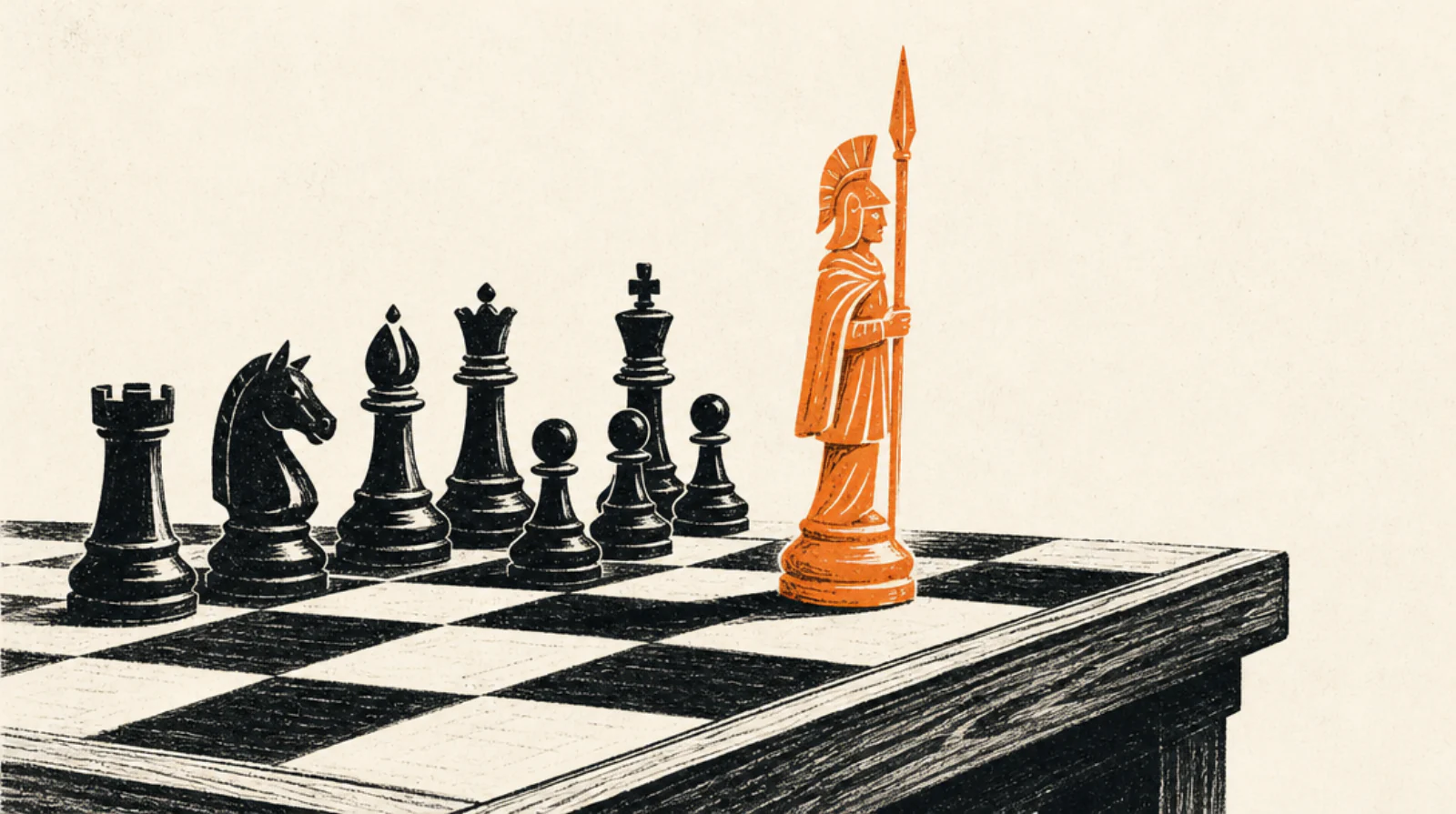
Key takeaways
- A chess variant brief works when every new piece is written as steps, leaps and slides, with its capture rule spelled out.
- Ask for position-based tests and a self-play report in the first build, not later: they are how you find broken pieces.
- Keep the first version to one twist, three modes and no clocks or ratings. Add those once the rules hold up.
A good chess variant prompt names the one rule you are changing, defines any new piece as exact movement and capture rules, asks for legal move validation that includes check, and limits the first version to a few modes. The brief below does all of that for a variant with one invented piece, the Lancer. Paste it as is, or swap the piece for your own idea and keep the structure.
The brief
Build a chess variant called Lancer Chess for the browser, 2D, playable on phones and desktop. Board 8x8 with standard chess rules (castling, en passant, promotion, check, checkmate, stalemate, threefold repetition, 50-move rule) with one change: each side's queenside knight is replaced by a Lancer. The Lancer either leaps like a knight, or slides one or two squares straight forward (toward the opponent) if the squares are empty. It captures only with its knight leap, never with the forward slide. Pawns may promote to a Lancer. Move validation in two passes: generate moves for each piece, then remove any move that leaves your own king attacked, including attacks by Lancers. Screens: a title screen with three modes (Pass and play, Versus computer, Online room by link), the game screen, and a result screen with Rematch. On the game screen: tap a piece to show its legal moves as dots, show the last move and a red glow on a king in check, a move list in algebraic notation where the Lancer is L, and an Undo button only against the computer. Promotion opens a picker with queen, rook, bishop, knight and Lancer. Computer opponent: minimax with alpha-beta, depth 3, piece values pawn 1, knight 3, bishop 3, Lancer 3.5, rook 5, queen 9, running off the main thread so the board never freezes. Look: walnut and maple board, cream and charcoal pieces in a clean flat style, the Lancer as a knight holding a lance, soft wooden click sounds for moves and a deeper knock for captures, no music. Include position tests for every piece (for example: a Lancer on b1 with an empty board has exactly these moves) and a self-play script that runs 200 computer games and prints white wins, black wins and draws. First version: no clocks, no accounts, no ratings.
Why each part is there
- One change, stated as a replacement. "Replace the queenside knight" tells the agent the starting position exactly. Variants that add a piece without saying where it starts get a different setup every time you ask.
- Movement split from capture. The Lancer moves forward but cannot capture forward. Saying so in a separate sentence is what prevents the most common variant bug: a piece that captures in a direction it should only move.
- Two-pass validation, including Lancer attacks. The check test must ask every enemy piece whether it attacks the king. Naming the new piece there stops the engine from reusing a standard attack table that knows nothing about it.
- Three modes, one of them online. Chess is turn-based, which is the easiest kind of multiplayer. A room by link is enough for two friends; matchmaking and ratings are a later project.
- Values and depth for the computer. Without them you get either a random mover or a search so deep it stalls on a phone. Depth 3 in a background worker plays a reasonable casual game.
- Tests and self-play in the first build. You cannot see a broken piece by looking at it. A dozen position tests and 200 self-play games tell you within minutes whether white wins far more often than in normal chess.
- The look in one line, sound in one more. Board material, piece style and two kinds of click give the game a finished feel without opening an art project.
If you want the theory behind fairy pieces, piece values and balance testing, the round-one guide on how to make a chess variant explains each idea in depth. This page is the paste-ready version.
The first three follow-up prompts
Once the first build runs, play two or three games against the computer and one pass-and-play game before asking for more. Then these three, one at a time:
- 01"Run the self-play script and show me the results. If white or black wins more than 60 percent of decisive games, suggest one change to the Lancer (range, capture rule or starting square), apply it behind a setting, and run 200 more games with it so I can compare."
- 02"Add a How to play screen before the first game: one card per piece, each with a small board diagram that animates its moves. The Lancer card shows the knight leap in one color and the forward slide in another, with a note that it only captures with the leap."
- 03"Add an optional chess clock to Pass and play and Online room: presets 5 minutes plus 3 seconds per move, 10 plus 5, and none. Show both clocks, pause on disconnect in online rooms, and flag a loss on time unless the other side has only a king."
Two variations
King of the hill with the Lancer
Add a second win condition instead of a second piece: a player also wins by moving their king onto one of the four center squares without it being in check. Add this to the brief: "A player also wins immediately by moving their king onto d4, e4, d5 or e5 while that square is not attacked. Highlight the four hill squares with a faint ring. The computer's evaluation gives a bonus for king distance to the hill in the endgame." Games get shorter and more aggressive, which suits phones.
Six by six mini chess
For quick games on a phone, shrink the board: "Board 6x6. Each side has a king, a queen, a rook, a knight, a Lancer and six pawns. No castling, no en passant, pawns move one square only and promote on the last rank." A small board makes the computer much stronger at the same depth, so lower it to 2 for the easy setting.
What usually goes wrong and how to ask for the fix
- A Lancer gives check but the king ignores it. The attack test still uses standard pieces. Ask: "In this position the black king on e8 is attacked by the white Lancer on d6 but the game lets black play another move. Make the attack check ask every piece type, add this position as a test, and show me it fails before the fix and passes after."
- The Lancer captures with its forward slide. Ask: "The Lancer just captured a pawn by sliding forward. It may only capture with its knight leap. Fix move generation and add a test where a piece sits two squares in front of a Lancer."
- Promotion skips the picker or leaves out the Lancer. Ask: "Promotion auto-queened. Always open the picker with all five choices, and let the computer consider promoting to a Lancer too."
- The board freezes while the computer thinks. The search is on the main thread. Ask: "Move the computer search into a web worker with a 1.5 second limit per move, and show a small thinking indicator on its side of the board."
- Online rematches start with the same colors or a stale board. Ask: "On Rematch in an online room, swap colors, reset the move list and clocks for both players, and make the server send the fresh position before either side can move."
Testing and sharing it
Play the online mode in two separate browser windows from the preview before you invite anyone: make a move in each, refresh one mid-game and check it rejoins with the right position. Previews run the room server on every plan; publishing a game with its own room server happens on paid plans, as described in the multiplayer docs. If you only need correspondence play (a move a day, like postal chess), saved games in a database work instead of a live room, and the guide on taking a board game online covers that setup.
Then hand the link to the strongest chess player you know and ask them to break it. Experienced players find forced wins in new pieces quickly, and that feedback is worth more than another hundred self-play games.
Frequently asked questions
Can I use this prompt for a different chess piece?
Yes. Keep the structure and replace the Lancer sentences with your piece: where it starts, how it moves as steps, leaps or slides, how it captures, and its estimated value for the computer opponent.
How strong is a depth 3 computer opponent?
It plays a sensible casual game, avoids hanging pieces and punishes obvious blunders, but a club player will beat it. Raise the depth or add a time limit per move if you want a harder setting.
Do two players need accounts to play online?
Not in this brief. One player creates a room and shares the link, the other opens it. Add accounts later if you want saved games, ratings or friends lists.
Why ask for tests in a game prompt?
Move rules are exact, so tests catch mistakes that playing never shows, such as a piece missing one legal square. They also stop later changes from quietly breaking a piece.

