A Prompt for a Mini Golf Game
A full brief for a nine-hole 3D mini golf course with putting physics that feel right, then three follow-ups, two variations and the bugs every golf game hits.
Key takeaways
- Describe each hole in one line (shape, obstacle, par). Nine short lines are a complete course spec.
- Give the putt numbers: maximum power, rolling friction and the speed at which the ball stops. Most mini golf bugs live there.
- Build holes as levels so you can move walls and bumpers yourself in the World Editor without spending credits.
To prompt a mini golf game well, describe the course hole by hole, give the putting controls and the physics numbers, and say how scoring works. The brief below builds a nine-hole 3D course in the browser with drag-to-aim putting, a scorecard and pass-and-play for up to four people. Every hole is its own level, so after the first build you can adjust walls and slopes by hand in the World Editor.
The course brief
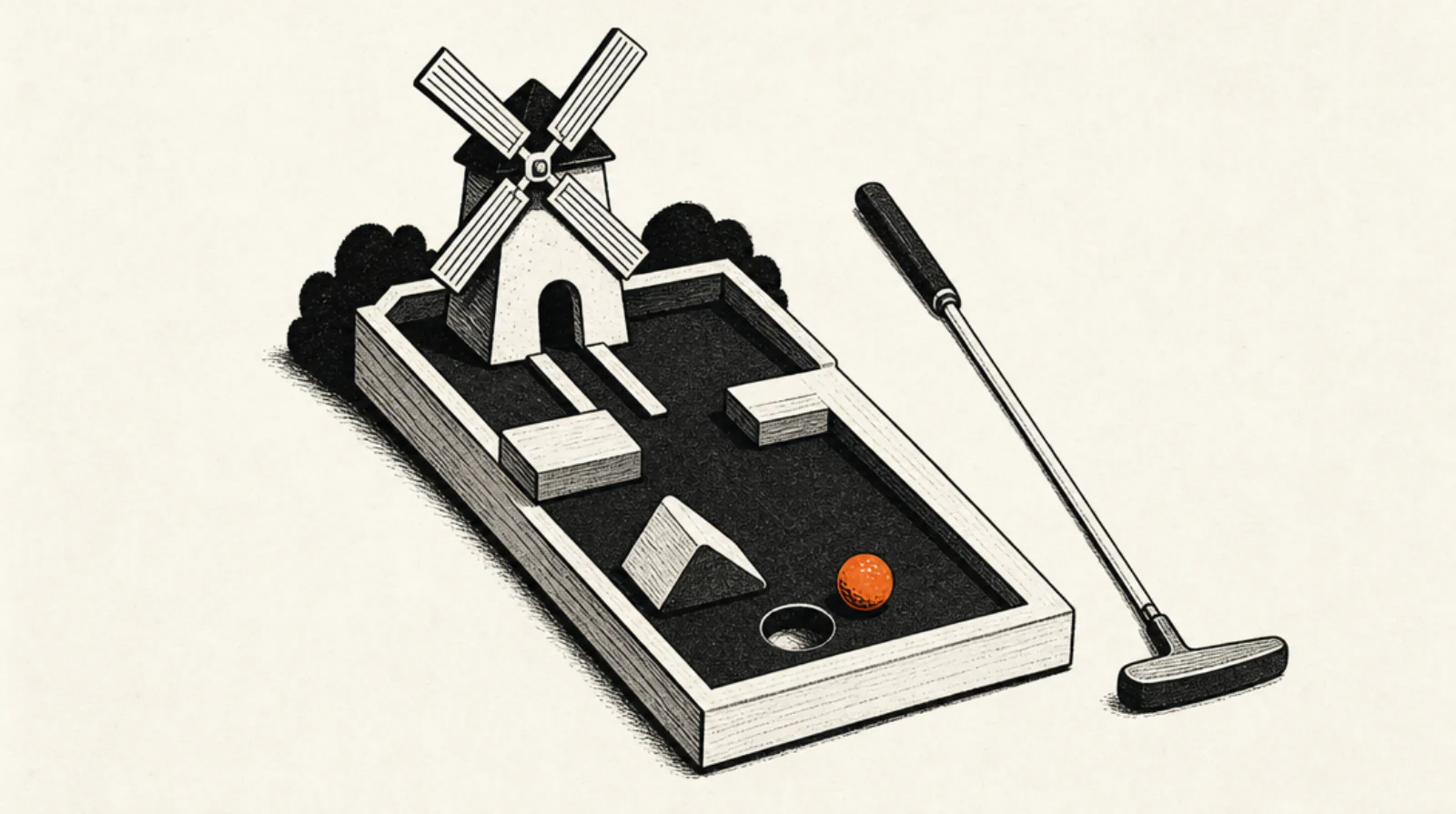
Build a 3D mini golf game for the browser called Putt Park, for phones and desktop, with physics. Nine holes, each a separate level, set in a tidy toy-like park with felt greens, wooden borders and soft afternoon light. Holes: 1) straight, par 2; 2) dogleg left, par 2; 3) a ramp up to a raised green, par 3; 4) a windmill whose blades block the tunnel on a timer, par 3; 5) two paths split by a bumper island, the short one narrow, par 3; 6) a gentle slope that curves putts toward a sand trap, par 3; 7) a loop-the-loop, par 3; 8) a pond in the middle with a narrow bridge, par 3; 9) a long hole with three moving bumpers, par 4. Controls: drag back from the ball to aim and set power (like pulling a slingshot); a dotted line shows direction and the first short stretch of the path, and a power bar fills as you drag; release to putt. A short tap without dragging does nothing. Camera: follows the ball from behind and above while it rolls, then settles behind the ball facing the cup; two fingers or the right mouse button orbit the view. Physics: the ball stops completely below a small speed, rolling friction tuned so a full-power putt crosses about two thirds of the longest hole, walls bounce with a little energy loss, sand slows the ball heavily, water returns the ball to where it was hit with a one stroke penalty. The cup captures the ball if it arrives slower than a set speed; faster balls lip out. Scoring: strokes per hole, a six stroke maximum per hole, a scorecard after each hole with par and the running total, and labels like Birdie or Hole in one with a small burst of confetti. Pass and play for 1 to 4 players with names and ball colors, taking turns per hole. Sound: a soft putter click scaled by power, a hollow drop for the cup, a splash, light birdsong ambience. First version: these nine holes, no online play.
Why each part is there
- One line per hole with par. It gives the agent a layout and a difficulty curve at once: two easy holes, a run of gimmicks, a harder finish. Par also tells it roughly how long each hole should be.
- Drag-back aiming with a short preview line. It is the control scheme players already know from phone golf games, and showing only the first stretch of the path keeps skill in reading slopes.
- Tap does nothing. Accidental taps that fire a putt are the top complaint in touch golf games.
- Stop speed and full-power distance. Without a stop threshold, physics balls creep forever on a flat green. A full-power distance stops the ball from flying off every hole.
- Cup capture speed. Real putts lip out when they are too fast. Having that rule makes power matter near the hole, not only direction.
- Six stroke maximum. Without a cap, one stuck player ruins a group game.
- Each hole as a level. This is what lets you open the World Editor, drag a bumper or tilt a slope, and save, with no chat turn and no credits.
The round-one guide on how to make a sports game covers physics and controls across ball sports, and the game camera guide helps if the follow camera ever fights the player.
The first three follow-up prompts
- 01"Add these putting values as dials in the engine panel: rolling friction, wall bounce, cup capture speed, maximum power and stop speed. I will tune them by playing hole 1 and hole 6."
- 02"After a ball stops, add a ghost trail of the last putt that fades over two seconds, and an optional aim assist setting (off by default) that shows the full predicted path on holes 1 and 2 only, as a tutorial."
- 03"Add a course select screen with the nine holes as cards showing each hole from above, best score per hole saved in the browser, and a second course of nine holes set on a pirate ship deck that opens after finishing the park."
Two variations
Top-down 2D mini golf
For a lighter build, ask for "the same nine holes in 2D, seen from directly above, with slopes shown as arrow patterns on the green and the ball slightly bigger when it is in the air off a ramp." 2D golf is easier to read on small phones and quicker to tune, and it suits a pixel art or paper cut-out look.
Online party golf
Make it social: "Up to four players in a room by link play the same hole at the same time, each seeing the others' balls as ghosts that cannot collide. Each hole has a 60 second limit, and the scoreboard shows after everyone finishes." Playing simultaneously keeps a group game moving. The room server runs in previews on every plan and publishes with the game on paid plans, per the multiplayer docs.
What usually goes wrong and how to ask for the fix
- The ball never quite stops. It creeps on flat felt, so the next turn never starts. Ask: "When the ball's speed stays below the stop speed for a quarter second, stop it completely and start the next shot."
- The ball passes through a thin wall or the windmill. Ask: "On a hard putt the ball goes through the border on hole 2. Use continuous collision for the ball and make borders thicker in collision than they look."
- Holes are impossible to see. The camera starts behind a wall. Ask: "At the start of each hole, fly the camera over the hole from tee to cup in two seconds, then settle behind the ball. Make walls between the camera and the ball fade to transparent."
- Aiming on phones hides the ball under the thumb. Ask: "Let the drag start anywhere on the screen, not only on the ball, and measure the pull from where the finger first touched."
- Slopes are too strong. A ball rolls back to the tee on hole 6 forever. Ask: "Reduce the slope force on hole 6 by half and make sure a ball at rest on any slope eventually settles within three seconds."
Frequently asked questions
Should a mini golf game be 2D or 3D?
3D gives ramps, loops and slopes that look great and feel physical. 2D from above is easier to read on small screens and faster to tune. Both work; pick based on the look you want.
How do I make putting feel right?
Tune three things: how far a full-power putt travels, how quickly the ball slows on felt, and the speed below which the ball stops. Then set how slow a ball must be to drop into the cup.
Can I design my own holes without prompting?
Yes, if each hole is a level. Open Edit mode above the game to move walls, bumpers and obstacles in the World Editor, then save. Hand edits do not use credits.

