Row-Level Security Explained Simply
Row-level security is a rule on each table that says which rows each user may touch. Here is how a policy reads, the four patterns most apps need, and how to test them.
Key takeaways
- Row-level security (RLS) is a database feature: each table gets rules that decide, per row, who may read, add, change or delete it.
- With RLS on and no policy, nobody sees anything. Each policy then opens exactly the access you describe, such as "owners see their own rows".
- Because the rule lives in the database, it protects your data even when a screen or a script forgets to check.
Row-level security (RLS) is a database feature that controls which rows of a table each user can see or change. Instead of trusting every screen of your app to filter correctly, you attach rules (called policies) to the table itself, such as "a user can read a note only if they wrote it". The database applies the rule to every query, from every screen and every script. Postgres has it built in, and backends like Supabase rely on it as their main security layer.
The safe deposit box picture
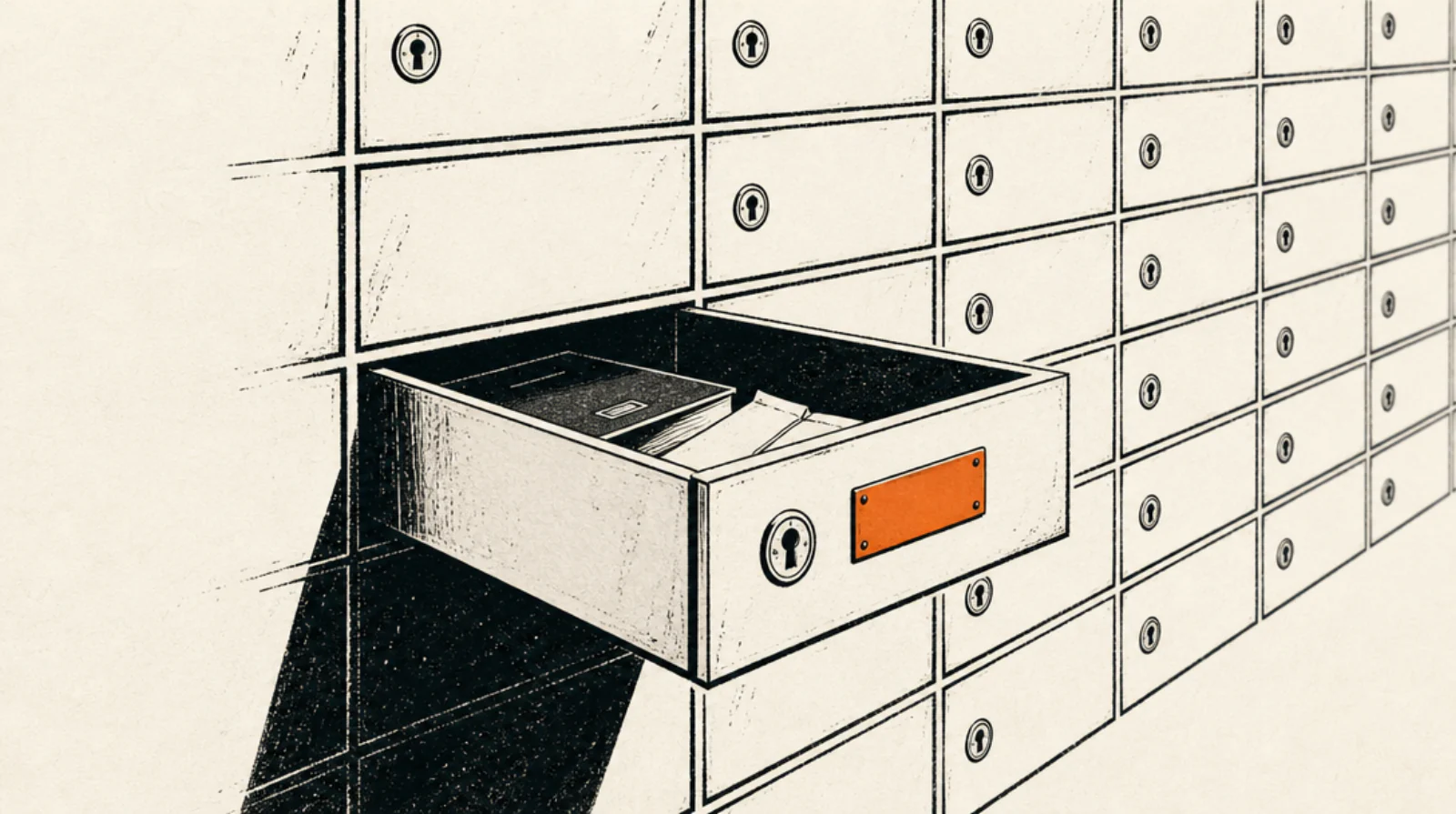
Imagine a table as a bank vault wall full of safe deposit boxes, one per row. Without RLS, anyone allowed into the vault can open any box; your app has to remember to only open the right ones. With RLS, every box has its own lock that checks the visitor's ID card. A bug that asks for "all boxes" simply gets back the boxes this person is allowed to open.
This matters most for backends where the app talks to the database fairly directly. In a Supabase app, the frontend carries a public key that anyone can see. That is fine by design, because the public key grants nothing on its own. What a request can actually read is decided by RLS together with the signed-in user's token.
How a policy reads
Take a `notes` table with columns `id`, `user_id`, `title`, `body`. A typical policy says, in words: for SELECT, allow rows where `user_id` equals the signed-in user's ID. In Supabase's SQL, the condition is just `auth.uid() = user_id`, where `auth.uid()` returns the ID inside the user's session token.
Now walk through two queries. Priya asks for all notes; the table holds 40,000 rows; she gets back her 12. Someone edits the app in their browser to request note 9,001, which belongs to Tom; they get back nothing at all, as if it does not exist.
A policy has a few parts:
- The command it covers: SELECT (read), INSERT (add), UPDATE (change), DELETE (remove) or ALL.
- The roles it applies to: for example signed-in users only, or everyone including anonymous visitors.
- USING: the condition an existing row must meet to be visible or changeable.
- WITH CHECK: the condition a new or changed row must meet. This stops Priya from inserting a note with Tom's `user_id`, or from updating her note to hand it to Tom.
Four patterns that cover most apps
- 01Personal data: users access only their own rows. Journals, settings, saved items. Condition: the row's `user_id` is the signed-in user.
- 02Team data: members of a team share the team's rows. A `team_members` table lists who belongs where; the policy allows a row if the user appears in `team_members` for that row's `team_id`. A project tool, a shared budget or a club works this way.
- 03Public with ownership: anyone can read, only the owner can change. Recipes on a recipe site, listings on a marketplace, profiles. One SELECT policy for everyone, separate UPDATE and DELETE policies for the owner.
- 04Role-based: admins or staff see more. The policy checks a role the user cannot set themselves, such as one stored in their account's app metadata or in a roles table only admins can write.
Real apps combine them. A marketplace's `orders` table might allow the buyer and the seller of each order to read it, the buyer to create it, and nobody to delete it.
The same rules for files and live updates
Row level security is not only for your own tables. In Supabase, file storage keeps a record of every file in a database table, and access to buckets is controlled with the same kind of policies. A rule like "users can upload only into a folder named after their own ID" is a policy on that table. Live updates follow the rules too: when an app subscribes to changes on a table protected by RLS, each subscriber only receives rows they are allowed to read.
That consistency is the real benefit. You describe who may see what once, in the database, and every route into the data (screens, scripts, file links, live feeds) obeys it. Server functions using the master key are the one exception, which is exactly why those functions must do their own checks.
Mistakes that leak data
- RLS turned off on one table. Often a table added later, like `invoices` or `messages`. With the public key in the frontend, that table is readable by anyone who looks.
- A policy of "true". "Allow everything" is sometimes added to make an error go away. It removes the lock.
- Forgetting WITH CHECK. Reads are protected, but users can write rows that claim to belong to someone else.
- Trusting a column the user can edit. If the policy checks `profiles.is_admin` and users can update their own profile, anyone can make themselves an admin.
- Using the master key in the frontend. The service role key skips RLS completely. It belongs only in server code.
How to test your policies
Do not stop at "my own account works". Create two test users, A and B, and run this checklist in two browsers:
- 01A creates a private item. B tries to open it by its URL or ID. B should get nothing.
- 02B tries to edit and delete A's item. Both should fail.
- 03B tries to create an item that names A as the owner. It should be refused.
- 04Sign out and try the list page. Anonymous visitors should see only what is meant to be public.
- 05Make A a team member, then remove them. Access should follow.
Row-level security in a Startbase app
Startbase's agent turns on RLS for every table it creates, with policies that match how your app signs people in. The Data section of the Backend tab flags any table with RLS off, and its policy view lists every policy across your tables so you can create, edit or delete them: command, roles, USING expression, optional WITH CHECK expression, and permissive or restrictive mode. The pre-publish security scan checks every table for RLS, and Backend → Security runs Supabase's advisors with a Fix with AI button on each finding. See the database docs and the security overview.
Review the row level security on every table in my project-management app. Workspaces have members with roles owner, editor or viewer. Members read everything in their workspace; editors and owners create and edit tasks; only owners delete tasks or manage members; nobody sees other workspaces. List each table's policies in plain sentences, fix any that do not match, and make sure users cannot change their own role.
If tables and IDs are still fuzzy, database basics covers them, and user authentication explained shows where the signed-in user's ID comes from.
Frequently asked questions
What is RLS in Supabase?
Row level security is the Postgres feature Supabase uses to decide which rows each request can read or change. Because Supabase apps use a public key in the frontend, RLS policies are what keep each user's data private.
Why does my table return no rows after enabling RLS?
With RLS on and no matching policy, every row is hidden. Add a policy for the command you need, such as SELECT for signed-in users on their own rows.
Does RLS replace checks in my app code?
It is the last line of defense, not the only one. Keep sensible checks in server functions and the interface, but rely on RLS so a forgotten check cannot leak data.
Does RLS slow down queries?
Simple policies add little overhead. Policies that look up other tables, such as team membership, should have indexes on the columns they check.