User Login and Authentication Explained
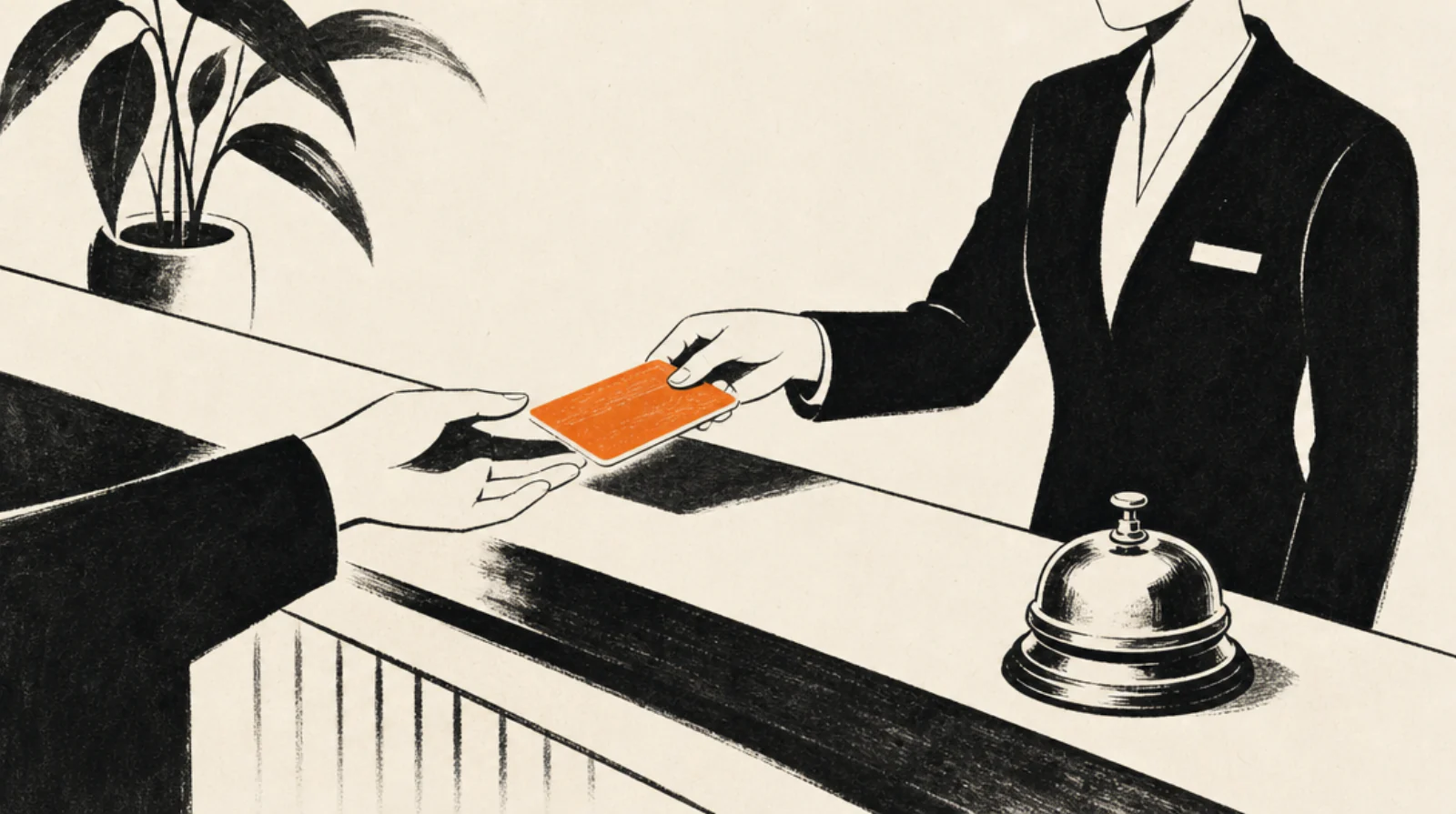
Login is a hotel front desk: prove who you are once, get a keycard, use it everywhere until it expires. Here is every step, and where apps get it wrong.
Key takeaways
- Authentication answers "who are you?"; authorization answers "what may you do?". Apps need both, and the second one is where most bugs hide.
- After you sign in, the server hands your device a signed, expiring token. Every later request carries it, so you do not retype your password.
- Never build login yourself. Use a proven auth service, and enforce permissions on the server, not by hiding buttons.
User authentication is how an app confirms who someone is before letting them in. The user proves their identity once (a password, an emailed link, or their Google or Apple account), the server checks it, and then gives the device a session token: a signed, expiring pass that rides along with every later request. The server reads that token to know who is asking. Everything else, from "forgot password" to admin roles, is built on that loop.
The hotel keycard model
Checking into a hotel is a good mental model. At the front desk you show ID once. The clerk hands you a keycard. For the rest of your stay, doors check the card, not your passport. The card stops working on checkout day, and the hotel can cancel it early if you report it lost.
In an app, the front desk is the auth service, the ID is your password or Google account, the keycard is the token, and the doors are every part of the backend that checks the token before answering. Two ideas follow. First, the password is only used at the front desk, so it travels as rarely as possible. Second, the keycard says who you are, but each door still decides whether you may enter. That second check is called authorization.
What happens when someone signs up
- 01The user types an email and a password. The app sends them over HTTPS, so nobody on the network can read them.
- 02The auth service checks the email is not already used and the password meets the rules (a minimum length, for example).
- 03It stores a hash of the password, never the password itself. A hash is a one-way scramble: easy to compute from the password, practically impossible to reverse. Good auth systems use slow, salted hashing algorithms so a stolen table is still very expensive to crack.
- 04It usually sends a confirmation email with a link, to prove the person owns the address.
- 05Once confirmed, the user gets a row in the users table with a permanent user ID. Your app's own tables point at that ID: `habits.owner_id`, `orders.customer_id`.
At sign-in, the service hashes the typed password the same way and compares results. If they match, it issues tokens. Notice that nobody, including you as the app owner, can look up a user's password. That is a feature. "Forgot password" therefore never emails the old password; it emails a one-time link to set a new one.
Tokens, sessions and staying signed in
Most modern backends issue two tokens. The access token is short-lived (an hour is a common default) and is attached to every request. It is usually a JWT, a small piece of signed data that says "user 3f2a..., signed in, expires at 14:05". The server can verify the signature without a database lookup, which is why it is fast. The refresh token lives longer and is used quietly in the background to get a fresh access token when the old one expires. That is how you stay signed in for weeks without retyping anything.
Signing out deletes the tokens from the device and revokes the refresh token, so it cannot mint new access tokens. Short access-token lifetimes limit the damage if one leaks.
Choosing sign-in methods
- Email and password: familiar and works everywhere. You inherit the reset flow and users who reuse weak passwords.
- Magic link: the user types an email and clicks a link to sign in. No password to forget or leak, but every sign-in needs the inbox.
- Google or Apple sign-in (OAuth): the app sends the user to Google or Apple, they approve, and come back with proof of identity. Fast and trusted. You register your app with each provider to get a client ID and secret.
- Phone (SMS codes): good where email is less common. Each text costs money through an SMS provider.
- Anonymous sessions: let people try the app before creating an account, then upgrade the same user later so nothing is lost.
Roles and authorization
Once you know who someone is, you decide what they may do. A small coaching app might have three roles: client (sees their own plans), coach (sees their clients' plans), admin (sees everything and manages billing). Store the role somewhere only the server can change it, never in a value the browser can edit.
Then check permissions where the data lives. Hiding the Delete button from clients is good design; refusing the delete on the server is security. The strongest version is a rule inside the database itself, such as "a plan row is visible only if `client_id` is the signed-in user or the user is that client's coach". That is row-level security, and it means a forgotten check in one screen cannot leak data.
Mistakes that leak accounts
- Rolling your own login. Hashing, token signing, rate limiting and reset flows are easy to get subtly wrong. Use an established auth service.
- Trusting the frontend. A check like "if the saved role says admin, show the admin page" is decoration. Anyone can edit what their browser stores.
- Telling attackers which emails exist. "No account with that email" on a login form helps people test stolen lists. A neutral message is safer.
- No rate limits. Without them, someone can try thousands of passwords a minute. Auth services usually limit attempts for you.
- Wrong redirect URLs. Magic links and Google sign-in redirect back to an allowed address. A forgotten production URL breaks login on launch day.
How login works in a Startbase app
Startbase Cloud gives each project its own Supabase Auth. The Users section of the Backend tab lists your app's users with a 30-day signup chart, their sign-in methods, role and status, and lets you add, invite, edit and delete users or switch a user between Member and Admin. Sign-in settings turn on email with password and magic link (on by default), Google, Apple, phone via Twilio, anonymous users and an invite-only mode that blocks new signups. A URLs panel sets your Site URL and the redirect URLs allowed after sign-in, and the Emails section brands the confirmation, magic link and reset emails. The Auth docs walk through each setting.
Add accounts to my coaching app. Clients sign in with Google or a magic link. Coaches are invited by an admin and cannot sign up on their own. Clients see only their own training plans; coaches see plans for clients assigned to them; admins see everything. Enforce this in the database, not just in the screens, and add a sign-out button and a "delete my account" option in settings.
Test it the way an attacker would: sign in as a client in one browser and a coach in another, and try to open each other's pages by URL. For the full picture of where login sits, see what a backend is.
Frequently asked questions
What is the difference between authentication and authorization?
Authentication checks who you are (signing in). Authorization checks what you are allowed to do once signed in (for example, only admins can delete users). An app needs both.
Can I see my users' passwords?
No, and you should not be able to. Passwords are stored as one-way hashes. You can trigger a reset email or set a new password for a user, but never read the old one.
Is magic link sign-in secure?
Yes, when links are single use and expire quickly, which auth services handle. Security then rests on the user's email account, so it is as safe as their inbox.
What is OAuth?
OAuth is the standard behind "Sign in with Google" and "Sign in with Apple". The provider confirms the user's identity and sends your app proof of it, so your app never handles that account's password.