What are Git and repositories?
Git keeps a dated, labeled history of every change to your code. A repository is the folder plus that history. Here is what the words mean and why your app should have one.
Key takeaways
- Git records snapshots of a project called commits; a repository is the project folder plus that full history.
- Branches let you try a change without touching the working version, and a remote such as GitHub keeps a copy off your machine.
- Startbase can keep a GitHub repository in sync, committing after every agent turn that changes files.
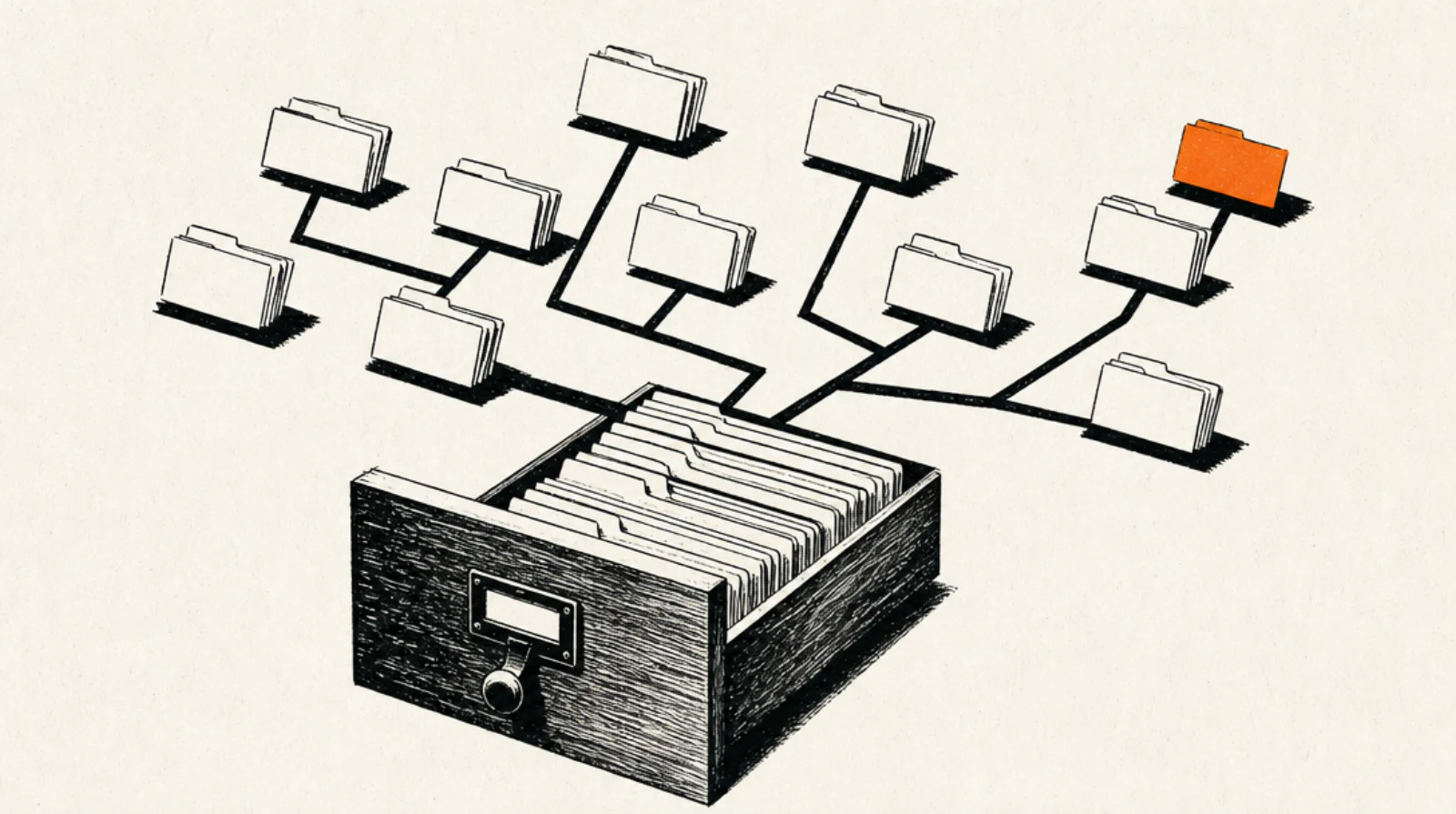
Git is a free tool that tracks every change to a set of files, and a repository (a "repo") is a project folder together with that complete change history. Instead of saving copies named final-v2-really-final, Git stores each meaningful change as a snapshot with a message, an author and a time, so you can see what changed, when and why, and go back to any point.
An everyday comparison: a shared document with version history. You can scroll back to Tuesday, see who rewrote the second paragraph, and restore it. Git does the same for a whole codebase, file by file, and it works offline on your own computer.
The words you will see
- Commit: one saved snapshot, with a message such as "Add dark mode toggle". A good commit holds one logical change.
- Branch: a separate line of commits. The main line is usually called `main`. You create a branch to try something, then merge it back if it works.
- Merge: combining the commits of one branch into another. When two branches changed the same lines, Git asks a human to resolve the conflict.
- Remote: a copy of the repository on a server, most often GitHub, GitLab or Bitbucket. Push sends your commits up; pull brings other people's commits down.
- Clone: downloading a full copy of a remote repository, history included.
- Diff: the exact lines added and removed between two versions.
Git is the tool; GitHub is a website that hosts Git repositories and adds things around them: issues, pull requests, CI that runs tests on every push, and hosting integrations. You can use Git without GitHub, but most teams use both.
Why it matters when you build with Startbase
Startbase already saves a version after every build, which you can preview and restore from the Versions list (see checkpoints and undo). That covers day-to-day "go back" needs inside the workspace. A Git repository adds three things on top: a copy of your code that lives outside Startbase, a history any developer can read in their own editor, and a starting point for CI or hosting somewhere else.
When you connect GitHub, Startbase creates a repository under your account and keeps its main branch in sync: every completed agent turn commits and pushes, named after the change it made, and turns that change nothing skip the commit. The repository is private by default and disconnecting never deletes it. That makes it easy to hand the project to a developer later, or simply to know your code is yours. The export to GitHub guide walks through the setup and what to do with the repo afterwards.
Common confusions
- "A commit is a backup." Only once it is pushed to a remote. Commits that live only on one laptop disappear with the laptop.
- "Deleting a file removes it from Git." It removes it from the current version, but it stays in history. A key committed once must be rotated, not just deleted.
- "Branches are copies of the folder." They are lightweight pointers to commits, which is why creating one is instant.
- "Revert and reset are the same." Revert adds a new commit that undoes an old one, keeping history intact. Reset moves the branch back and can discard commits, so it is the riskier tool on shared branches.
If you are deciding how much of this you need, start with owning your code: for a solo project, the automatic sync is usually all the Git you will ever touch.
Frequently asked questions
Do I need to learn Git commands to use Startbase?
No. Startbase saves versions on its own and, once GitHub is connected, commits and pushes after each agent turn. Git commands only matter if you or a developer edit the code outside Startbase.
Is a private GitHub repository free?
GitHub offers free private repositories for individuals, with limits on some extras such as CI minutes. Check GitHub's current plans for the exact allowances.
What happens to my repository if I disconnect it?
Disconnecting only unlinks the project from Startbase. The repository and its full history stay on GitHub under your account.

