What are HTTPS and SSL?
The padlock means two things: nobody on the network can read or change the page, and the site is really who its address says. How certificates make that work, and the errors you might see.
Key takeaways
- HTTPS encrypts traffic between browser and server and proves the server's identity with a certificate; SSL is the old name for today's TLS.
- HTTPS is effectively required: browsers label HTTP pages "Not secure" and many features such as camera access, geolocation and service workers need it.
- The padlock says the connection is private, not that the site is honest or that your app's data is protected on the server.
The padlock in your address bar stands for HTTPS, the normal web protocol (HTTP) sent through an encrypted connection, and that encryption layer is called TLS, though most people still call it by its older name, SSL. HTTPS does two jobs: it keeps anyone between you and the website from reading or altering the traffic, and it proves, through a certificate, that you are talking to the real owner of that domain.
An everyday example: postcard versus locked case
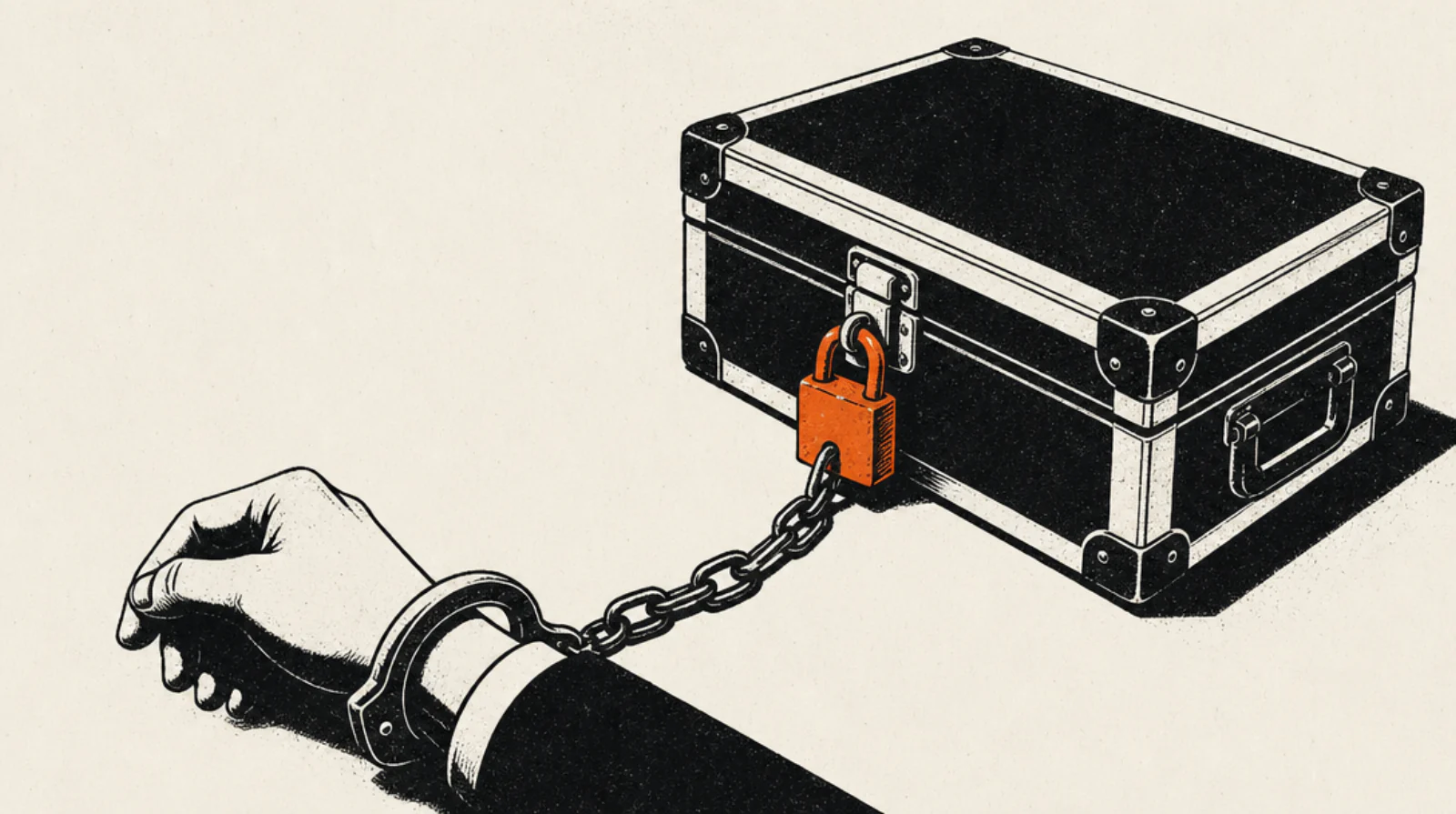
Plain HTTP is a postcard: every sorting office and mail carrier along the way can read it, and could even rewrite it. HTTPS is a locked courier case where only you and the recipient have the key, and the recipient shows government ID at the door. On public Wi-Fi at a cafe, the difference is concrete. Over HTTP, anyone on the same network with free tools can see the pages you load and the passwords you type. Over HTTPS, they see only which site you connected to and how much data moved.
How certificates make it work
A certificate is a small file that says "this public key belongs to www.myshop.com," signed by a certificate authority that browsers already trust. When you visit, the server presents it, the browser checks the signature, the dates and that the domain matches, and then the two sides agree on encryption keys for the visit. Free authorities like Let's Encrypt issue certificates that last 90 days and renew automatically, which is why most hosts can turn HTTPS on without you doing anything.
Why it matters when building with Startbase
Startbase publishes web apps on Cloudflare Pages hosting, which serves sites over HTTPS. For a custom domain on a paid plan, you add one DNS record at your registrar and Startbase checks automatically and issues the HTTPS certificate once the record is found (custom domain docs). DNS changes are usually picked up within minutes, though some take up to 48 hours, and the certificate follows. The full walkthrough is in how to connect a custom domain.
One trap is worth knowing about. An HTTPS page that loads an image, script or API over plain `http://` triggers mixed content: browsers block the script and API calls outright and flag the page. It often comes from an old image link pasted into the code.
Check the whole project for any http:// links to images, scripts, fonts or APIs and switch them to https://, or replace the ones that do not support HTTPS. List what you changed. Then make sure the share links and Open Graph image URLs use my custom domain with https.
Errors you might see
- "Your connection is not private" right after connecting a domain. The certificate has not been issued yet. Wait for the DNS record to be found, then check again.
- Certificate name mismatch. The certificate covers `www.myshop.com` but the visitor typed `myshop.com`. Redirect one to the other.
- Expired certificate. Automatic renewal failed, often because the DNS record was changed or removed.
Common confusions
- The padlock is not a trust badge. Phishing sites get free certificates too. HTTPS proves you reached the domain in the address bar, not that its owner is honest.
- HTTPS protects data in transit, not at rest. Who can read rows in your database is decided by authorization and row-level security. See the app security checklist.
- "SSL certificate" and "TLS certificate" are the same thing. SSL was retired years ago; the old name stuck.
Frequently asked questions
Does HTTPS affect SEO?
Google has used HTTPS as a light ranking signal since 2014, and browsers warn visitors on HTTP pages, which hurts trust and sign-ups more than rankings do.
Do I need to buy an SSL certificate?
Rarely. Most modern hosts issue free certificates automatically. Paid certificates mainly add organization validation that ordinary visitors never see.

