What is a particle system?
Sparks, dust puffs, confetti and rain are all particle systems. Here is how emitters and particles work, numbers to start from, and why bursts can tank a phone.
Key takeaways
- A particle system has an emitter that spawns many small sprites, each with a lifetime, velocity and changes over time.
- Small, quick bursts (8 to 30 particles, 0.2 to 0.6 seconds) give most of the feel; big ones mostly cost frames.
- Pool particles, share one texture, and set a hard cap on how many can live at once.
Sparks from a sword hit, a puff of dust when a character lands, falling snow, a burst of confetti: each comes from a particle system, a small engine that spawns hundreds of tiny images, moves each one by simple rules, fades it out and recycles it.
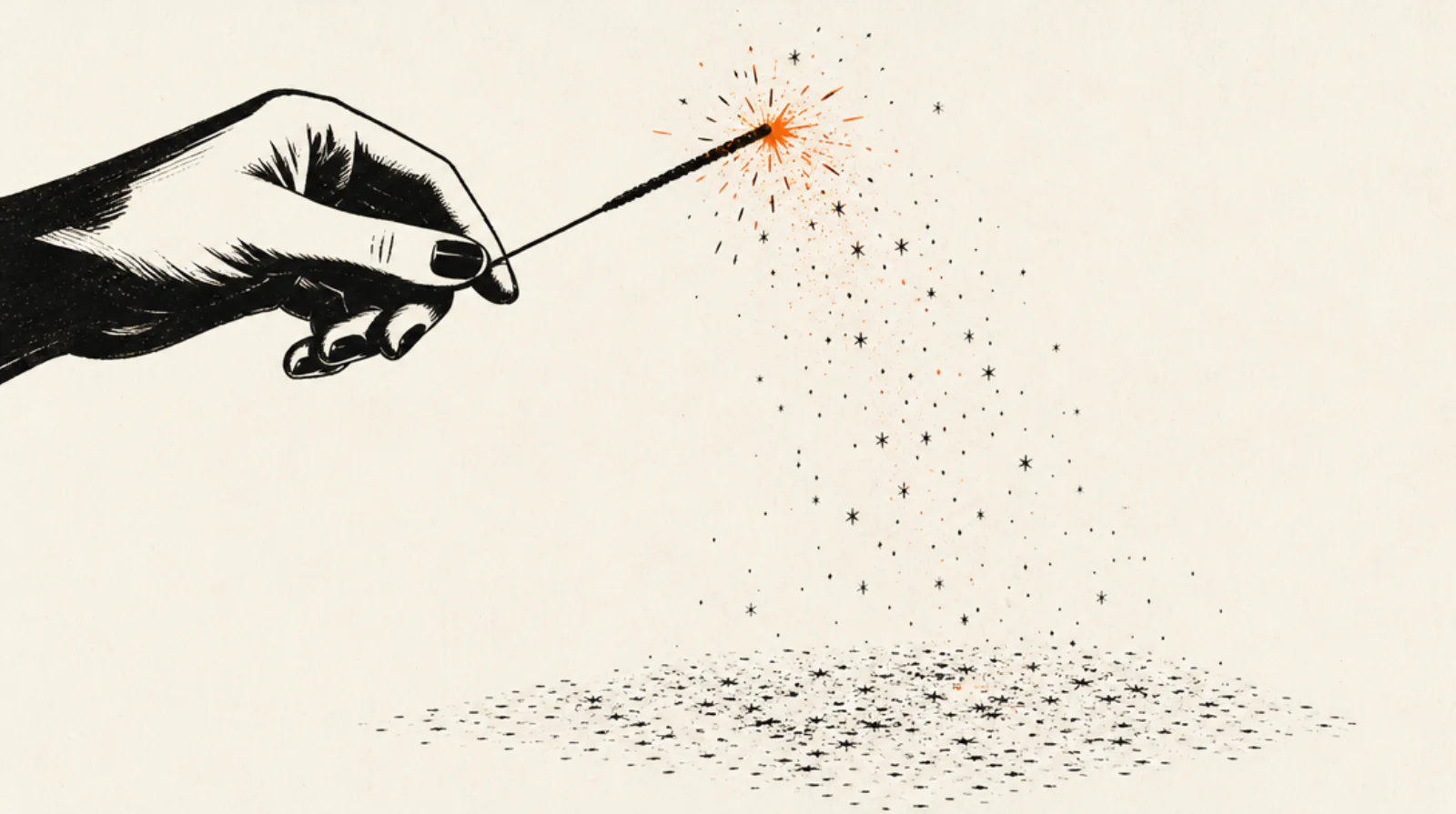
A sparkler is a particle system you can hold. The burning tip is the emitter; each spark flies out at a slightly random angle, glows, dims and disappears within a second. No single spark matters. The crowd of them is the effect.
The parts of a particle system
- Emitter: where particles come from (a point, a line, a circle, the shape of a character) and how many: a one-off burst or a steady rate per second.
- Lifetime: how long each particle lives, usually with randomness, for example 0.3 to 0.6 seconds.
- Starting values: speed, direction spread, size, rotation, color, each with a random range so particles do not move in lockstep.
- Over-life changes: shrink, fade, change color (white to orange to gray for fire), slow down from drag, fall under gravity.
- Texture: usually one tiny soft dot, spark or smoke puff, often drawn additively so overlapping sparks glow.
Starting numbers for common effects
- Landing dust: 6 to 10 particles, 0.3 s, sideways spread, slight upward drift.
- Hit sparks: 10 to 20, 0.15 to 0.3 s, fast, cone facing away from the hit, additive.
- Coin pickup: 8 to 12 glints, 0.4 s, pop outward then fade.
- Explosion: 30 to 60 for the flash and debris plus a few slow smoke puffs, under a second.
- Rain or snow: a steady rate tied to the screen, recycled from top to bottom (weather effects).
These are tuning starting points, not rules. The common mistake runs the other way: effects that are too big and too long, so the screen fills with noise and the player loses track of their character. Short, sharp and readable wins (game feel and juice).
Keeping them cheap on phones
Particles are a classic source of frame drops because they arrive in bursts, exactly when the action peaks. The defenses:
- 01Pool them. Create, say, 500 particle objects at load and reuse them. Creating and discarding thousands mid-fight triggers garbage collection pauses.
- 02Share one texture (or one atlas) so they batch into a single draw call.
- 03Cap the total. When the cap is hit, skip new particles or recycle the oldest. Players never notice.
- 04Watch overdraw. Large, soft, overlapping smoke sprites are costly on phones because every layered pixel is drawn again. Prefer more small particles over a few huge ones.
Particles when building with Startbase
Name the moment, the feeling and the size, and let the agent pick emitter settings. Then check the Engine panel's Perf view during the busiest moment (a boss death, a big combo) on a phone, which is where particle budgets break.
Add particle effects: a small dust puff when the player lands, white-to-orange sparks when a sword hits, gold glints on coin pickup, and a short explosion when an enemy dies. Keep each burst under 0.6 seconds, pool all particles, cap them at 400 on screen, and use one shared texture atlas.
Common confusions
- Particles vs animation. A sprite-sheet explosion is one pre-drawn animation; particles are simulated and vary every time. Many games layer both.
- Particles vs shaders. A shader can make a glow or ripple without any particles (shaders).
- Gameplay particles. If bullets need hits, they are game objects with hitboxes, not decorative particles.
Frequently asked questions
How many particles can a mobile web game handle?
It depends on size and blending, but a few hundred small batched particles is a safe starting budget. Large overlapping soft sprites cost far more than many small ones.
Why does my game lag when things explode?
Bursts of new particles allocate memory and add overdraw at the busiest moment. Pool particles, cap the count, keep sprites small and bursts short.

