What is tick rate?
The server simulates your multiplayer game in steps called ticks. Here is what tick rate controls, what it costs, and sensible starting rates by genre.
Key takeaways
- Tick rate is how many simulation steps a server runs per second; each tick it applies inputs, updates the world and usually sends state to players.
- Higher rates feel more precise but cost CPU and bandwidth on every player's connection.
- Starting points: 10 to 20 Hz for casual and .io games, 20 to 30 Hz for action, higher only for competitive shooters.
In a multiplayer game, tick rate is the number of times per second the server advances the shared world: it collects players' inputs, runs the game rules, and sends out the new state. A 20 Hz server ticks every 50 milliseconds; a 60 Hz server, every 16.7.
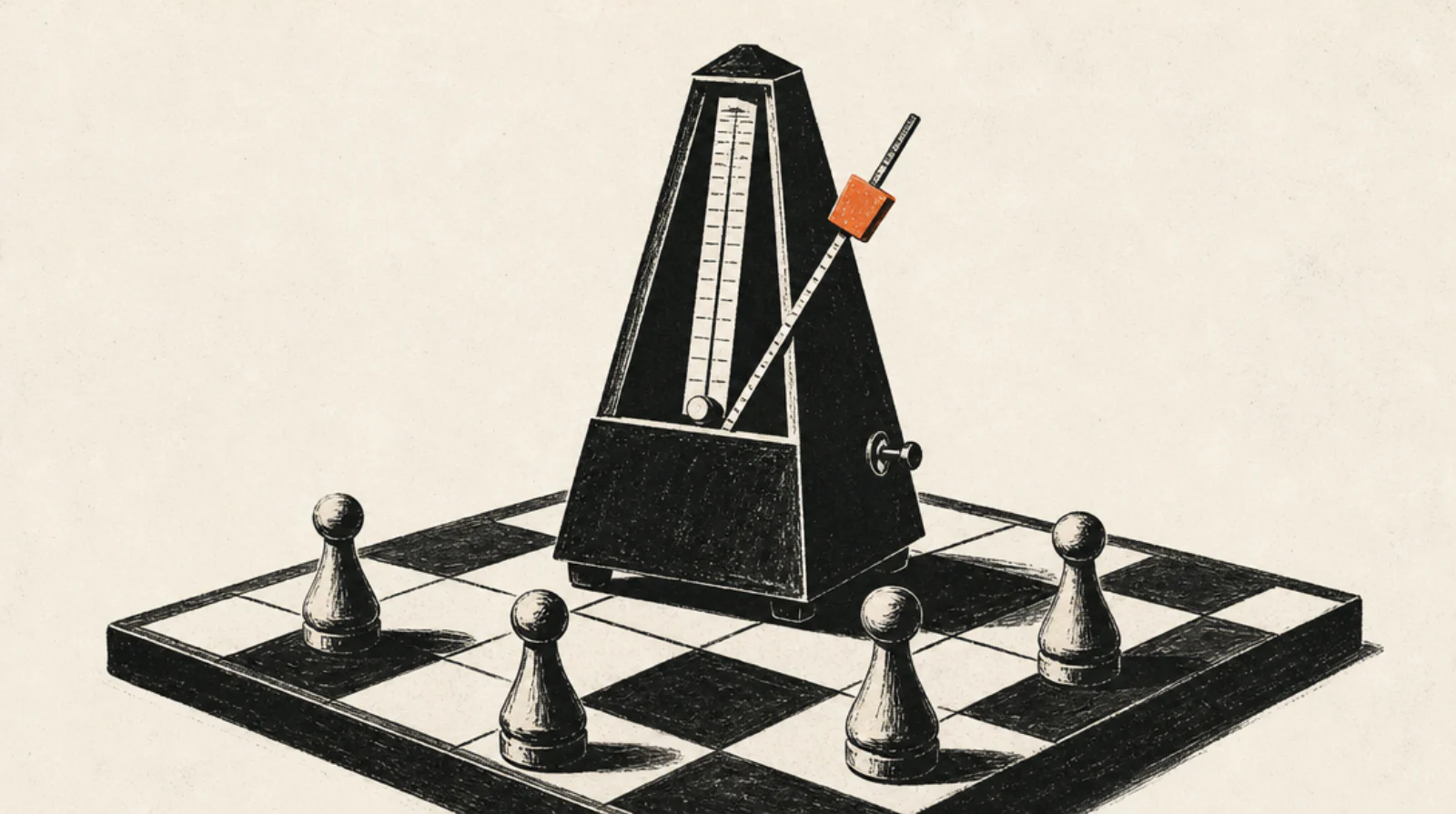
Think of a chess club where the referee updates the big wall board on a fixed rhythm. Update every minute and spectators miss quick exchanges; update every second and the board is accurate but the referee is exhausted. The server is the referee and tick rate is the rhythm.
What happens in one tick
- 01Read all inputs that arrived since the last tick (moves, shots, button presses).
- 02Run the game rules: movement, collisions, damage, scoring.
- 03Send each player a snapshot, or just what changed, often only for things near them.
Clients usually draw at 60 fps or more while the server ticks less often, so clients smooth between snapshots (interpolation) and predict their own movement, so the game looks fluid despite the gaps. That is part of netcode.
What higher tick rates cost
Doubling tick rate roughly doubles server CPU per match and the number of messages per player. A rough example: 16 players, a 100-byte update per player per tick, 20 ticks a second, is about 32 KB/s going to each player. At 60 Hz that triples. On phones over mobile data, smaller and fewer messages also mean fewer drops and less battery use. Well-known reference points help calibrate: Minecraft servers run 20 ticks per second, while competitive PC shooters commonly advertise 64 or 128.
Picking a starting rate
- Turn-based, board and card games: no tick needed; send events when someone acts (how to make a board game online).
- Party and drawing games: event-based, or a slow 5 to 10 Hz for timers and cursors.
- .io games and casual action: 10 to 20 Hz with interpolation (how to make an .io game).
- Fast action and racing: 20 to 30 Hz with client prediction.
- Competitive shooters: 60 or more, and only if the server can sustain it.
Start low and raise it only when testing shows a problem players can feel, such as shots that look like hits but miss. A steady 20 Hz beats a 60 Hz server that cannot keep up and skips ticks.
Tick rate on Startbase
Startbase supports two kinds of multiplayer: live sync for lobbies, turns and boards over your backend's realtime channels, and room servers that give action games one isolated server per match (multiplayer docs). Tick rate is a room-server setting. Previews run the server on every plan; publishing a game with its room server needs a paid plan. State the rate you want in the brief, along with how many players share a room.
Use a room server for this 8-player arena game. Run the server at 20 ticks per second, send each player only the state of players and bullets within their view, interpolate other players about 100 ms behind on the client, and predict the local player's own movement.
Common confusions
- Tick rate vs frame rate. FPS is how often your screen redraws; tick rate is how often the server simulates. They are independent (frame rate).
- Tick rate vs ping. A 64 Hz server cannot fix a 200 ms connection. Ping is travel time (latency and ping).
- Send rate. Some servers simulate at one rate and send updates at a lower one to save bandwidth.
Frequently asked questions
Is a higher tick rate always better?
No. Past what the genre needs, it mostly costs server time and bandwidth. A steady lower rate with good interpolation often feels better than an unstable high one.
What tick rate should a browser multiplayer game use?
For casual and .io games, 10 to 20 Hz is a solid start; fast action games often use 20 to 30 Hz with client prediction.

