Wall Jumping and Wall Sliding
Wall jumps turn every vertical shaft into a playground, if the slide speed, the kick-off and the brief loss of control are tuned. Here is how to set each one.
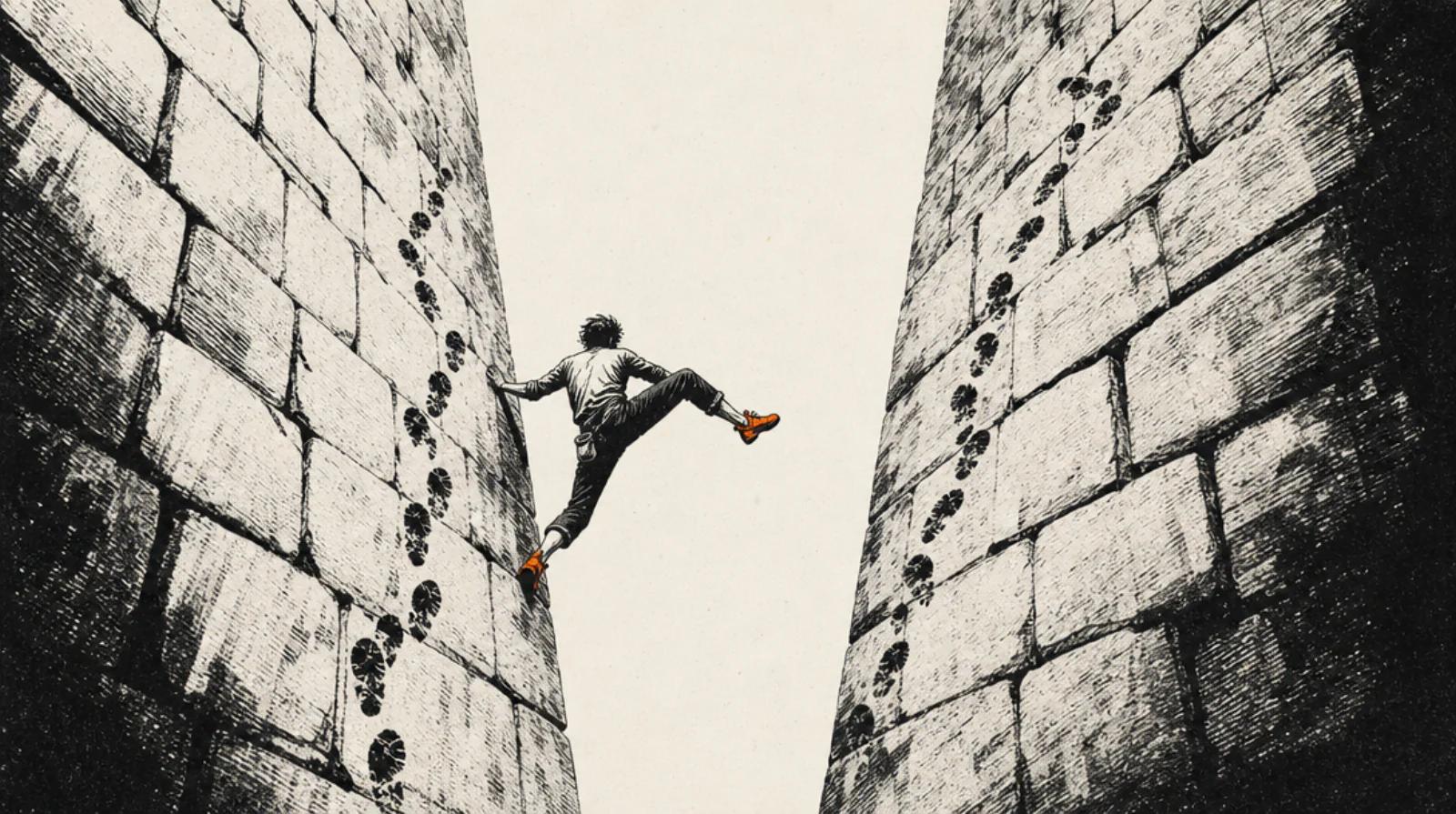
Key takeaways
- A wall slide caps fall speed while the player presses into a wall; a wall jump kicks them up and away from it. Both need clear rules for when "touching a wall" counts.
- The kick-off needs a short window where horizontal input is reduced, around 0.1 to 0.2 seconds, or players push straight back into the wall.
- Decide whether players can climb a single wall. It is the biggest design choice in the mechanic, and it changes every shaft in your levels.
To add wall jumping, detect when the airborne player is touching a wall and pressing toward it, slow their fall to a capped slide speed, and when they press jump, launch them up and away from the wall with a fixed vertical and horizontal speed. Then reduce their steering for a fraction of a second so the kick actually carries them off the wall. Those four parts (detection, slide, kick, lockout) are the whole mechanic. The values and the edge cases below are what make it feel like the player is in control instead of the wall.
When does the player count as on a wall?
Most wall-jump bugs start here. A good wall check needs all of these to be true:
- Airborne. Grounded players are running, not sliding. A player standing next to a wall should do a normal jump.
- A wall within a small distance on one side. Cast a short check 1 to 4 pixels beyond the player's side, not just an exact overlap, so tiny gaps from rounding do not drop the contact.
- Enough wall. Check at the player's shoulder and at the hips. If only the feet touch (a ledge corner), it is not a wall, or the player will slide on the corner of every platform.
- A wall that allows it. Tag surfaces: ice or slime walls that cannot be held, one-way platforms that are never walls, spikes that hurt. Moving platforms need their own rules.
- Falling, or nearly. Starting a slide while still rising fast cuts jumps short. Most games only begin the slide once vertical speed is at or below a small upward value.
Whether the player must also hold toward the wall is a design choice. Hold to slide gives control (release to drop off) and is the common pattern. Sticky walls grab the player on any contact, which is friendlier on touch screens where holding a direction and jumping at once is awkward.
Wall slide values
The slide gives the player time to decide. These starting values assume a 2D platformer with 48-pixel tiles and a run speed around 300 px/s:
- Max slide speed: 25 to 40 percent of normal max fall speed. If falling caps at 900 px/s, slide at around 250 to 350 px/s. Slow enough to read the shaft, fast enough that resting on a wall is not free.
- Ease into it. Do not snap to slide speed on contact. Blend over about 0.1 seconds, so catching a wall during a fast fall feels like grabbing it.
- Optional grip time. A brief hold (0.15 to 0.3 seconds) at zero speed on first contact makes the grab feel deliberate. Use it in precision platformers, skip it in fast ones.
- Release delay. When the player lets go of the direction, keep them on the wall for about 0.1 seconds. That small delay is what lets them press away-and-jump without falling off first.
- Feedback. Dust particles scraping off the wall at the hand, a looping scrape sound, and a sprite facing away from the wall so the player sees which way the kick will go.
The kick-off: speed, angle and lockout
A wall jump sets velocity to a fixed vector pointing up and away from the wall. Like a double jump, it should set velocity rather than add to it, so the jump is the same whether the player was sliding slowly or had just hit the wall at speed.
- Vertical speed: 85 to 100 percent of the ground jump launch speed. Slightly less than a full jump keeps wall climbs from outpacing normal jumps.
- Horizontal speed: 1 to 1.5 times run speed, away from the wall. This is what carries the player across a shaft. Too little and they fall back onto the same wall; too much and they overshoot narrow shafts.
- Input lockout: 0.1 to 0.2 seconds. For this window, horizontal input is ignored or heavily reduced (to around 20 percent). Without it, a player still holding toward the wall cancels the kick in two frames. Fade control back in rather than snapping it.
- Variable height still applies. Releasing jump early shortens the kick the same way it shortens a normal jump.
The big decision: can players climb one wall?
With a short lockout and strong air control, players can kick off a wall and steer back to it before falling, climbing a single wall indefinitely. Some games embrace this and make it the core of their movement. Most restrict it, because it removes the reason for shafts with two walls and lets players skip sections.
There are three clean ways to restrict it, and you should pick one explicitly:
- 01Two jump types. Jumping while holding toward the wall gives a short, steep "climb" hop that gains little height; jumping while neutral or holding away gives the full kick. Players can scale one wall slowly but it costs time.
- 02Same-wall cooldown. After kicking off a wall, that same wall cannot be grabbed again until the player touches the ground or another wall.
- 03Stamina. Each wall jump and second of sliding costs climbing stamina that refills on the ground. It suits exploration games with tall cliffs.
Edge cases and the bugs they cause
- No wall coyote time. The player slides off the bottom of a wall, or lets go, and presses jump a frame late: a normal air jump fires instead of a wall jump, or nothing happens. Keep a short memory (about 0.08 to 0.1 seconds) of the last wall and its side after contact ends, and allow a wall jump inside it.
- Wall jump versus double jump. When the player is near a wall and has an air jump left, the wall jump should win. Check ground, then wall (including wall coyote time), then the air jump. Many games also refill the air jump on a wall jump.
- Sliding on platform corners. If the wall check only looks at the feet, the player catches on the edge of every ledge they fall past. Require contact at two heights.
- Ceilings. A wall jump into a low ceiling should zero vertical speed on contact, not slide the player along the ceiling.
- Moving walls. Add the wall's velocity to the player's while sliding, or they slip off a wall that moves away. Test vertical moving platforms especially.
- Facing flips. The sprite should face away from the wall while sliding and keep facing the kick direction afterwards; flipping back on the first frame of input looks like a glitch.
- Touch controls. Pressing toward a wall and jump at once on a phone is hard. Sticky walls or "jump while touching a wall always kicks away" make the mechanic usable on touch. The touch controls guide covers button layout.
Designing levels around walls
Measure first. With your final values, how wide is the widest shaft the player can climb between two walls? How much height does each kick gain? A shaft 3 to 5 tiles wide usually feels best; narrower makes kicks cramped, wider demands perfect timing. Then mark what can be climbed. Players should never wonder whether a wall is grabbable: give climbable surfaces a consistent texture or trim, and use clearly different art for walls that cannot be held.
Teach it in steps, like any mechanic in the level design basics: a short shaft with the floor right below it, then a tall one over a pit, then one with hazards on one wall that force a long kick, then a shaft that combines walls with a dash across a gap at the top. On Startbase you can drag walls closer or further apart by hand in the World Editor, with snapping set to your tile size, and press P to start the level right at the shaft you are tuning.
A wall jump brief to paste
Add wall sliding and wall jumping to the player. A wall counts when the player is airborne, falling, and touching a solid wall at both shoulder and hip height within 2 px; ice walls (tagged ice) cannot be held. While holding toward a wall, ease the fall over 0.1 s to a max slide speed of 300 px/s, and keep the player on the wall for 0.1 s after they let go. Jump while on a wall, or within 0.1 s of leaving it, launches up at 90 percent of the normal jump speed and away at 1.3 times run speed, then reduces horizontal control to 20 percent for 0.15 s, fading back in. Holding toward the wall when jumping gives a short climb hop instead, so climbing one wall is slow. Check jumps in this order: ground, wall, air jump. A wall jump refills the air jump. Show wall dust at the hand, a scrape sound while sliding, and face the sprite away from the wall. Expose slide speed, kick speeds and lockout as dials. Add a practice shaft 4 tiles wide to level 1.
Play the practice shaft on a phone and a keyboard before building more. Wall jumps are the mechanic where touch and keyboard feel most different, and the preview on a real device shows it in a minute.
Frequently asked questions
What is the difference between a wall slide and a wall jump?
A wall slide slows the player's fall while they press into a wall, giving them time to act. A wall jump launches them up and away from the wall. Most games use both together: slide to get ready, jump to climb or cross.
Why does my character jump straight back into the wall?
The player is still holding toward the wall when the kick fires, and full air control cancels the push away immediately. Reduce horizontal control for about 0.1 to 0.2 seconds after a wall jump and fade it back in.
Should players be able to climb a single wall?
It depends on your game. If you want shafts with two walls to matter, restrict it with a short climb hop, a same-wall cooldown or stamina. If fast, free movement is the point, allow it and design levels around it.
Do wall jumps work on mobile?
Yes, with some help. Sticky walls, or a rule that jumping while touching any wall always kicks away from it, remove the need to press a direction and jump at the same moment.

