How to make a game like Doodle Jump
A vertical jumper is an auto-bouncing character, a camera that only goes up, and a platform generator that gets meaner with height. Here is how to build one that is yours.
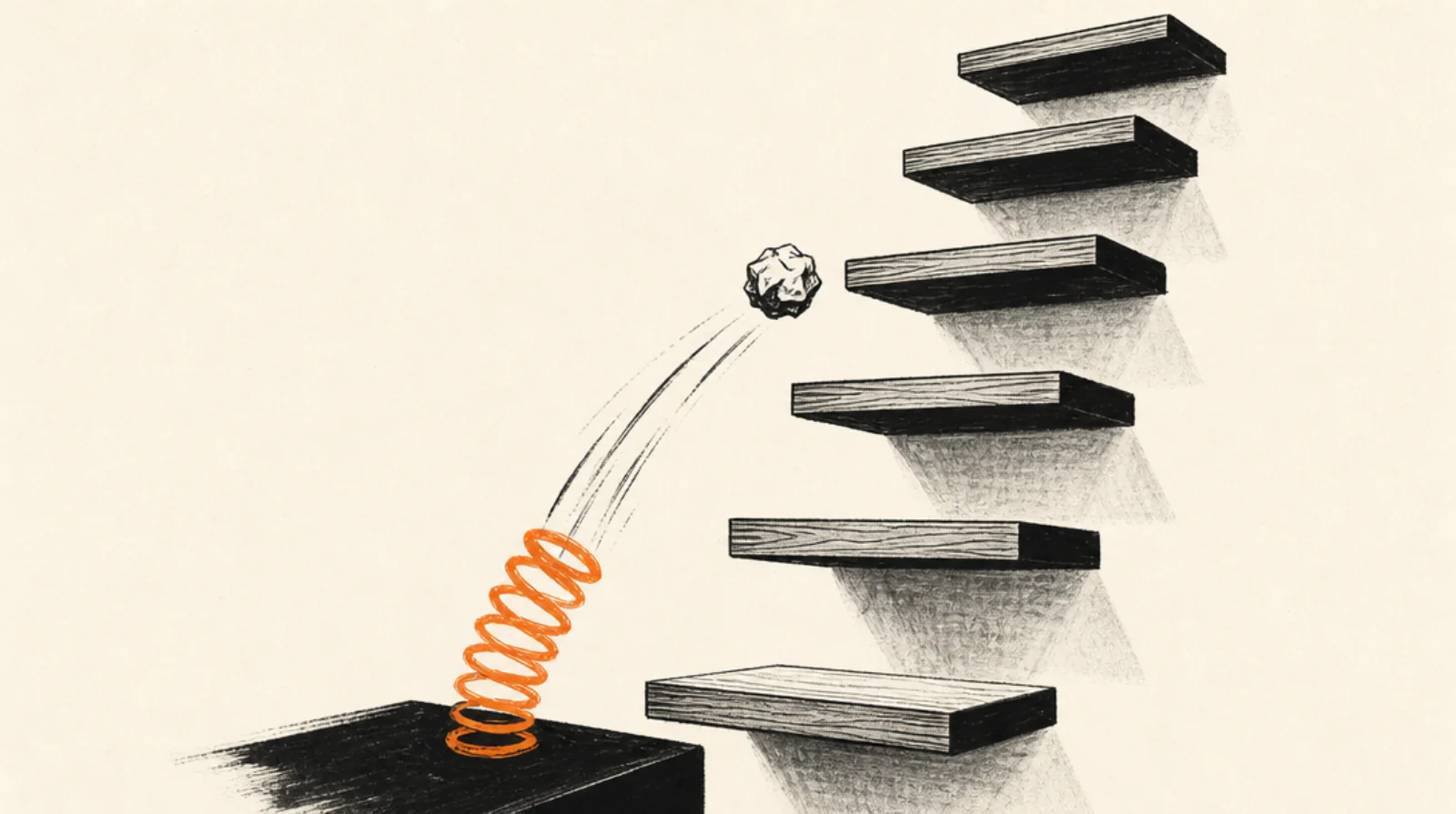
Key takeaways
- The character bounces automatically. The player only steers sideways, so the whole game lives in horizontal control and platform placement.
- Space platforms by the maximum jump height: never more than about 85 percent of it, and widen the gaps slowly as the player climbs.
- Make the game yours with a new verb or a new world. The name, character, sketchbook art and sounds of the original belong to its owner.
To make a game like Doodle Jump, build a character that bounces automatically every time it lands on a platform, let the player steer it left and right (by tilting the phone or touching either side of the screen), and generate platforms above the camera forever, spacing them a little wider as the score climbs. Fall below the bottom of the screen and the run ends. That is the whole genre: the vertical jumper. Everything else is tuning and personality.
One thing first: Doodle Jump, its hand-drawn character, its notebook-paper look, its sounds and its specific monsters belong to its owner. You can learn from the genre freely, but your game needs its own name, hero, art style and enemies. The good news is that the genre is a set of ideas, and ideas are free to build on.
Why vertical jumpers work
The genre removes the hardest input in platforming: the jump button. Because the character bounces on its own, the player has one job, horizontal position, and every decision is about where to land next. That makes it playable with one hand on a bus, and it makes the skill curve smooth. A first-timer reaches a few hundred meters; a practiced player reads three platforms ahead and plans a route.
- Constant motion. The character is always rising or falling, so the screen never feels idle.
- Height is the score. It is visible, it only goes up, and it is easy to brag about.
- Failure is clear. You fell. Nobody argues with gravity, so deaths feel fair if the platforms were reachable.
- Runs are short. Thirty seconds to three minutes, with an instant retry. The genre sits next to endless runners in how it holds attention.
The bounce: physics values to start from
Treat the bounce as a fixed launch, not real physics. When the character touches a platform while moving downward, set its vertical speed to a constant upward value. Ignore landings while moving up, so the character passes through platforms from below (the classic one-way platform, covered in moving and one-way platforms).
- Gravity: around 1,800 to 2,400 pixels per second squared at a 1080-pixel-tall design height. Heavier feels snappier.
- Bounce speed: pick it so one jump rises about 35 to 40 percent of the screen height. With gravity g and launch speed v, the peak is v² ÷ 2g, so solve for v from the height you want.
- Horizontal speed: cap it around 0.9 screen widths per second, with acceleration that reaches the cap in about 0.15 seconds and a quick slowdown when the input stops. Floaty side motion is the most common complaint in jumper clones.
- Screen wrap: leaving the left edge puts you on the right edge. It doubles the routes available and makes the narrow phone screen feel wide.
Tilt or touch
Tilt steering suits this genre: the phone becomes the control, and the thumb stays free. Map the device tilt to a target horizontal speed with a small dead zone (2 to 4 degrees) and full speed at about 25 to 30 degrees, then smooth the reading over a few frames so hand tremor does not jitter the hero. Browsers ask permission before giving motion data on iPhones, so show a short "Tap to enable tilt" screen and keep a fallback.
The fallback is touch halves: hold the left half to move left, the right half to move right. Many players prefer it even when tilt works, so offer both in settings. The mobile touch controls guide covers dead zones and hold-versus-tap timing in more detail.
The platform generator
Generate platforms in a band above the camera, keep a small pool of them, and recycle any platform that falls below the screen. The one rule that keeps the game fair: the vertical gap between consecutive reachable platforms must be less than the jump height. Use 85 percent of the maximum height as your hard ceiling so a slightly late input still lands.
- 01Track the last reachable platform. Every new row is placed relative to it, not relative to the screen.
- 02Pick a gap from a range that grows with height. For example, from 20 to 45 percent of the jump height near the start, rising toward 60 to 85 percent past a few thousand meters.
- 03Pick a horizontal position anywhere, since wrap makes every position reachable, but avoid stacking directly above the previous one too often or the climb gets boring.
- 04Mix in platform types by height. Static first, then sliding platforms, then ones that break on first touch, then ones that vanish after one bounce. Never let a breaking platform be the only route.
- 05Add decoys (non-reachable or harmful platforms) only alongside a safe route.
A data shape that works: each platform is `{ y, x, width, kind, alive }`, where `kind` is one of `static`, `slider`, `fragile`, `once` or `spring`. A spring doubles the bounce for one jump, which is the cheapest way to make a run feel exciting. The procedural generation basics article explains seeds, which you will want for a daily challenge.
Camera, score and hazards
- The camera only rises. When the hero passes above about 40 percent of the screen height, the camera follows. It never comes down, which is what makes falling final.
- Score is max height, shown in meters. Add a faint line at the player's best height so they see it coming.
- Hazards arrive slowly. One floating enemy per few hundred meters at first. Landing on top defeats it; touching from the side ends the run. Add one kind at a time.
- Pickups are rare and loud. A short jetpack-style boost or a shield every thousand meters or so gives runs a story.
Three twists that make it yours
A straight clone teaches you the genre and nobody wants to play it. Change one big thing:
- 01Downward instead of upward. A diver sinks through a well, bouncing off ledges to slow the fall, and the score is depth. Same physics, new tension: you are managing speed instead of fighting gravity.
- 02A second verb. Give the hero a mid-air dash with a cooldown (see how to add a dash). Suddenly gaps wider than one jump are allowed, and skilled players get a new route.
- 03A world that changes with height. Climb from a kitchen counter to the roof to the clouds to orbit, with each band bringing one new platform type and its own music. Height becomes a journey, not just a number.
A brief to paste into Startbase
A 2D vertical jumper for phones, portrait. The hero is a small tin frog that bounces automatically whenever it lands on a ledge while falling, and passes through ledges from below. The player steers left and right by tilting the phone, with a touch fallback (hold left or right half of the screen); show a one-tap screen to enable tilt. Leaving one side of the screen wraps to the other. The camera only moves up. Ledges are generated above the camera: the vertical gap never exceeds 85 percent of the jump height and widens slowly with height. Ledge types appear in this order: solid, sliding, crumbling, one-use, and a spring that doubles the next bounce. The world climbs from a rainy rooftop through clouds to a starfield, changing palette every 1,000 meters. One kind of floating moth enemy appears after 500 meters: landing on it defeats it, touching it from the side ends the run. Score is height in meters, with a line at the best height. On a fall: score, best, and a Retry button that restarts in under a second. Put gravity, bounce speed and side speed in the Engine panel as dials.
Once the base game feels good, publish it with one click and share the link, or put it in the Arcade. If you want a daily seeded climb that friends compare, ask for a leaderboard backed by Startbase Cloud.
Common mistakes
- Unreachable gaps. Always test at the top of your difficulty range, and assert in code that no gap exceeds the safe ceiling.
- Sticky side controls. If the hero keeps sliding after the thumb lifts, players overshoot ledges and blame the game.
- Hazards spawned in the landing path without warning. Anything that can end a run should be visible for at least half a second before it matters.
- Slow retry. The loop is "one more go". A results screen with animations and three buttons breaks it.
Frequently asked questions
Can I make a Doodle Jump clone and publish it?
Copying its name, character, art or sounds is not yours to do; those belong to the owner. Making your own vertical jumper with original art, a new hero and your own twist is how most games in the genre exist.
How does tilt control work in a browser game?
The browser exposes device orientation once the player grants permission (iPhones ask with a prompt). Map the tilt angle to a target sideways speed with a small dead zone, and always offer touch controls as a fallback.
How do I keep platforms reachable as the game gets harder?
Place each platform relative to the last reachable one and cap the vertical gap at a fraction of the maximum jump height, around 85 percent. Increase difficulty with platform types and hazards, not impossible gaps.
Do I need a game engine to build a vertical jumper?
No. It is a small 2D game. On Startbase you describe it and the agent builds it as a web game that runs in a phone browser, then you tune the feel with live dials.

