A Prompt for a Community Board
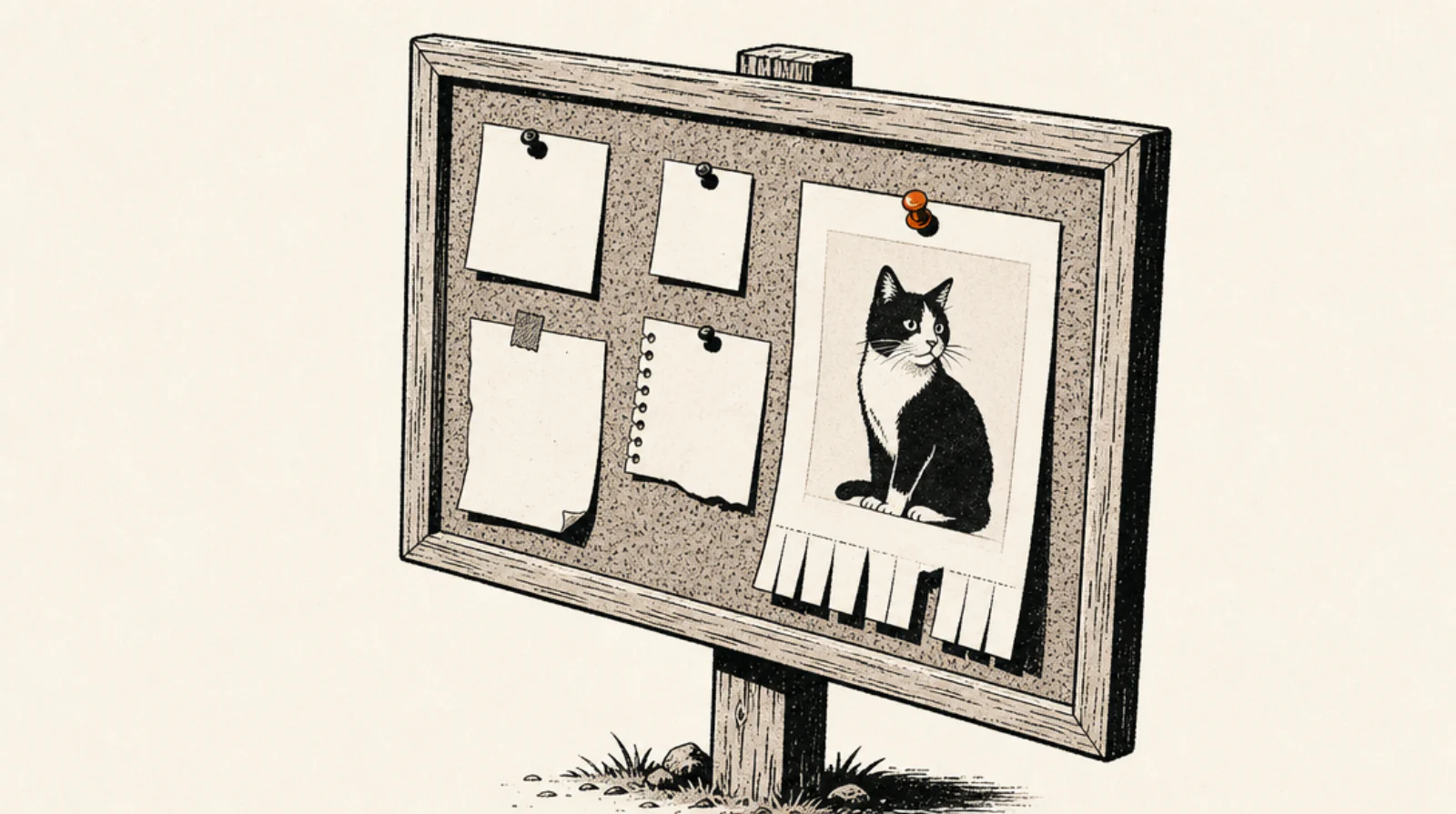
The cork board at the corner shop, rebuilt for your street, building or club: members only, a few clear categories, and moderation from day one.
Key takeaways
- Approve members before they can post. A small community board stays useful only while people know it is their neighbors on it.
- Posts expire. Old "for sale" notes are what make boards feel dead.
- A weekly digest email does more for activity than any feature inside the app.
This prompt builds a members-only community board for a neighborhood, an apartment building, a club or a school parents' group. Members post in a handful of categories (for sale, free, lost and found, events, recommendations, notices), comment, and get a weekly email of what is new. New members wait for approval, posts expire after 30 days, and any member can report a post to the moderators. Paste it, then use the sections below to adapt it.
The brief
Build a members-only community board web app for a neighborhood, friendly and plain, like a well-kept notice board. Use Startbase Cloud for sign-in (email and password), data, photo storage and emails. Data: profiles (user, display name, street or building as a short free-text area, role: pending, member, moderator, admin; joined_at), categories (name, icon, color; seed: For sale, Free, Lost and found, Events, Recommendations, Notices), posts (author, category, title, body, up to 4 photos, optional price, optional event date, status: active, expired, removed; created_at, expires_at = 30 days later), comments (post, author, body, created_at), and reports (post or comment, reporter, reason, status: open or resolved). Rules: new sign-ups are pending and see only a "waiting for approval" screen; moderators approve or decline them. Only members can read or write. Authors can edit or delete their own posts and comments. Moderators can remove any post or comment with a reason the author sees. Screens: 1) Board: newest active posts as cards, category filter chips, search. 2) Post page with photos and comments. 3) New post form. 4) My posts with Renew (30 more days) and Mark as done. 5) Moderation: pending members, open reports, removed items. A nightly job marks posts past expires_at as expired. A weekly email on Sunday morning lists the week's new posts by category to members who opt in. Out of scope: direct messages, payments, maps, and multiple boards.
The reasoning behind the brief
Community boards fail in two ways: they fill with strangers and spam, or they go quiet and stale. Almost every line in the brief fights one of those.
- Pending role and approval: on a public board, the first scammer arrives within weeks. Approval keeps it neighbors only. The short "street or building" field gives moderators something to check without asking for a full address.
- Roles as a field on the profile: four plain roles are enough. The agent turns "only members can read or write" and "moderators can remove any post" into row-level security policies, so the rules hold even if someone pokes at the API directly.
- Six seeded categories: categories decide what the board is for. Six concrete ones beat an open "General" that swallows everything.
- Expiry after 30 days, with Renew: stale posts make a board look abandoned. Expiry plus a one-tap renew keeps it fresh without nagging moderators.
- Mark as done: the sofa is gone, the cat is home. A done state stops a pile of replies on things that no longer exist, and it is satisfying.
- Removal with a visible reason: silent deletion feels arbitrary and starts arguments. A short reason ("duplicate", "commercial ad") explains the rule.
- The weekly digest, opt-in: most members will not open the board daily. A Sunday email brings them back on their schedule. It is opt-in because unwanted email is how a friendly board becomes spam itself.
Two backend pieces from Startbase Cloud do the timed work. Scheduled jobs run inside your database on a schedule (shown in UTC, so tell the agent your local time), and the email can go out through the platform sender with no keys (switch on the App AI gateway first), within a daily per-project limit, or through your own domain once the list grows.
Send these three next
- 01"Let members follow a post. Send an email to the author and followers when someone comments, at most one email per post per hour, with a link to the post and an unsubscribe link."
- 02"Add a pinned area at the top of the board for up to three notices from moderators, like bin day changes or building works."
- 03"Add a simple invite: a member can share a link that lets a neighbor sign up and skip the pending queue, limited to three invites per member per month, and moderators see who invited whom."
Comment notifications are what turn a board into conversations; the one-per-hour limit stops a busy thread from flooding inboxes. Pinned notices give moderators a voice that does not get buried. Trusted invites help growth without opening the gates, and the who-invited-whom trail keeps it accountable.
Two variations
- A club or team board: swap categories for Announcements, Lifts and carpools, Kit swap, Match reports, and Social. Add an event post type with an RSVP of yes, no or maybe and a count on the card. Approval becomes "members join with the club invite code".
- A building board with a landlord or manager: add a manager role that can post Notices pinned to the top and see a Maintenance category where tenants report issues with a photo and a status (reported, scheduled, fixed). Tenants see only their own maintenance reports; the manager sees all.
What tends to go wrong, and the words that fix it
- Pending users can still see posts. The waiting screen hides the board, but the data may still load. Ask: "Pending users must not be able to read posts, comments or profiles at the database level, not only in the interface. Test it by querying as a pending user."
- Photos from removed posts stay reachable. Ask: "When a post is removed or deleted, delete its photos from storage too, and serve post photos only through signed links to members."
- Expired posts still appear in search. Ask: "Search, the board and the digest show only active posts. Expired posts appear only in My posts."
- The digest arrives at 3 am. Schedules run in UTC. Ask: "Send the weekly digest at 9 am Sunday in Europe/Lisbon time" (or your own zone) "and handle the daylight saving change."
- Moderators cannot see what was reported. Ask: "Show each report with the reported content inline, the reason, the reporter, and buttons to remove the content or dismiss the report."
Launching it to your street
Seed the board with five or six real posts before inviting anyone: an event, a recommendation, a free item. Empty boards stay empty. Then put a QR code on a paper notice in the lobby or the shop window, which is fitting for a digital cork board. Write two or three short house rules (no ads from businesses, be kind, mark things done) and link them in the footer.
For threads, reputation and moderation at a larger scale, see how to build a community forum. The members-only rules rely on row-level security, and the digest on scheduled jobs. The Emails docs explain the platform sender and connecting your own domain, and the communities use case page has more ideas for groups.
Frequently asked questions
How do I keep spam off a community board?
Approve new members before they can read or post, let members report posts, give moderators a quick remove action with a reason, and limit invites. Small, members-only boards rarely need more.
Should posts on a neighborhood board expire?
Yes. Thirty days with a one-tap renew is a good default. Expiry keeps the board current without moderators cleaning up by hand.
How do I get neighbors to use a new board?
Seed it with real posts, invite people with a paper notice and QR code where they already pass by, and send an opt-in weekly email digest so they do not have to remember to check.

