What is level of detail (LOD)?
Far-away objects do not need every triangle. Level of detail swaps in simpler models with distance. Here is how to set levels, distances and avoid visible popping.
Key takeaways
- LOD keeps several versions of a model and shows simpler ones as the object gets farther from the camera.
- A common starting point is three levels, each with about half the triangles of the last, plus culling beyond a far distance.
- It pays off in open 3D scenes with many repeated objects; small arenas and 2D games rarely need it.
Level of detail, or LOD, is a 3D technique that shows a detailed version of an object up close and progressively simpler versions as it gets farther away, so the game spends its effort where the player can actually see it.
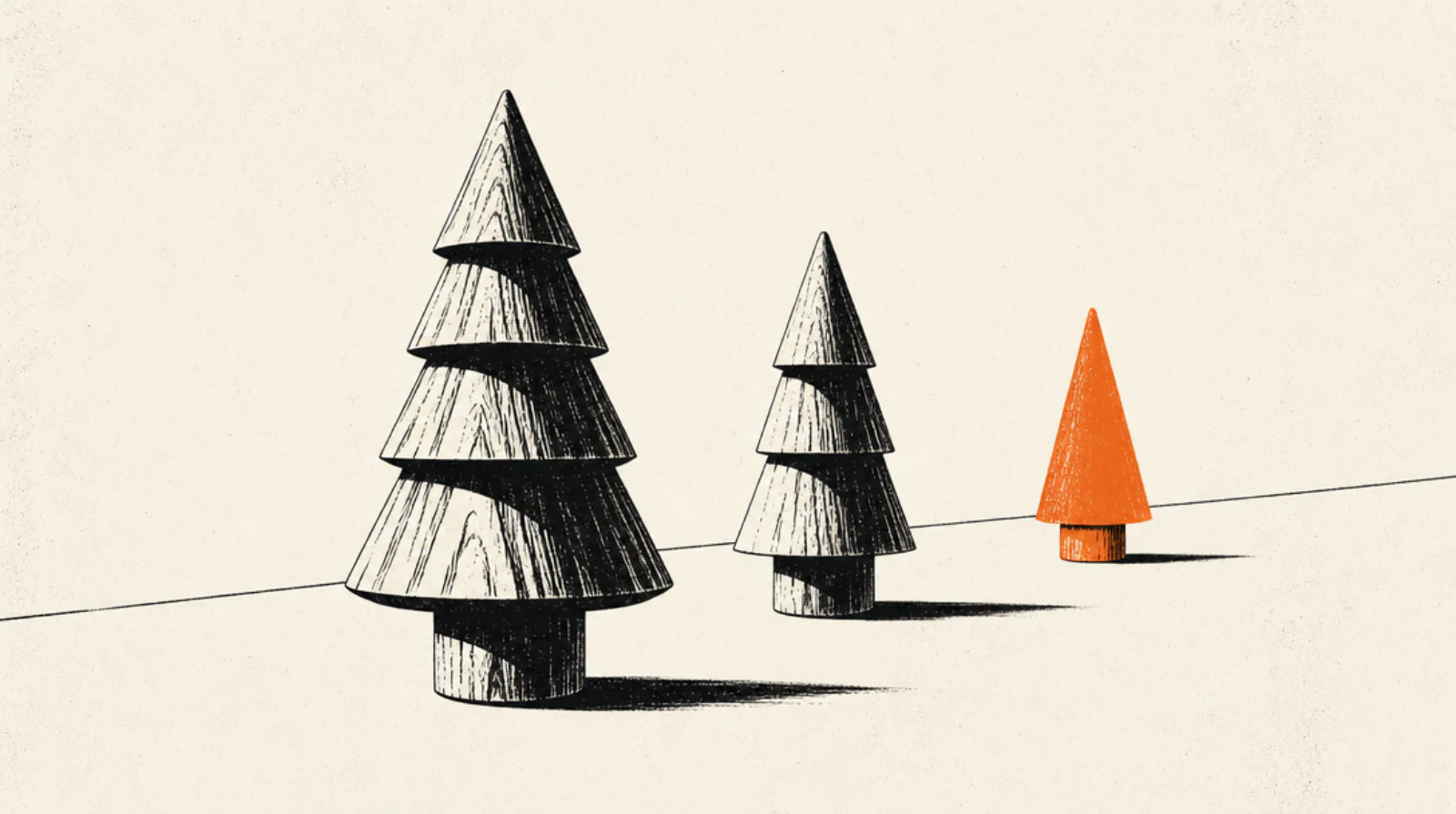
Painters do this naturally. A tree in the foreground gets individual leaves; a tree on the far hill is three green brush strokes. From where you stand, both look right. LOD is the game version of those brush strokes.
How it works
Each object gets several meshes, labeled LOD0 (full detail), LOD1, LOD2 and so on, plus distance thresholds. Every frame, or a few times a second, the game measures the distance from the camera and shows the matching version. A starting setup for a phone game:
- LOD0 up to about 15 meters: the full model, say 3,000 triangles for a tree.
- LOD1 from 15 to 40 meters: about 1,200 triangles.
- LOD2 from 40 to 80 meters: about 400 triangles, or a flat camera-facing picture (an impostor or billboard).
- Culled beyond 80 meters: not drawn at all, often hidden by fog.
Those numbers are tuning starting points; the right distances depend on camera field of view, screen size and art style. Three.js has a built-in LOD object that does the switching, so the work is mostly in making the simpler meshes.
Popping, and how to hide it
The visible downside is popping: the moment a model snaps from one version to another. Ways to soften it: make adjacent levels similar in silhouette and color, so only small details vanish; add a little hysteresis (switch down at 40 meters but back up only at 36) so objects at the boundary do not flicker; use fog or haze to blur the far range; and on hero objects, briefly cross-fade between levels.
When a game needs LOD
LOD earns its keep in open 3D scenes with long sightlines and many repeated objects: a forest, a city, a racing game track with stands and trees. Small rooms, arenas and top-down 3D games with a fixed camera height often do not need it. 2D games use a different idea: drawing far parallax layers at lower resolution. And low-poly art already sits near the cheap end, which is one reason it suits phone games (low-poly 3D art guide).
LOD when building with Startbase
Startbase 3D games run on Three.js in the browser, so they live within a phone's budget (how to make a 3D game without coding). If an open level slows down as more of it comes into view, ask for LOD on the repeated props and a fog distance, and compare frame times in the Engine panel's Perf view before and after.
The open valley level slows down when I look across it. Give trees, rocks and houses three LOD levels (full, about 40%, about 15% of the triangles), switch at 15 and 40 meters with a little hysteresis, use billboards beyond 60 meters, cull past 90 meters behind soft fog, and draw trees with instancing.
Common confusions
- LOD vs mipmaps. Mipmaps are smaller versions of textures for distant surfaces. Same idea, applied to images instead of meshes; both are usually on.
- LOD vs culling. Culling skips objects entirely (off screen or too far); LOD simplifies the ones still drawn.
- LOD vs quality settings. A low-quality setting may shift every LOD distance closer, a cheap way to support slower phones.
Frequently asked questions
How many LOD levels should a model have?
Three is a common starting point (full, medium, low), plus culling at a far distance. Large open scenes sometimes add a billboard level.
Does LOD matter for browser games?
For open 3D scenes on phones, yes: it cuts the triangles the GPU processes. For small 3D arenas and 2D games it usually is not needed.

