What is a sprite sheet?
One image, dozens of frames. Here is how sprite sheets and texture atlases work, the numbers to start from, and the bugs they cause when the grid is off by a pixel.
Key takeaways
- A sprite sheet is one image holding many frames or graphics; the game shows one rectangle of it at a time.
- Uniform grids suit animations; packed atlases with a JSON map suit mixed-size graphics.
- One sheet means fewer downloads and fewer draw calls, which is why games use them on phones.
Picture one image file laid out like a contact sheet, with every frame of a character's run, jump and idle animation (or many different small graphics) arranged side by side: that file is a sprite sheet, and the game displays one rectangle from it at a time to animate or draw.
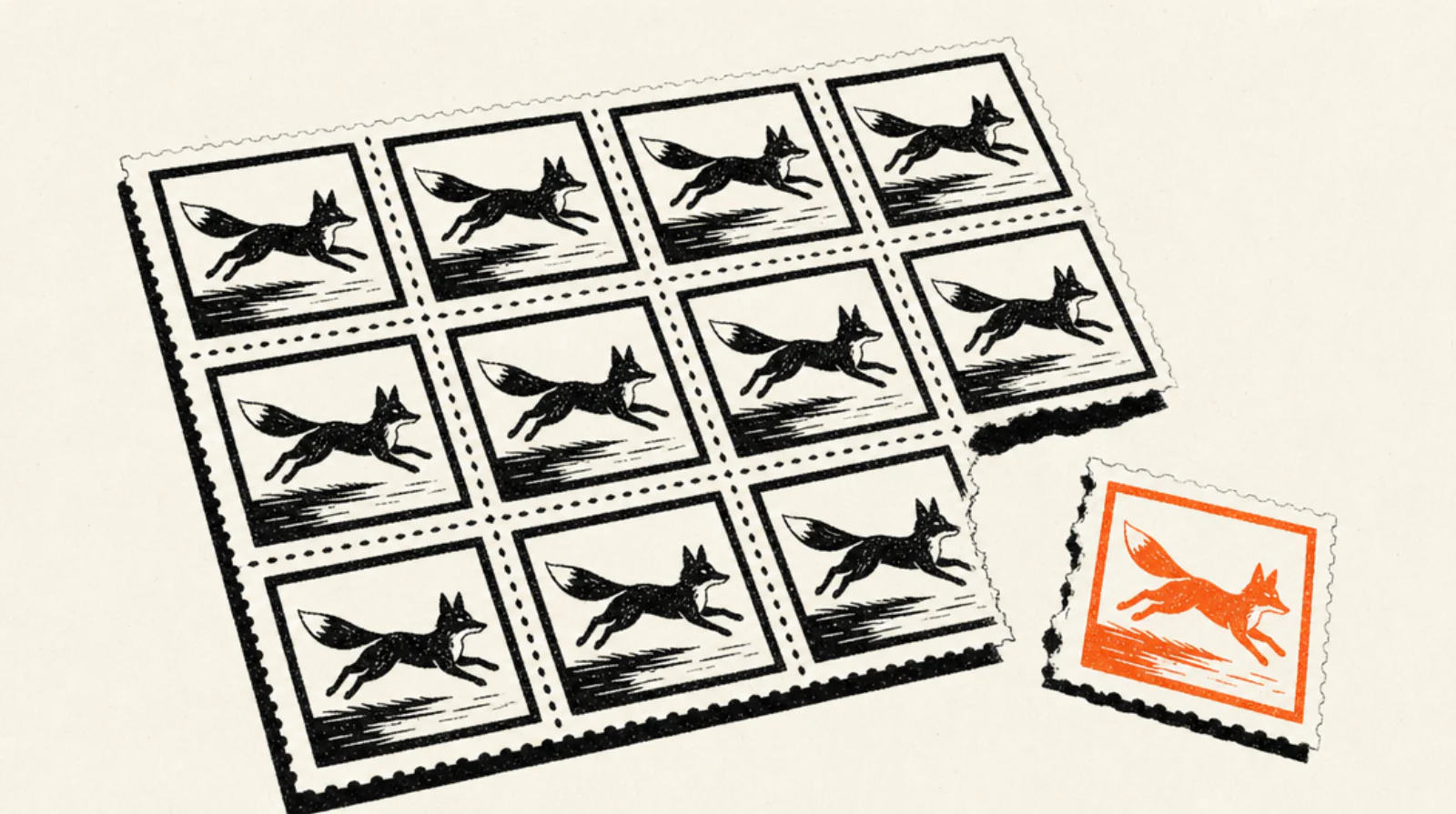
It works like a strip of film or a sheet of stamps. Instead of keeping 40 loose photos of a running fox, you keep one sheet and point at frame 7, then frame 8. Flip through quickly and the fox runs.
How a sheet is laid out
There are two common shapes:
- A uniform grid. Every frame is the same size, for example 64 by 64 pixels, in rows: row 1 idle (4 frames), row 2 run (8 frames), row 3 jump (3 frames). The game finds frame n with simple arithmetic: column = n mod columns, row = n div columns.
- A packed atlas. Graphics of different sizes are squeezed together to waste less space, with a JSON file that lists each one's name and rectangle, such as { "coin": { "x": 128, "y": 0, "w": 24, "h": 24 } }. PixiJS loads this format directly.
Animation speed is a separate setting from the frames: 8 to 12 frames per second is a good starting point for pixel-art runs, while the game itself still draws at 60. A run cycle of 8 frames at 10 fps loops every 0.8 seconds.
Why games bother
Loading 60 separate small images means 60 network requests, and drawing them can mean switching textures constantly. One sheet loads once, and sprites that share a texture can be batched into fewer draw calls, which is often the difference between smooth and choppy on a mid-range phone. The limit is size: keep each sheet at or below 2048 by 2048 pixels as a safe starting value for phones, and split by level or character beyond that.
Bugs that come from sprite sheets
- 01Bleeding edges. A thin line of the neighboring frame flickers at the border. Leave 1 to 2 pixels of padding between frames and extrude edges.
- 02Jitter. Frames drawn at different positions inside their cells make the character wobble. Keep the feet on the same baseline in every frame.
- 03Blurry pixel art. Smoothing filters blur crisp pixels when scaled. Pixel games need nearest-neighbor scaling and whole-number zoom levels (pixel art style guide).
- 04Wrong frame count. Off-by-one grids make the last frame show half of the next row. Check columns, rows and total frames match the image.
Sprite sheets in a Startbase game
The agent can generate game art and wire it in, and the Assets view lists the images your game uses. For animated characters, a sheet with a clear grid is the easiest thing to hand over or ask for. If you bring your own art, attach the image and state the frame size and which row is which animation; guessing frame sizes is where most animation bugs start. For how generated art fits in, see AI-generated images for apps.
I attached a sprite sheet: 64x64 frames, 8 columns. Row 1 is idle (4 frames), row 2 is run (8 frames), row 3 is jump (3 frames). Play idle at 6 fps, run at 10 fps, hold the last jump frame while airborne, and use nearest-neighbor scaling so the pixels stay sharp.
Common confusions
- Sprite vs sprite sheet. A sprite is one drawn object on screen; the sheet is where its images are stored.
- Atlas vs tileset. A tileset is a sprite sheet of level tiles laid on a grid, see tilemaps explained.
- Animation fps vs game fps. A character can animate at 10 fps inside a game running at 60.
Frequently asked questions
What size should sprite sheet frames be?
Pick one size per character and keep it consistent. 32x32 or 64x64 are common for pixel art; larger illustrated characters often use 128 or 256 pixel cells.
What is the difference between a sprite sheet and a texture atlas?
People use the words loosely. Sprite sheet usually means animation frames on a grid; texture atlas usually means mixed graphics packed tightly with a data file of positions.

