Tilemaps: Building 2D Worlds from Tiles
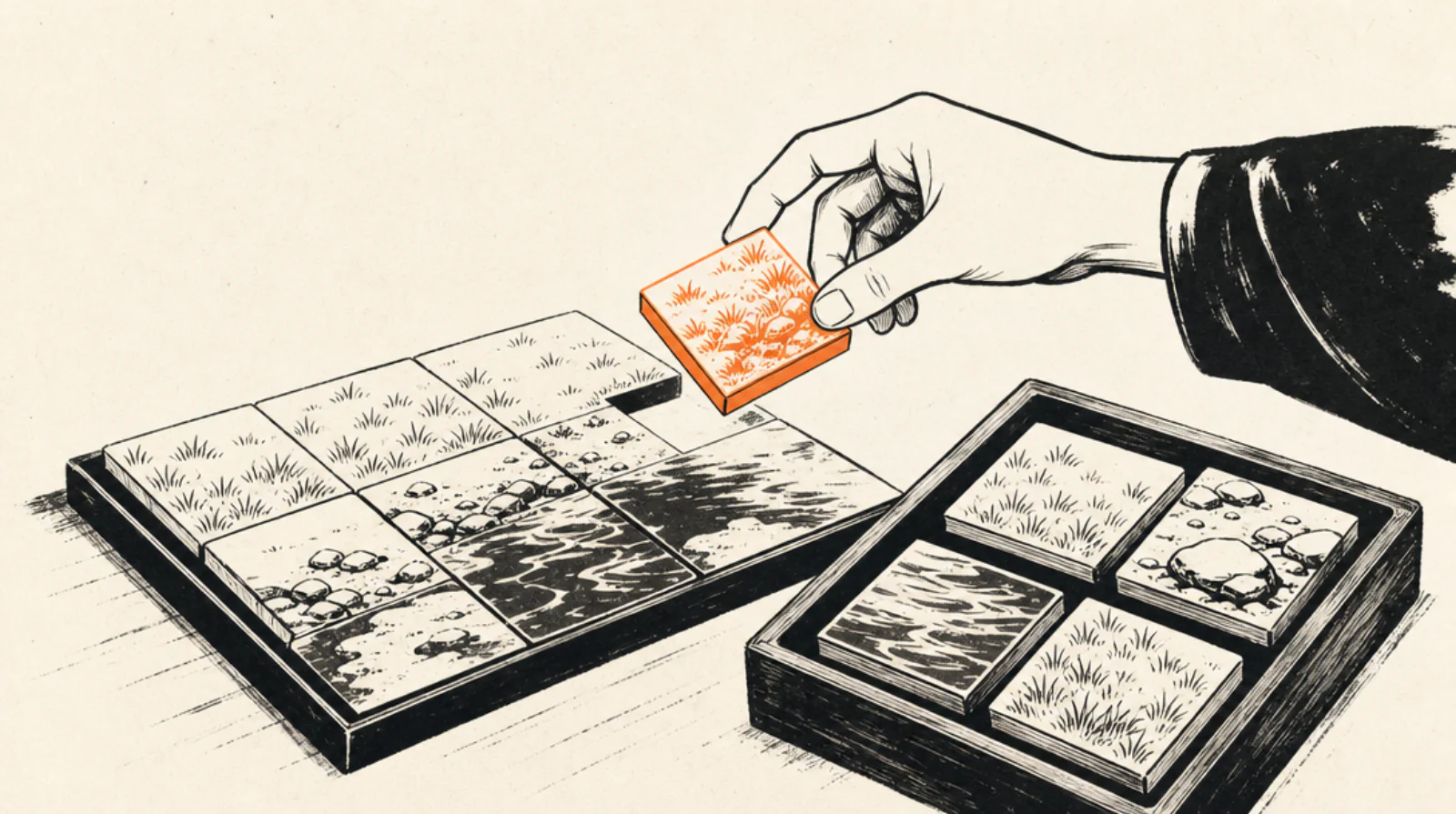
A tilemap is a grid of numbers that points into a sheet of small images. That simple idea gives you cheap rendering, easy collision and levels you can edit as data, if you avoid a few classic traps.
Key takeaways
- A tilemap stores a level as a grid of tile ids per layer, plus one tileset image. Pick the tile size first, because art, movement and collision all depend on it.
- Keep visuals and rules apart: tile ids for drawing, tile properties (solid, one-way, hazard, water) for gameplay.
- Most tilemap bugs are seams between tiles and players snagging on tile edges. Pad the tileset and merge colliders along flat runs.
A tilemap builds a 2D world from a grid: the level is stored as rows of numbers, each number points to a small square image in a shared sheet called a tileset, and the game draws the right image in each cell. Because a whole level is just an array of small integers, tilemaps are cheap to draw, easy to save, easy to generate, and they give you collision almost for free: a cell is either solid or it is not. Platformers, top-down RPGs, roguelikes, farming games and puzzle games all use them. This guide covers the choices that decide whether a tilemap stays pleasant to work with.
How a tilemap is put together
Three pieces make up every tilemap system:
- The tileset. One image cut into equal squares (16, 32 or 48 pixels each), numbered left to right, top to bottom. Tile 0 is usually reserved for "empty".
- The map data. For each layer, a width, a height and a flat array of tile ids, read as `index = row × width + column`. A 100 by 30 level is 3,000 numbers per layer.
- Tile properties. A small table keyed by tile id: solid, one-way, hazard, slippery, water, ladder, and anything else gameplay needs. The art says what a tile looks like; the properties say what it does.
Converting between the two worlds is two lines of arithmetic: the cell under a point is `floor(x ÷ tileSize), floor(y ÷ tileSize)`, and a cell's top-left corner in the world is `column × tileSize, row × tileSize`. Almost every tilemap feature, from collision to mouse picking, is those two lines used carefully.
Choose the tile size before anything else
The tile size sets the grain of the whole game. Changing it later means redrawing art and re-tuning movement, so decide early:
- 16 px: classic pixel art, scaled up 3 to 4 times on screen. Lots of detail per screen, small and cheap to draw for an artist.
- 32 px: the common middle ground for pixel and hand-drawn games. Readable on phones at 1.5 to 2 times scale.
- 48 to 64 px: chunky, touch-friendly worlds and casual games. Fewer tiles on screen, more detail inside each.
Tie your movement numbers to it. Jump height in tiles, run speed in tiles per second and the player's hitbox in tiles (usually a little under one tile wide and a little under two tall, so they fit through one-tile gaps without catching) make levels predictable. If your art is pixel art, scale by whole numbers only, or pixels shimmer as the camera moves; resolution and scale decide the whole look.
Layers: what goes where
A level is several tilemaps stacked on top of each other, drawn in order. A typical set for a side-on or top-down game:
- 01Background decoration: wall textures, distant bricks, cave backs. No collision. Far scenery that moves slower than the camera belongs to a separate parallax layer instead.
- 02Ground or terrain: the solid layer that collision reads.
- 03Details: grass tufts, cracks, moss, signs. Drawn over the ground, no collision, so you can decorate without breaking gameplay.
- 04Foreground: leaves, pillars or roof edges drawn in front of the player, which add depth for very little effort. Keep them sparse, or they hide the action.
Things that move, animate in their own way or carry state (doors, chests, coins, enemies, moving platforms) should usually not be tiles at all. Store them as objects with positions, placed on top of the map. A coin as a tile means editing the map when it is collected; a coin as an object just disappears.
Collision from tiles
The cheapest tile collision checks only the cells the player's box overlaps, resolving one axis at a time: move horizontally, push out of any solid cells, then move vertically and do the same. It is fast because the player only ever touches a handful of cells, whatever the level's size. Property flags extend it: one-way tiles block only from above while falling, hazard tiles hurt, ladder tiles switch movement modes. If your game needs platforms you can jump up through or ride, see moving and one-way platforms.
If the game uses a physics engine instead, do not give every solid tile its own box. Merge each horizontal run of solid tiles into one long rectangle (and then stack identical runs into bigger rectangles). A 100 by 30 level can drop from over a thousand colliders to a few dozen, which is faster and removes the edge-snagging bug described below.
Autotiling: let rules pick the edges
Hand-placing grass tops, corners and edges for every patch of ground is tedious and error-prone. Autotiling picks the right variant from each cell's neighbours. The common version gives each solid cell a 4-bit number, one bit for each side that has a solid neighbour (up 1, right 2, down 4, left 8), and maps the 16 values to 16 tile variants: a top edge, a left corner, an isolated block and so on. A fuller 8-neighbour version handles inner corners with 47 variants.
Autotiling is what makes tilemaps generated from data look hand-made. Procedural caves, dug-out tunnels and destructible terrain all mark cells as solid or empty, then let the rules redraw the edges, including the neighbours of any cell that changes. Procedural generation builds such layouts from seeds and room templates. Add a few random variants per tile (two or three plain ground tiles chosen by a hash of the cell position) so large areas do not look stamped.
Tilemap bugs and how to avoid them
- Seams. Thin lines flicker between tiles as the camera moves, because the renderer samples a sliver of the neighbouring tile in the tileset. Fix: give every tile in the tileset 1 to 2 pixels of padding with its edge pixels repeated (extrusion), and round the camera position to whole pixels for pixel art.
- Snagging on tile edges. The player stops dead while running over flat ground, catching on the corner of the next tile's collider. Merge colliders along flat runs, or use a hitbox with slightly rounded bottom corners.
- Off-by-one at the edges. Reading a cell outside the map returns garbage or crashes. Treat everything outside the map as solid (or as empty for open-sky tops), deliberately.
- Negative coordinates. Truncating instead of flooring maps -0.5 to cell 0, so the player clips into walls on the left and top edges. Always floor.
- Tunneling. Fast objects skip a one-tile-thick wall between frames. Step fast movement in pieces no longer than half a tile.
- Saves that store art. Saving tile ids is fine; saving tileset positions breaks the moment you reorder the tileset. Keep ids stable, and give tiles names in the properties table.
Big maps on small phones
Drawing every tile as its own sprite works for a screen or two. For bigger worlds, split the map into chunks (16 by 16 or 32 by 32 tiles), render each chunk into one cached image or one batched mesh, and draw only the chunks the camera can see, plus a one-chunk margin. A chunk is rebuilt only when one of its tiles changes. That keeps a world of tens of thousands of tiles to a dozen draw calls. Draw calls, not tile counts, are what slow browser games on phones.
How tilemaps combine with other mechanics
- Grid movement. Games where characters step one cell at a time read the tilemap directly for walls and costs; see grid-based movement.
- Pathfinding. The solid layer is already a navigation grid. Tile properties become movement costs (mud 3, road 1) for pathfinding.
- Fog of war and minimaps. Both are just more per-cell data on the same grid: a "seen" flag per cell and one pixel per tile.
- Farming and digging. Tilled soil, planted crops and dug tunnels are tile changes plus a little per-cell state (growth stage, water), stored beside the map.
A tilemap brief to paste
Build the levels of this 2D platformer as tilemaps. 32 px tiles drawn at 2x, from one tileset image with 2 px extruded padding around each tile. Each level is a data file with width, height and four layers of tile ids: background, ground, details and foreground (foreground draws over the player at 80 percent opacity). A tile properties table gives each tile id a name and flags: solid, one-way, hazard, ladder. Collision reads the ground layer one axis at a time and treats cells outside the map as solid, except above the top row. Autotile the ground with the 4-neighbour rule and pick one of three plain ground variants by cell position. Coins, doors, enemies and moving platforms are objects placed on top, not tiles. Render the map in 16 by 16 chunks, drawing only chunks near the camera, and round the camera to whole pixels. The player hitbox is 0.8 tiles wide and 1.7 tiles tall. Build level 1 as a 120 by 24 tile map.
Once it works, change levels by asking the agent for edits to the map data, and use the World Editor for the objects it lists in the level, such as coins and enemies, which you can drag and snap to your tile size by hand. Save a checkpoint before big map changes so you can compare versions.
Frequently asked questions
What is a tilemap in game development?
A tilemap is a level stored as a grid of numbers, where each number picks a small image from a shared tileset. The game draws the matching image in each cell and reads the same grid for collision and other rules.
What tile size should I use for a 2D game?
16 px suits detailed pixel art scaled up 3 to 4 times, 32 px is the common middle ground, and 48 to 64 px suits chunky, touch-friendly games. Choose it first, because art, movement and collision all depend on it.
Why are there lines between my tiles?
The renderer is sampling the edge of the neighbouring tile in the tileset when the camera sits between pixels. Add 1 to 2 pixels of extruded padding around each tile and round the camera to whole pixels.
Should coins and enemies be tiles?
Usually not. Anything that moves, animates on its own or changes state is easier as an object placed on top of the map. Keep tiles for terrain and decoration.

