What is collision detection?
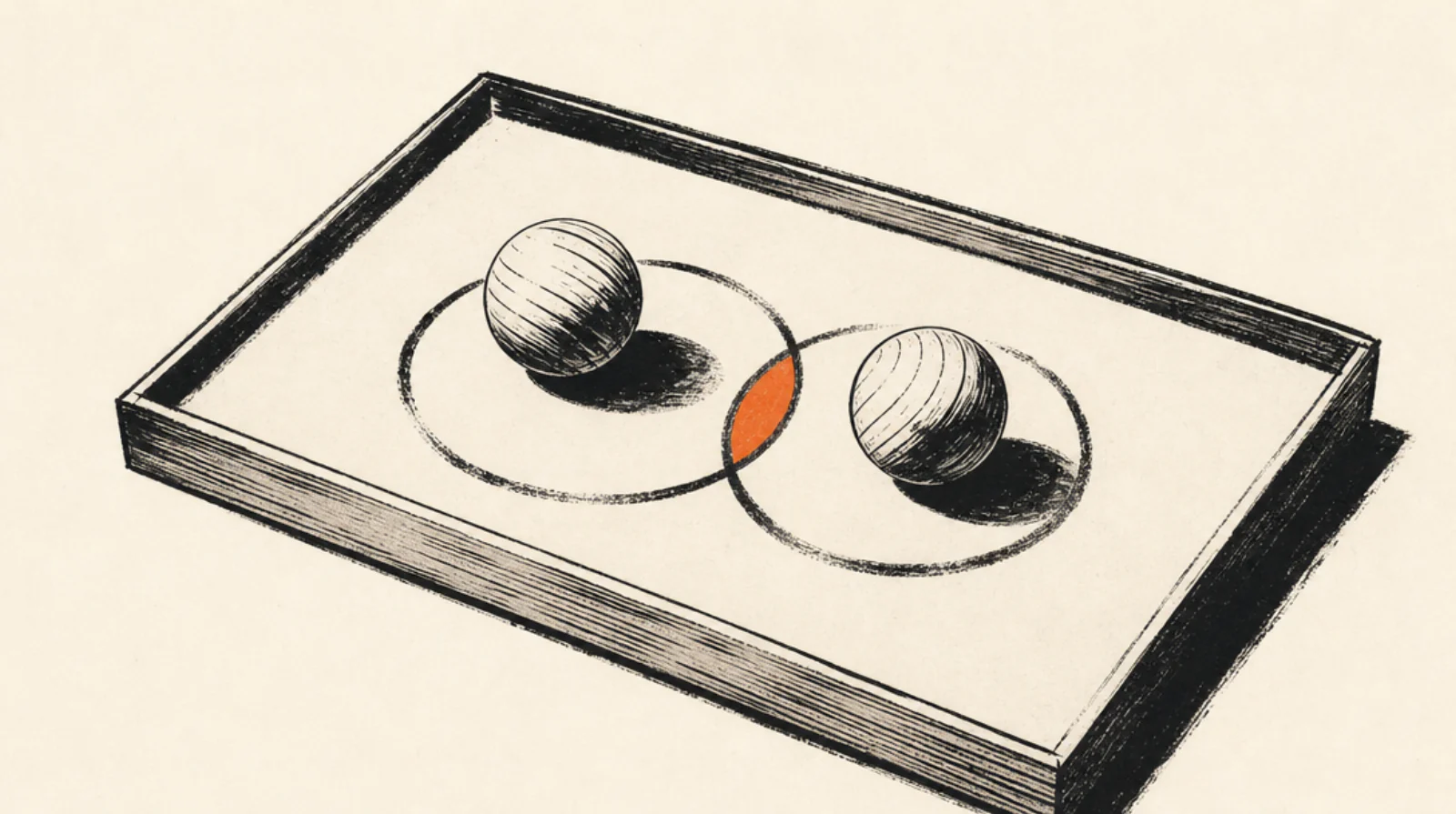
Detecting that two shapes overlap is easy. Doing it for hundreds of objects, at speed, without things passing through walls, is the real topic. Here is the short version.
Key takeaways
- Collision detection answers "do these two shapes overlap?"; collision response decides what happens next (stop, bounce, take damage).
- Most 2D games need only two tests: rectangle against rectangle (AABB) and circle against circle.
- Fast, small objects can tunnel through thin walls between frames; swept checks, raycasts or smaller physics steps fix it.
Whenever a game needs to know that two objects are touching or overlapping (a player landing on a platform, a ball hitting a brick, a bullet striking an enemy), the code that answers that question is called collision detection.
Walking through a dark room with your hands out is collision detection with a body. Your hands report "something is here"; deciding to stop, step around it or sit down on it is a separate choice. Games split the work the same way: detection first, response second.
The two tests most games need
Games compare simple stand-in shapes, the hitboxes, rather than detailed art. Two checks cover most 2D games:
- AABB (axis-aligned bounding box): two unrotated rectangles overlap when they overlap on both the x axis and the y axis. Four comparisons. Perfect for tiles, platforms and boxy characters.
- Circle vs circle: two circles touch when the distance between centers is less than the sum of their radii. Compare squared distances to skip the square root. Ideal for balls, bullets and round enemies.
Rotated boxes, polygons and 3D meshes need heavier math (separating axis tests, for example), which is one reason to hand that work to a physics engine.
Broad phase and narrow phase
Checking every object against every other grows fast: 200 objects means about 20,000 pairs per frame. Games cut that down in two phases. The broad phase cheaply rules out pairs that cannot possibly touch, using a grid or by sorting objects along an axis, so a bullet only checks enemies in nearby cells. The narrow phase runs the exact test on the few pairs left. Tile-based games get a free broad phase: to see if the player hits a wall, look up only the tiles under the player's box (tilemaps explained).
Response, and the tunneling problem
Once an overlap is found, the game resolves it. For walls the usual method is to push the object back out along the shortest direction, moving on x and y separately so a player sliding along a floor does not snag on the seam between two tiles. For bouncing, flip the velocity on the axis that hit. For damage, trigger the hit once and ignore further overlap for a moment.
The classic bug is tunneling: a fast bullet is in front of a thin wall on one frame and behind it on the next, so no frame ever sees an overlap. Fixes, in order of effort: keep walls thicker than the fastest object moves in one frame, split movement into smaller sub-steps, or cast a ray along the path (a raycast).
Collisions in a Startbase game
The agent writes collision code for 2D games and can use Rapier physics in 3D games. The bugs you will notice are behavior bugs, so describe the behavior: the player sticks to walls when jumping into them, the ball passes through the paddle at high speed, the character catches on tile edges.
The ball sometimes passes through the paddle when it is moving fast. Use swept collision or sub-steps so it can never tunnel, resolve wall collisions on the x and y axes separately, and add a debug view that outlines every collider.
Common confusions
- Collision vs trigger. A trigger detects overlap without blocking: a checkpoint flag, a door zone. Same detection, no push-back.
- One-way platforms. They collide only from above and only when falling, a response rule rather than a detection trick (moving and one-way platforms).
- Pixel-perfect collision. Comparing actual pixels is slow and rarely feels better. Tuned boxes win almost every time.
For genres where collisions are the whole game, see how to make a breakout game and how to make a physics puzzle game.
Frequently asked questions
What is AABB collision?
AABB stands for axis-aligned bounding box: an unrotated rectangle. Two AABBs collide when their ranges overlap on both the x and y axes, which takes four comparisons.
Why do objects sometimes pass through walls?
They move far enough in one frame to skip the wall entirely, called tunneling. Thicker walls, smaller movement steps or swept and ray-based checks prevent it.
Do I need a physics engine for collisions?
Not for most 2D arcade games: rectangle and circle checks are enough. A physics engine pays off for stacking, rolling, rotation and realistic bounces.

