What are hitboxes?
Hits in games are decided by invisible shapes, not by the art. Here is how hitboxes work, why players forgive small ones and hate big ones, and how to tune them.
Key takeaways
- A hitbox is a simple invisible shape (rectangle, circle or capsule) the game tests instead of the detailed art.
- Attacks have hitboxes and targets have hurtboxes; a hit lands when the two overlap.
- Make the player's hurtbox smaller than the sprite and pickups larger: players feel near misses as skill and unfair hits as bugs.
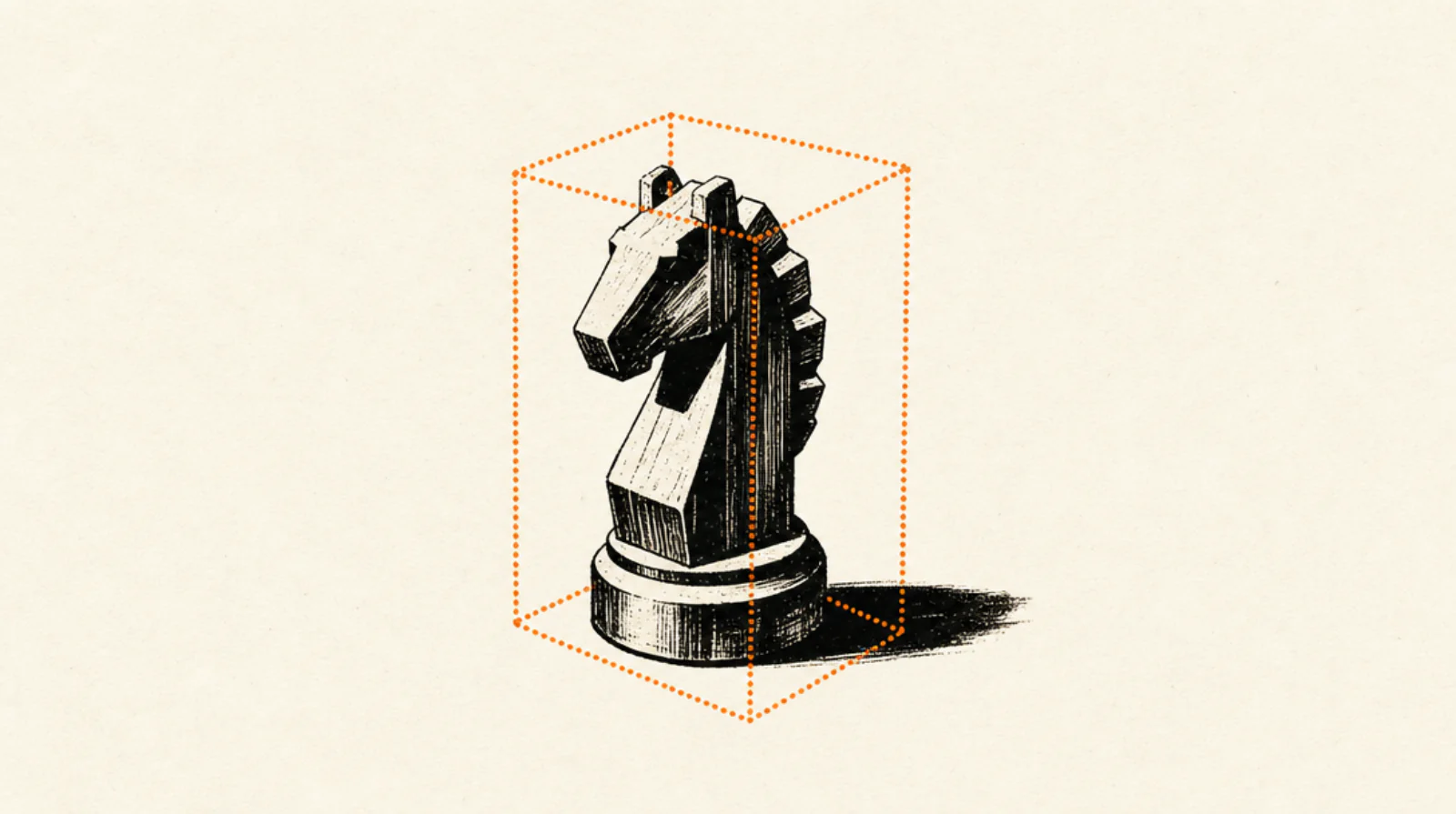
Hitboxes are invisible shapes attached to characters, weapons and objects that a game checks for overlap to decide whether something was hit. The game never compares the actual pixels of a sword and a slime; it asks whether two simple rectangles or circles touch.
Picture a game of tag where you count as tagged only if someone touches your torso, not your flapping sleeve. The torso is your hitbox. It is simpler to judge, and arguments stop.
Hitboxes and hurtboxes
Action games split the idea in two. A hitbox belongs to an attack: the arc of a sword swing, a bullet, a stomp. A hurtbox belongs to whatever can take damage. A hit lands when an active hitbox overlaps a hurtbox, and usually only once per attack, so one swing does not deal damage on every frame of overlap. Many casual games use one shape for both and call it the hitbox, which is fine until you add melee.
Attack hitboxes are often only active for a few frames. A sword swing animation might last 0.4 seconds with damage live for just 0.1 of it, after the windup and before the follow-through. That window is what makes attacks readable and dodgeable.
Sizes that feel fair
Hitbox size is a design dial, not a technical detail. Starting values that tend to feel right:
- Player hurtbox: around 60 to 80% of the sprite's width, trimmed off the edges and the hair. In bullet-dodging games it can shrink to a few pixels at the core.
- Enemy hurtbox: close to the visible body, so shots that look like hits are hits.
- Pickups and coins: 120 to 150% of the art, so brushing past counts.
- Shapes: circles for round things and bullets, rectangles for tiles and boxy characters, capsules for upright 3D characters.
The asymmetry is deliberate. A bullet that grazes the player's sleeve and misses feels like a great dodge. A bullet that hits empty air beside them feels like a broken game.
Hitboxes when building with Startbase
The agent gives every character and projectile a hitbox when it builds the game, usually matched to the art. The tuning is where you come in, and it is easiest when you can see the shapes. Ask for a debug toggle that outlines every hitbox, play a few rounds, then describe what felt wrong ("I died while the bullet was clearly beside me").
Add a debug key (H) that draws every hitbox and hurtbox as an outline. Shrink the player's hurtbox to 70% of the sprite, centered on the body, grow coin pickups to 140%, and make sword hitboxes active only during the middle 25% of the swing animation.
Common confusions
- Hitbox vs collision box. The shape that stops you walking through walls is often different from the one that takes damage. A character can have a wide body for walls and a small hurtbox for bullets. More in collision detection.
- Hitbox vs invincibility. If the player takes three hits from one touch, the fix is knockback and invincibility frames, not a smaller box.
- Fast bullets. A small fast bullet can skip over a thin hurtbox between frames. Raycasts or swept checks catch that.
See hitboxes doing real work in bullet patterns and boss fight design.
Frequently asked questions
Why do games use boxes instead of the exact sprite shape?
Checking two rectangles or circles takes a few arithmetic steps; checking every pixel is far slower and feels less predictable to players. Simple shapes are both faster and fairer.
Should the hitbox match the sprite exactly?
Not for the player. Shrink the player's hurtbox below the art and enlarge pickups. Keep enemy hurtboxes close to the art so hits look right.

